Install the Topcon Receiver Utility (TRU)
18
P/N: 1011907-01
System Setup
Install the Topcon Receiver Utility (TRU)
TRU is Topcon’s GNSS receiver configuration software. You can download the software from Topcon’s myTopcon
Website (https://www.topconpositioning.com/support). For more information on any of the procedures in this
section or on TRU, refer to the
TRU Online Help
embedded in the software.
Computer requirements for TRU are: Microsoft
®
Windows XP/Vista/7 operating system, an RS-232C port, or an
Ethernet port. Mobile editions are also available for Topcon supported devices equipped with serial connections
running WinCE 5, WinCE 6, WinMobile 6.1/6.5/6.5.3.
To install and run TRU on a computer:
1. Visit myTopcon (https://www.topconpositioning.com/support) and download the file.
2. Locate the TRU.exe file on your computer, and double-click the file to run the installation wizard.
3. Following the on-screen instructions. After installing, a TRU shortcut appears on your desktop.
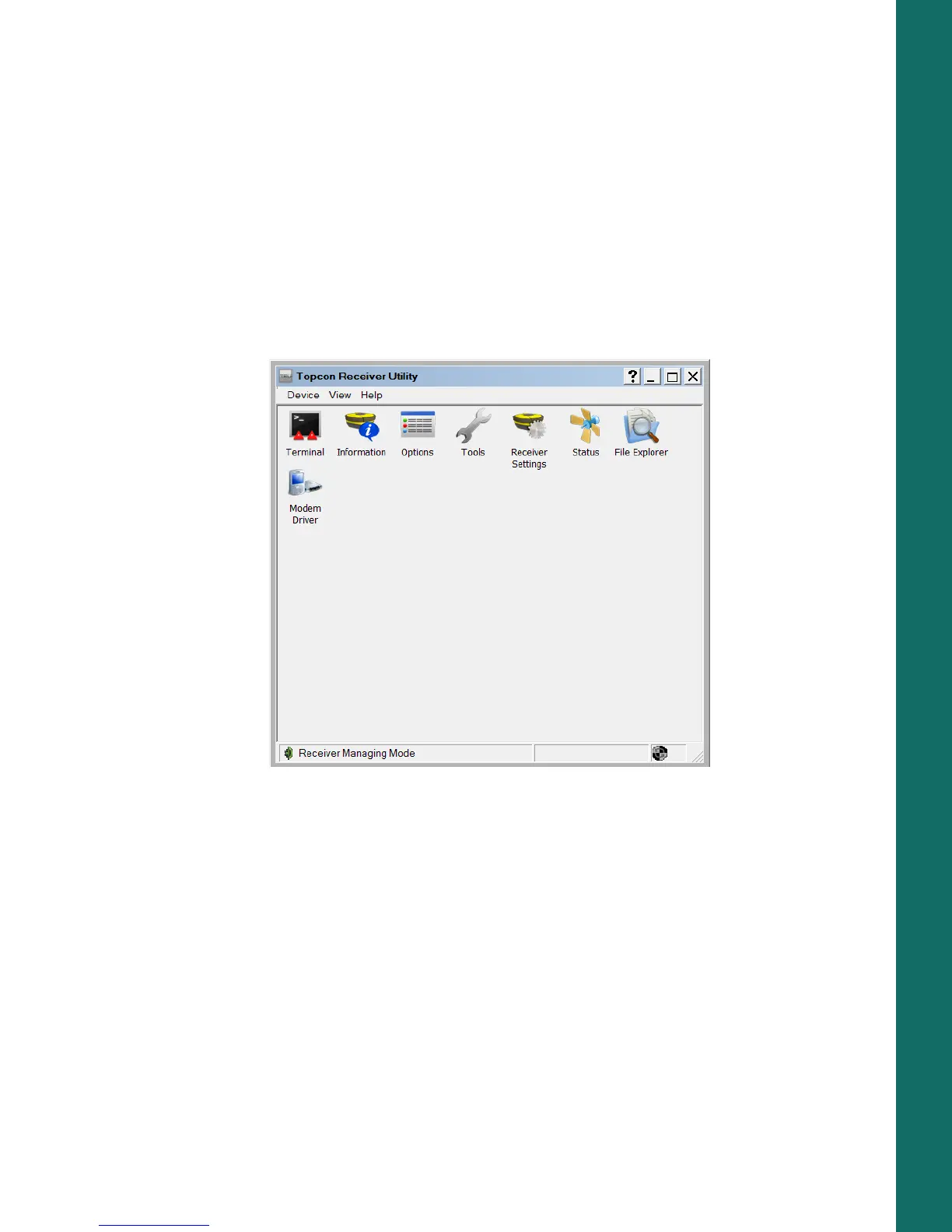
4. To start TRU, double-click the shortcut, or select it from the Start menu. The TRU main screen appears
(
Figure 16).
Figure 16: TRU – Main Screen



 To Next Page