Load an OAF
44
P/N: 1011907-01
Configuration
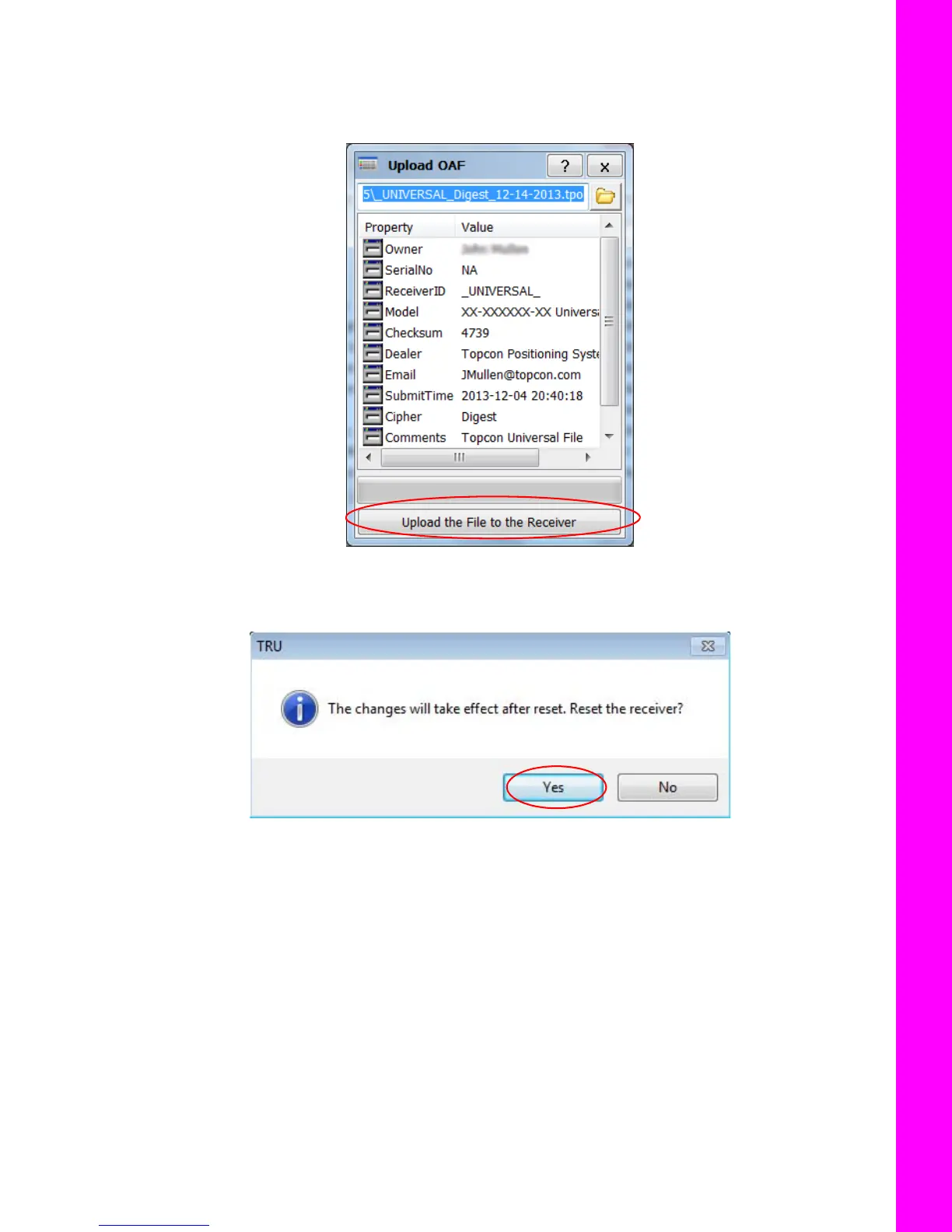
Topcon’s TRU initially checks to see if the selected file is compatible with the currently connected receiver. If
you chose a file not intended for this receiver, the Upload OAF window displays an error icon next to the
Receiver ID and disables the Upload the File to the Receiver button.
5. Click Upload the File to the Receiver to start loading the file (Figure 52).
Figure 52: Upload the OAF to the Receiver
6. Click Yes at the prompt to reset the receiver (Figure 53).
Figure 53: Reset Receiver
When the receiver resets, the Connection Parameters screen opens.



 To Next Page