40
BASIC OPERATIONS
• For manual alignment , refer to page 42 "IN MANUAL ALIGNMENT".
NOTE
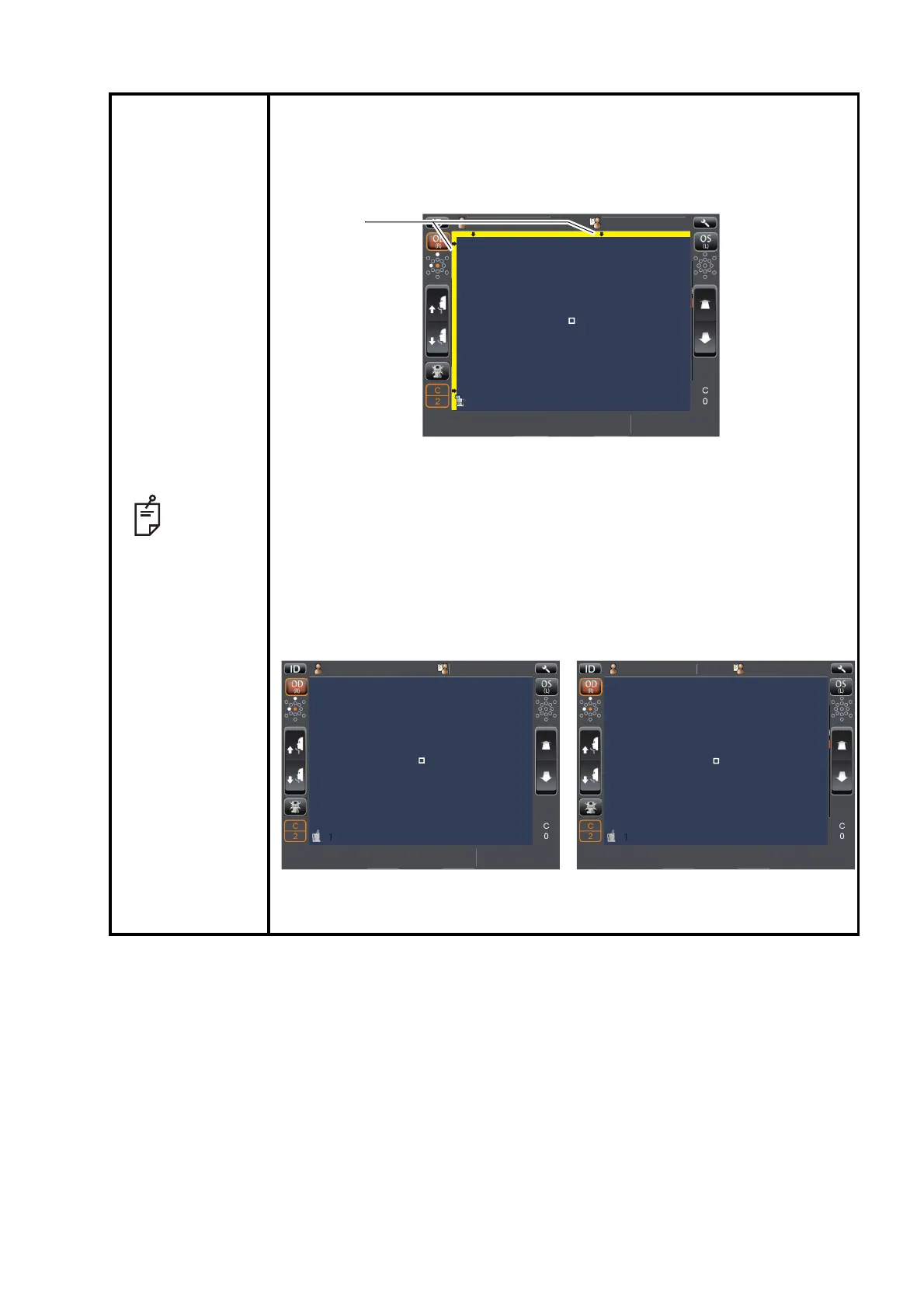
• When the photographing head has reached the limit of movement (verti-
cal/lateral directions), a yellow-colored limit mark appears on the control
panel’s top, showing it is the movement limit in that direction. Tap the dis-
play, move the photographing head to the position where aligning is possi-
ble.
• The limit display is shown also when the patient's face position is incor-
rect. Check that the patient's face is in proper position, then move the
photographing head.
• When the photographing head is at the limit of movement in the forward
direction, "TOO CLOSE" is displayed, and when it is at the limit of move-
ment in the backward direction, "TOO FAR" is displayed. Using the photo-
graphing Head Forward / Backward button, move the photographing head
to the position where aligning is possible.
1
1
P
tientID
PatientID
PC
N
TAR
U
TOPCONTAROU
OS
(L)
OD
(R)
1
PatientID
PatientID
TOPCON
TARO
TOPCONTAROU
OS
(L)
OD
(R)
TOOFAR
1
PatientID
PatientID
TOPCON
TARO
TOPCONTAROU
OS
(L)
OD
(R)
TOOCLOSE
Limit of movement in the
forward direction
Limit of movement in the
backward direction



 To Next Page