11
© 2012 TOSHIBA TEC CORPORATION All rights reserved e-STUDIO556/656/756/856(Ver03)
FIRMWARE UPDATING
11 - 37
11.5.3 Scanner ROM
• Be sure to shut down the equipment before installing and removing the download jig.
• Do not shut down the equipment during the update. The data could be damaged and not be
able to be operated properly.
[A] Update Procedure
(1) Install the ROM to the download jig (K-PWA-DLM-320).
Make sure the direction is correct.
(2) Press the [ON/OFF] button on the control panel to shut down the equipment.
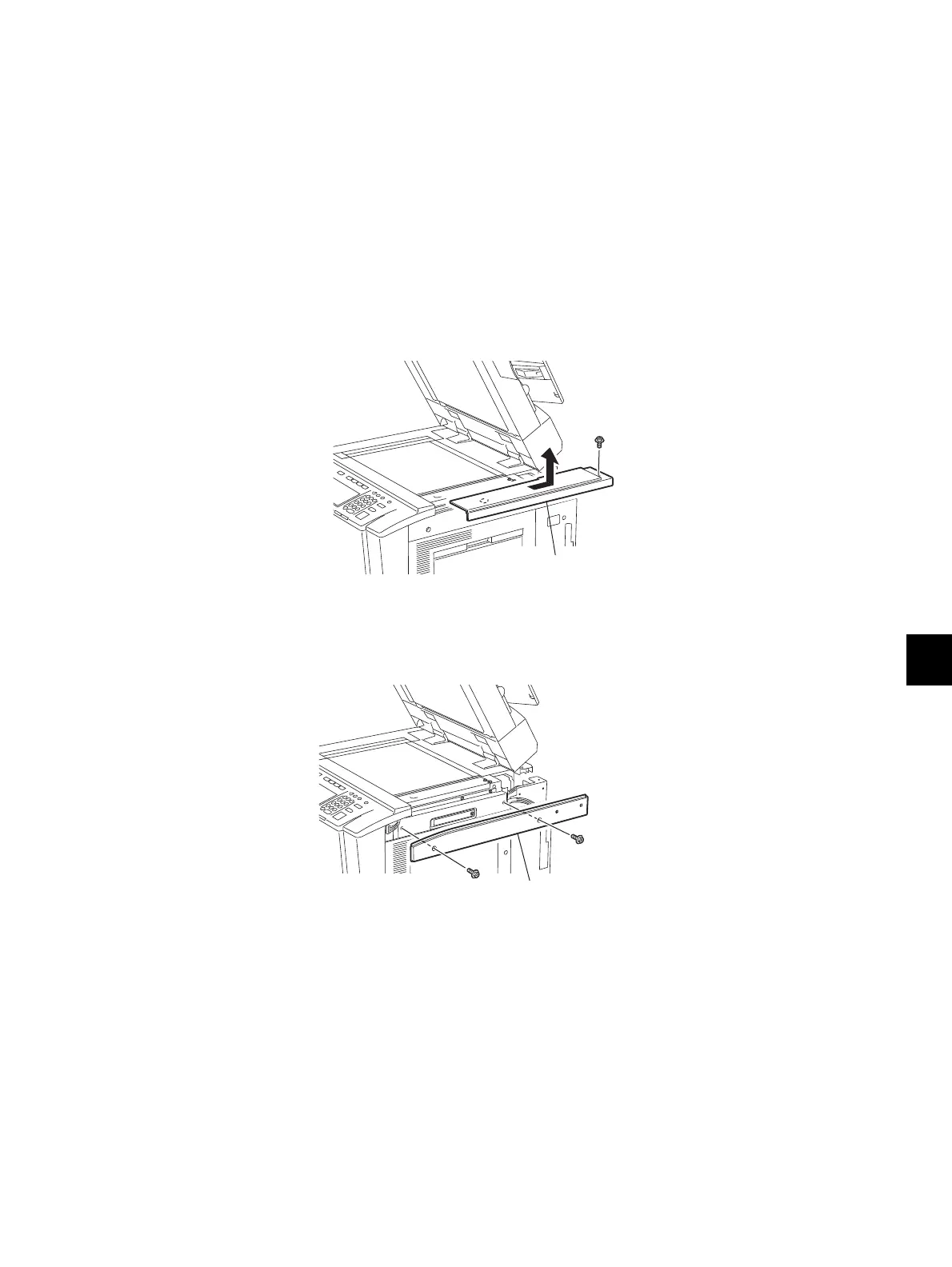
(3) Take off the top right cover.
Fig. 11-14
(4) Take off the right upper cover.
Fig. 11-15
(5) Remove the cover plate.
Top right cover
Right upper cover












 To Next Page