TK 61009-12-OP-EN
63
NNoo CCoonnnneeccttiioonn MMaaddee
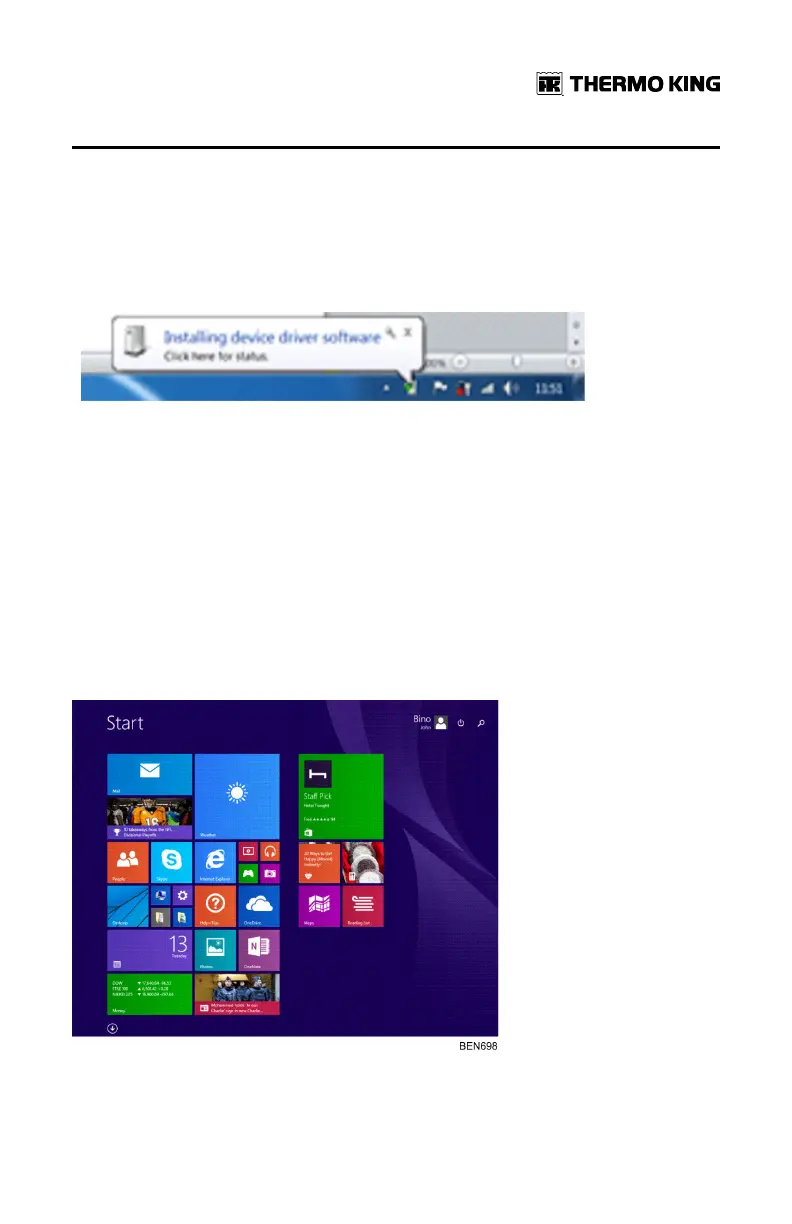
When you connect the TouchLog to your laptop for the first time - you will
see the prompt below.
If there is a problem with the driver install, you will also see a prompt saying
FFaaiilleedd ttoo rreeccooggnniissee tthhiiss ddeevviiccee.
If this happens, you need to follow the steps below:
1. Login to ESA InfoCentral and download the driver files from the
following location: EESSAA IInnffooCCeennttrraall//TTeecchhnniiccaall PPuubblliiccaattiioonnss//
TTeelleemmaattiiccss//DDoowwnnllooaaddss
2. Put the provided files in an appropriate folder.
3. Next, go to advanced startup option and select RESTART NOW (steps
below)
NNoottee:: TouchLog has to be connected to a laptop when installing the
driver.
Drivers installation for Windows 8 (64 bit).
FFrreeqquueennttllyy AAsskkeedd QQuueessttiioonnss


 To Next Page