Section 4
Installation, Piping, and Wiring
4-6
ULVAC CRYOGENICS INCORPORATED
Refer to “Section 2.2 Wiring requirements” and confirm the specifications of the input
power cable and the customer-supplied power circuit at the equipment side.
Ensure that the breaker which supplies power to the compressor has been turned off on
the distribution board at the equipment side before connecting the input power cable.
To use a lock key to keep the power off status is effective as a fail safe.
4.5.1 Connecting the input power cable
Be sure to connect the input power cable first to the compressor and then to the circuit
breaker of input power supply source. Wiring connection at power supply side must be
done properly in accordance with the specifications of customer-supplied equipments.
Connect ground wire as well (D class grounding).
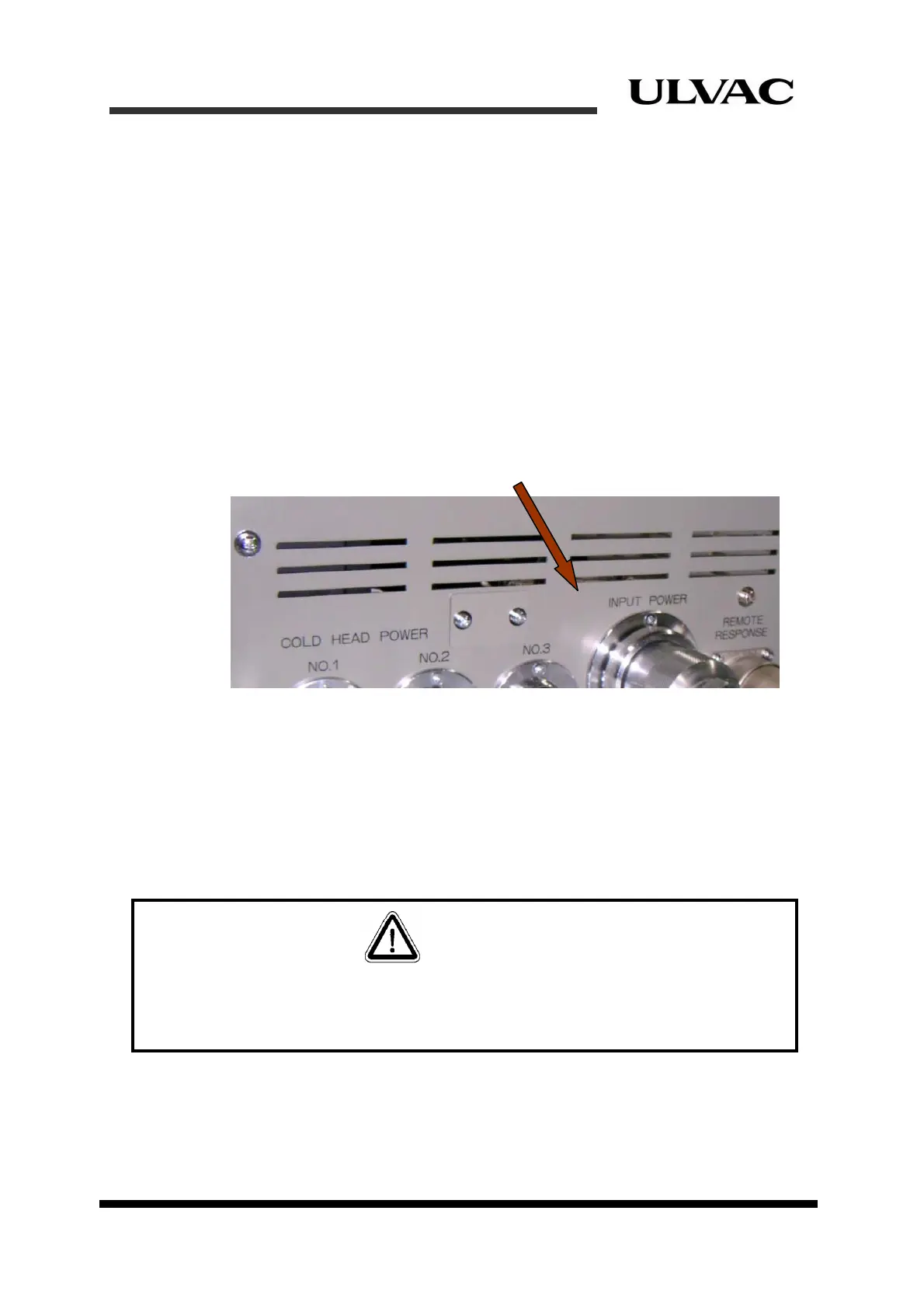
Connect the plug of the input power cable to the compressor receptacle. After connecting
the plug to the “INPUT POWER” receptacle on the rear panel of the compressor, turn the
rotating part of the plug to the right. Turn it until it won’t turn any more to connect the plug
properly.
Figure 4-6 Connecting input power cable connector
4.5.2 Connecting remote cables
Figures 4-7 shows connector pin assignments for remote cables.
Necessary remote cables should be soldered to the connectors.
Refer to “Section 2.2 Wiring requirements” and “Section 2.5 Remote functions” for remote
cable specifications and remote functions respectively.
Remote cables must be wired only by authorized electrician familiar with the structure and
operation of this equipment. Failure to observe this warning may result in damage to and/or
break down of the equipment.
CAUTION



 To Next Page