UniPOS Fire Extinguishing Control Panel FS5200Е
Instruction Manual Page 13
Revision 7/06.12 of 63
Select
FS5200E
Switch modes
Manual/Manual-automatic
Mode
1.5k/
0.25W
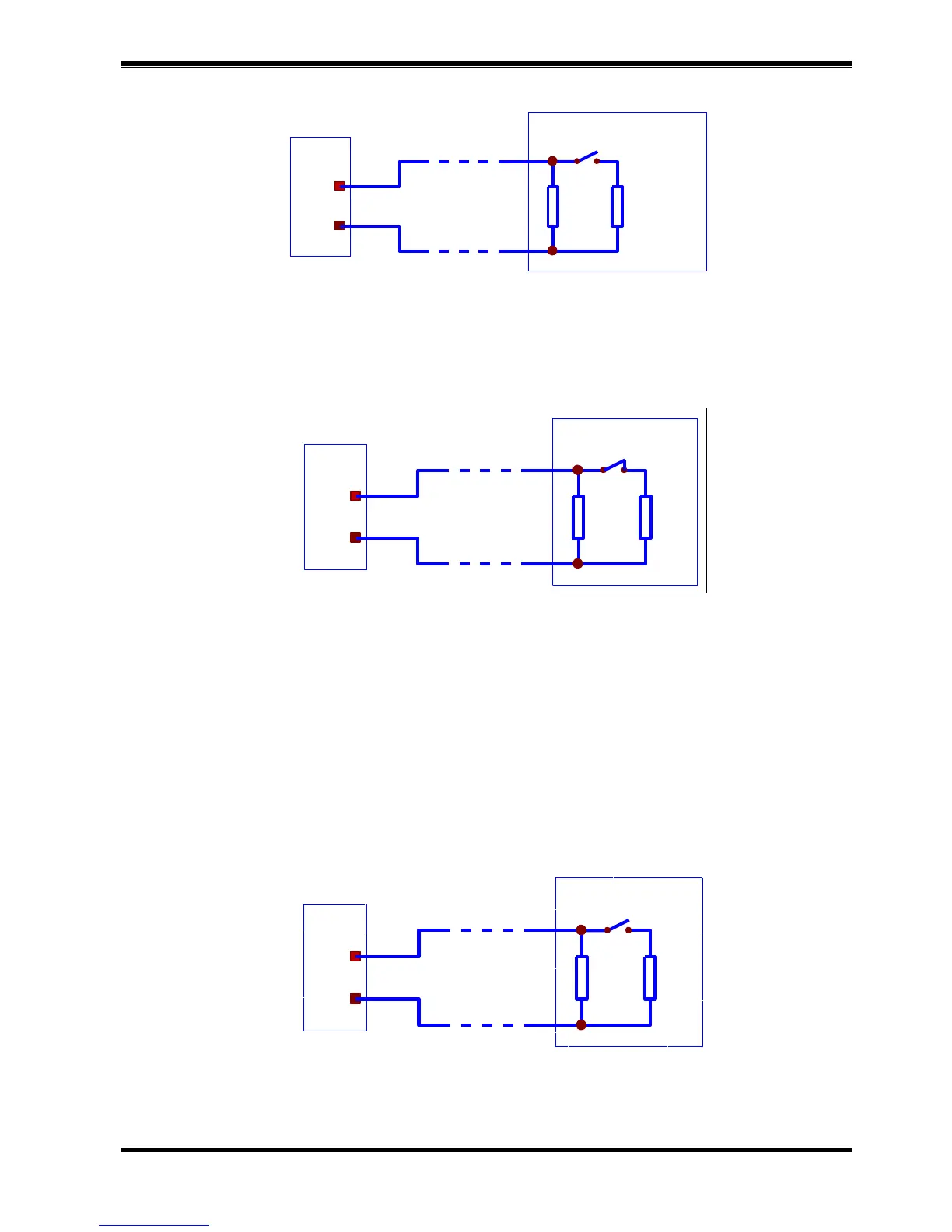
4.2.4. Description and mounting of devices to Hold input
Connect a two-wire line to the Hold input for connection with a switch to activate hold
extinguishing function. The line is balanced and it is monitored for interruption and short circuit. Install
the two resistors to the switch terminals as shown in the connecting diagram to monitor the condition
(Drawing 4).
Hold
FS5200E
Switch
Extinguishing delay
3k/
0.25W
1.5k/
0.25W
Drawing 4
Set up the input active status: OPEN or CLOSED contact from menu System functions > Set up
> Input/Outputs > Hold input.
Attention! The active status of the default parameters is OPEN contact of the switch in order the
fire extinguishing control panel to accept Hold Extinguishing function.
4.2.5. Description and mounting of devices to On/Off Exting input
Connect a two-wire line to the On/Off Exting input for connection with a switch to disable
extinguishing. The line is balanced and it is monitored for interruption and short circuit. Install the two
resistors to the switch terminals as shown in the connecting diagram to monitor the condition
(Drawing 5).
Exting
FS5200E
Switch
Extinguishing disable
3k/
On/Off
0.25W
1.5k/
0.25W
Drawing 5
When the contact is closed the fire extinguishing control panel accepts Disable Extinguishing.
Output Open collector type is activated in Disable Extinguishing. That output could be used as switch
indication, if this option is provided.



 To Next Page