UniPOS Fire Extinguishing Control Panel FS5200Е
Instruction Manual Page 33
Revision 7/06.12 of 63
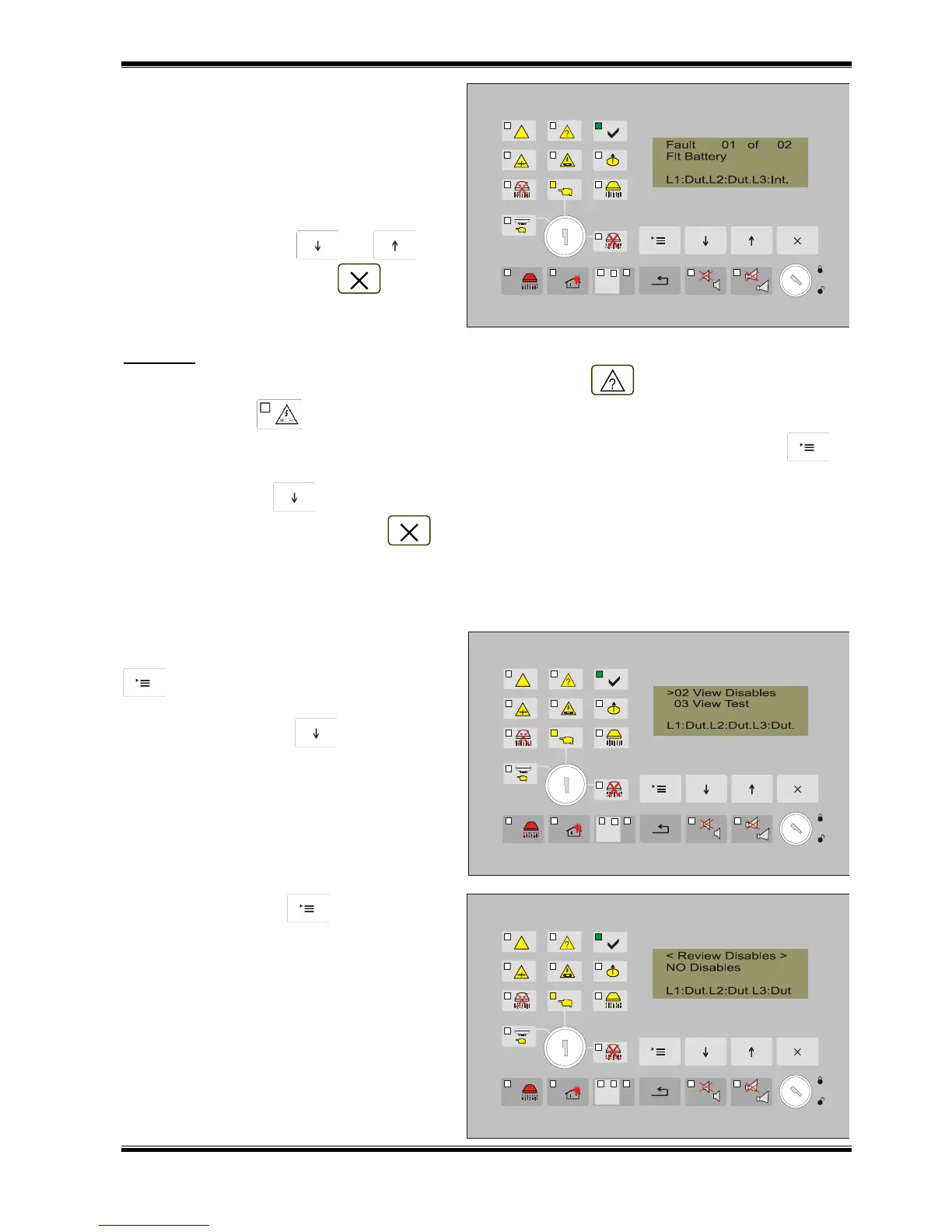
If there are fault condition the display
shows information about the first fault. The
screen contains the following information:
- consecutive number of the fault;
- total number of the faults;
- type of the fault;
- status of the lines
To display the remaining faults (if more
than 1), use the buttons and .
To exit the menu – button .
Example: Two fault conditions are registered: fault in the back up battery power supply and
interruption of line 3. The common indicator for fault condition and the specific indicator for
power supply fault are illuminated.
- From the current status of the fire extinguishing control panel press twice button to
display a screen with the first fault (fault in the back up battery power supply);
- Press button and the display shows the second fault (Fault interruption in line 3);
- To exit the menu, use button .
12.4.2. Menu View Disables
The menu is accessible for all Access levels and contains information screens with suppressed
messages for the entered disables.
From the current status of the fire
extinguishing control panel, press the button
to enter the main menu. The cursor „>”
is positioned at the first point of the menu.
Press once the button and the cursor
moves to the second point in the menu.
Press the button to visualize the
screen to view the entered disables.
If there are no disabled components the
following information screen is displayed.



 To Next Page