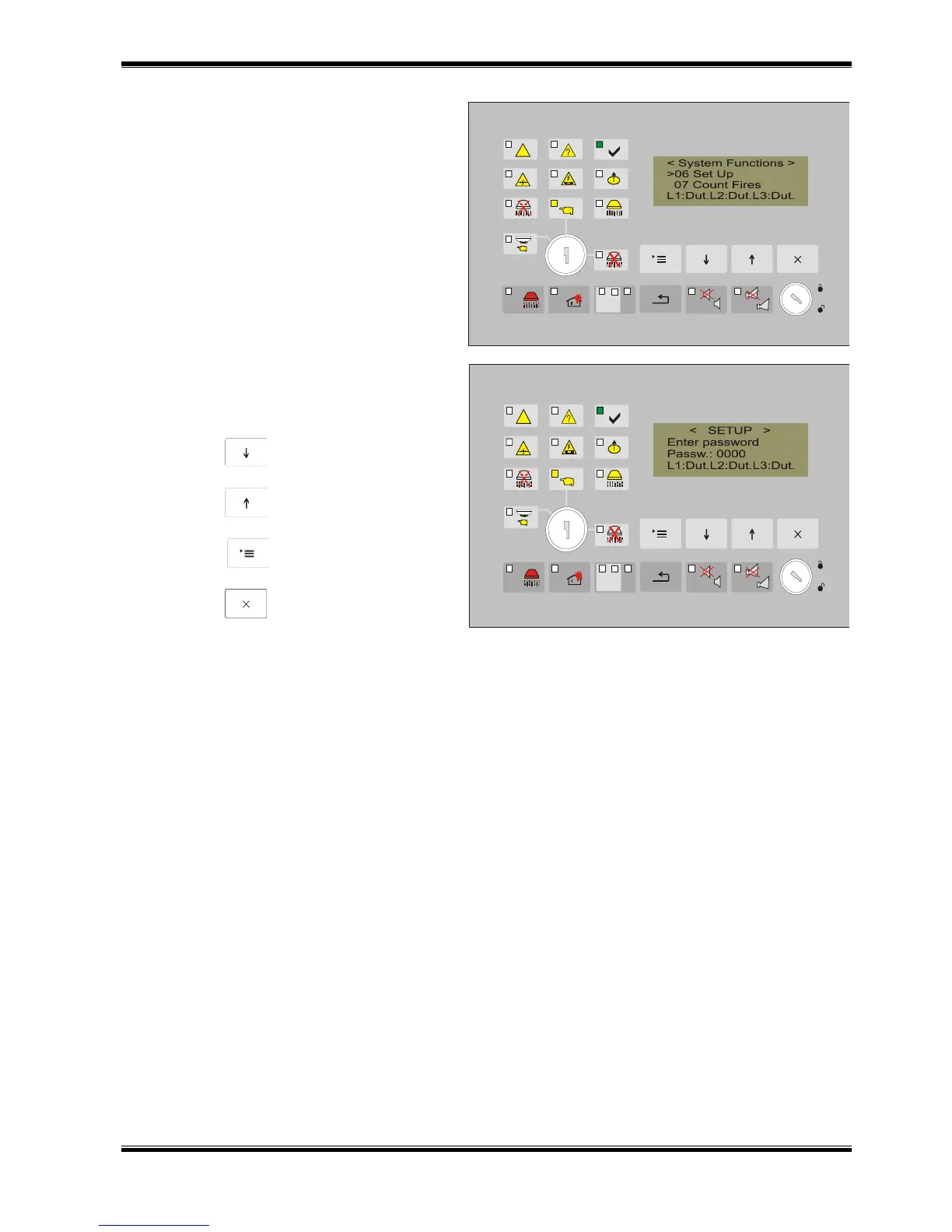
Enter a password (four-digit number) to have
an access to the menu. The factory set
password is “0000”.
Use:
button (Down) – to change the
character;
button (Up) – to move to the
next character;
button (Menu) – to confirm the
entered password;
button (Exit).
The menu has the following subordinate menus
01 Fire Extinguishing RS485 address (section13.4.1.1)
Control Panel: RS485 On/Off (section 13.4.1.2)
Language (section 13.4.1.3.)
Check Ground (section13.4.1.4.)
02 CAN Settings CAN On/Off (section 13.4.2.1.)
Text message (section 13.4.2.2.)
CAN speed (section 13.4.2.3.)
CAN Address (section 13.4.2.4.)
CAN AddressRem.Panel (section 13.4.2.5.)
CAN Rem.Inputs (section 13.4.2.6.)
Number FD FuncAnd (section 13.4.2.7)
03 Input/Outputs Current fire alarm lines (section 13.4.3.1.)
Number of checks of lines (section 13.4.3.2.)
Check removed fire detector (section 13.4.3.3.)
Input Hold (section 13.4.3.4.)
Input Low Press (section 13.4.3.5.)
04 Extinguishing time
05 Evacuation time
06 Factory settings
07 Clear Archive
08 New password
13.4.1. Menu Fire Extinguishing Control Panel
The menu includes the functions for setting the parameters: network address, language and if
the function heck ground is active or not.



 To Next Page