UniPOS Fire Extinguishing Control Panel FS5200Е
Instruction Manual Page 56
Revision 7/06.12 of 63
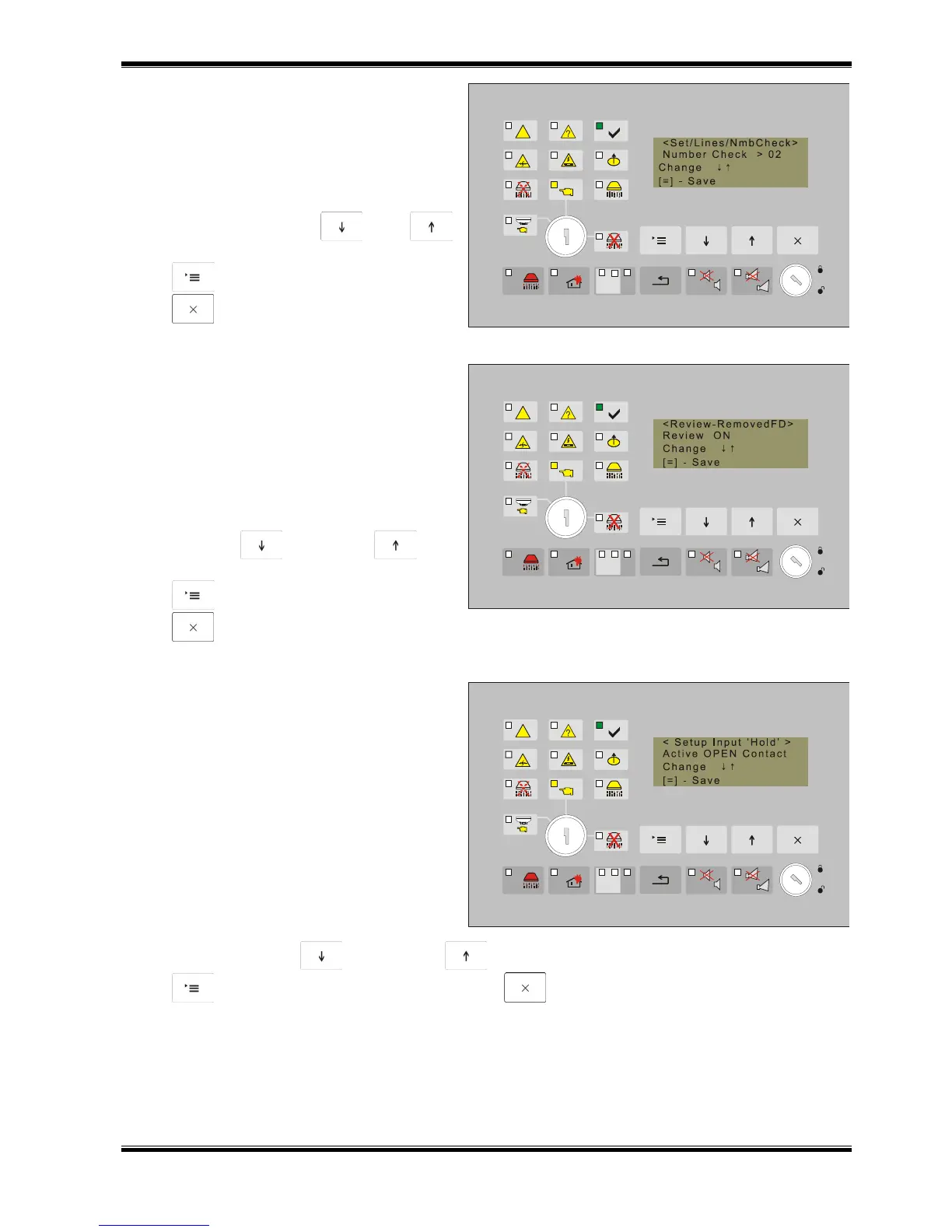
13.4.3.2. Screen Number of Checks of Lines
Use this screen to set the number of
checks upon which the fire extinguishing
control panel registers a fire condition along a
fire alarm line. The possible values of this
parameter are 1, 2 and 3 checks.
The factory setting is 2 checks.
Use the buttons and
to change alternatively the parameter, the
button to confirm the new value and the
button to exit.
13.4.3.3. Screen Check for Removed Fire
Detector
The value of this parameter determines if the
fire extinguishing control panel shall monitor
the fault condition – removed fire detector. If
this function will be used then diode should be
installed in the bases of the fire detectors as it
is shown in the diagram for connecting the fire
detectors. The factory setting is Check ON.
Use the buttons (Down) and (Up)
to change alternatively the parameter, the
button to confirm the new value and the
button to exit.
13.4.3.4. Setup Input Hold
Due to the specificity of the input Hold,
the active status for this function is OPEN
contact. it is provided the logic of the contact
to be turned in the case of not standard
installations as the active level could be with
Closed contact.
According to the standard this input
should function with active level OPEN
contact, otherwise the other option is an
exception.
The factory setting is active level with
OPEN contact.
Use the buttons (Down) and (Up) to change alternatively the parameter, the
button to confirm the new value and the button to exit.



 To Next Page