UniPOS Fire Extinguishing Control Panel FS5200Е
Instruction Manual Page 32
Revision 7/06.12 of 63
button is active only in the screens for changing the parameter. Press it to:
move the cursor one position to the right. Upon reaching the last position of the parameter
the cursor returns to the first one;
decrease the parameter to the next possible value. Upon reaching the minimal possible
value it turns to the maximum value of the class or the parameter;
button is active only in the screens for changing the parameter. Press it to increase by
one unit the class marked by the cursor or to increase the parameter to its next possible value.
In both cases upon reaching the maximum possible value it turns to the minimum value of the
class or the parameter.
12.4. Using the menus
When the Information and Control Mode is entered the first menu is displayed. It contains the
following subordinate menus:
View Faults
View Disables
View Test
Statuses
System functions
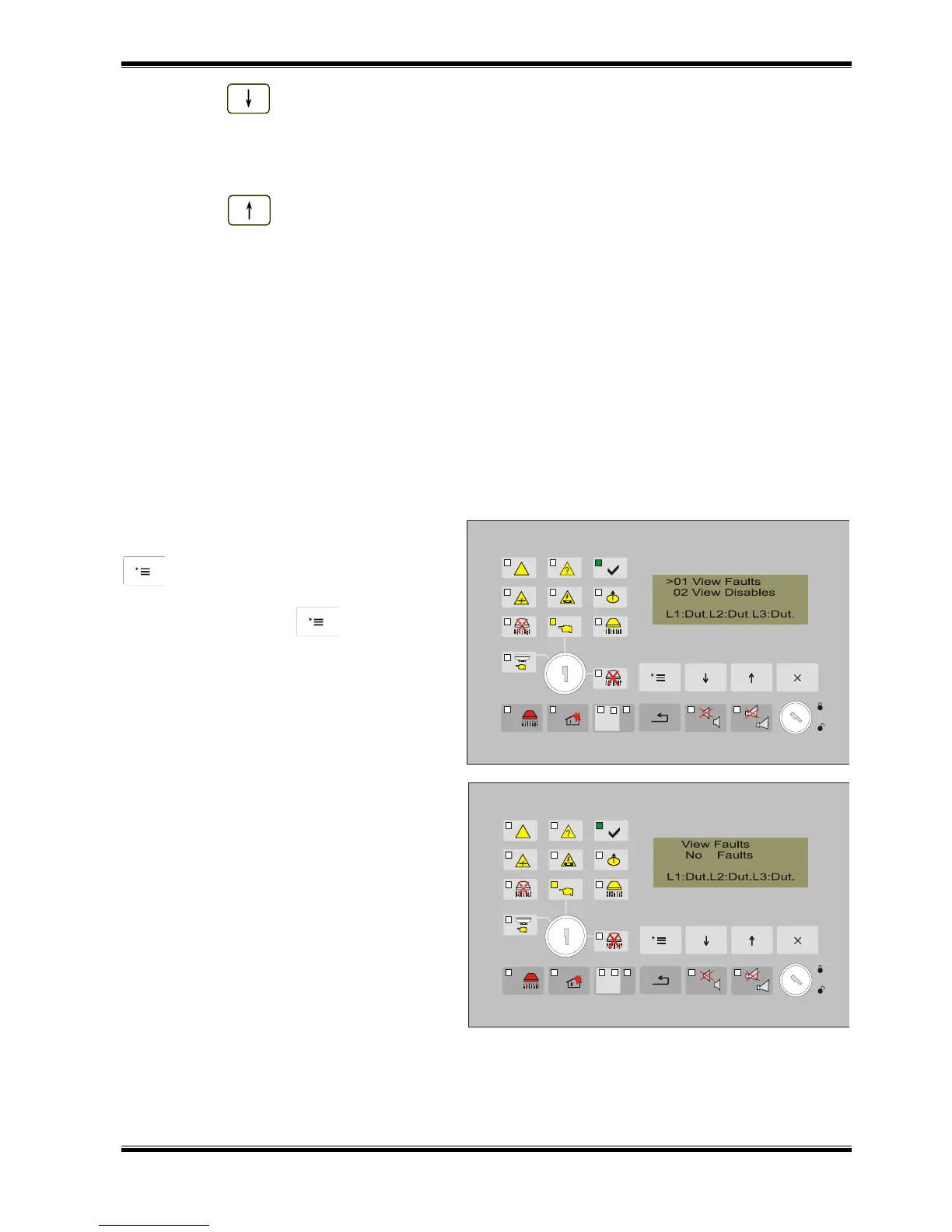
12.4.1. Menu View Faults
The menu is accessible for all Access levels and contains information screens with suppressed
messages for fault condition.
From the current status of the fire
extinguishing control panel, press button
to enter the main menu. The cursor „>”
is positioned at the first point in the menu.
Press the button once again to
visualize the screen for faults view.



 To Next Page