UniPOS Fire Extinguishing Control Panel FS5200Е
Instruction Manual Page 36
Revision 7/06.12 of 63
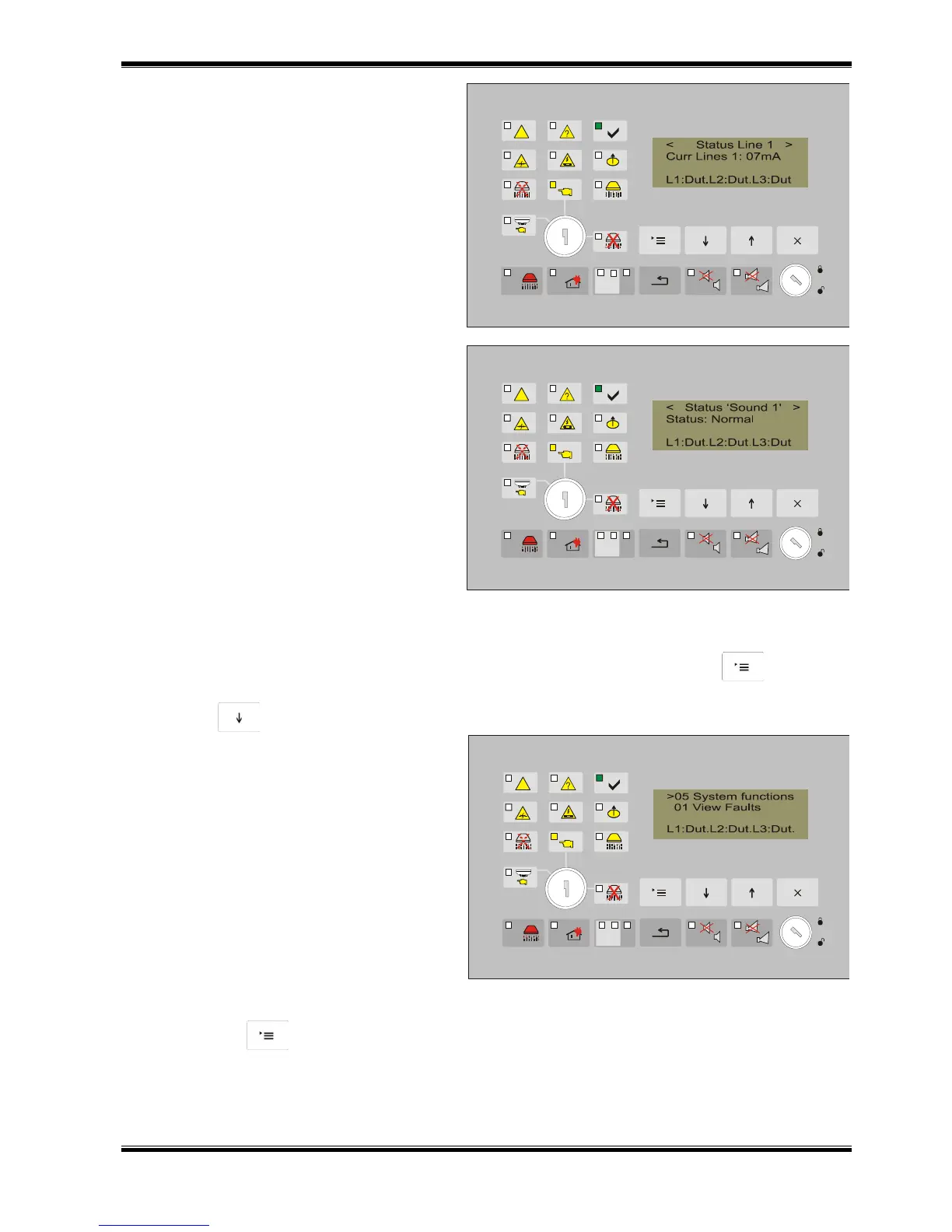
Information screen containing the line
number and the current at that moment is
displayed for the status (current condition) of
the line. The current value in the line provides
information about its status.
The following statuses are possible for
the monitored inputs and outputs:
Normal – for monitored input or output
in normal condition;
Active - for monitored input or output
in active condition;
Short - for monitored input or output in
short circuit;
Interruption – for interrupted for
monitored input or output;
12.4.5. Menu System Functions
From the current status of the fire extinguishing control panel, press the button to enter the
main menu. The cursor „>” is positioned at the first point of the menu.
Press button until the cursor „>” moves to point 05 of the menu.
The menu contains the following
subordinate menus and functions (Appendix
2):
Check LEDs and sound indicators;
Clock Setup;
Lines in Test
Disables
View Parameters;
Setup;
Fire counter;
View Archive.
The subordinate menus are accessible at Access Level 2.
Press button to enter the subordinate menu.



 To Next Page