UniPOS Fire Extinguishing Control Panel FS5200Е
Instruction Manual Page 30
Revision 7/06.12 of 63
10.3. Using the keypad
Press it to enter Information
and Control Mode. All entered
disables could be viewed in Menu
View Disables.
For detailed information how
to view all entered disables in
Information and Control Mode
see section 12.
11. Test Mode
11.1. Description
The fire extinguishing control panel enters Test Mode through manual operation setting a fire
alarm line to Test Mode. The condition is handled via Information and Control Menus.
Where a fire alarm line is set to Test Mode, the following changes take effect:
Where Fire condition stage I or Fire condition stage II is detected in the line, sound and LEDs
indications are not triggered; i.e. the fire extinguishing control panel does not enter Fire
Condition;
- in Test Mode the line is reset, the power supply is interrupted every 64 seconds for a period of
3 seconds;
- from the possible faults along the line only the fault condition Short Circuit is processed.
11.2. Indication
11.2.1. LED and sound indication
This condition does not have specific LED and sound indication.
11.2.2. Text messages
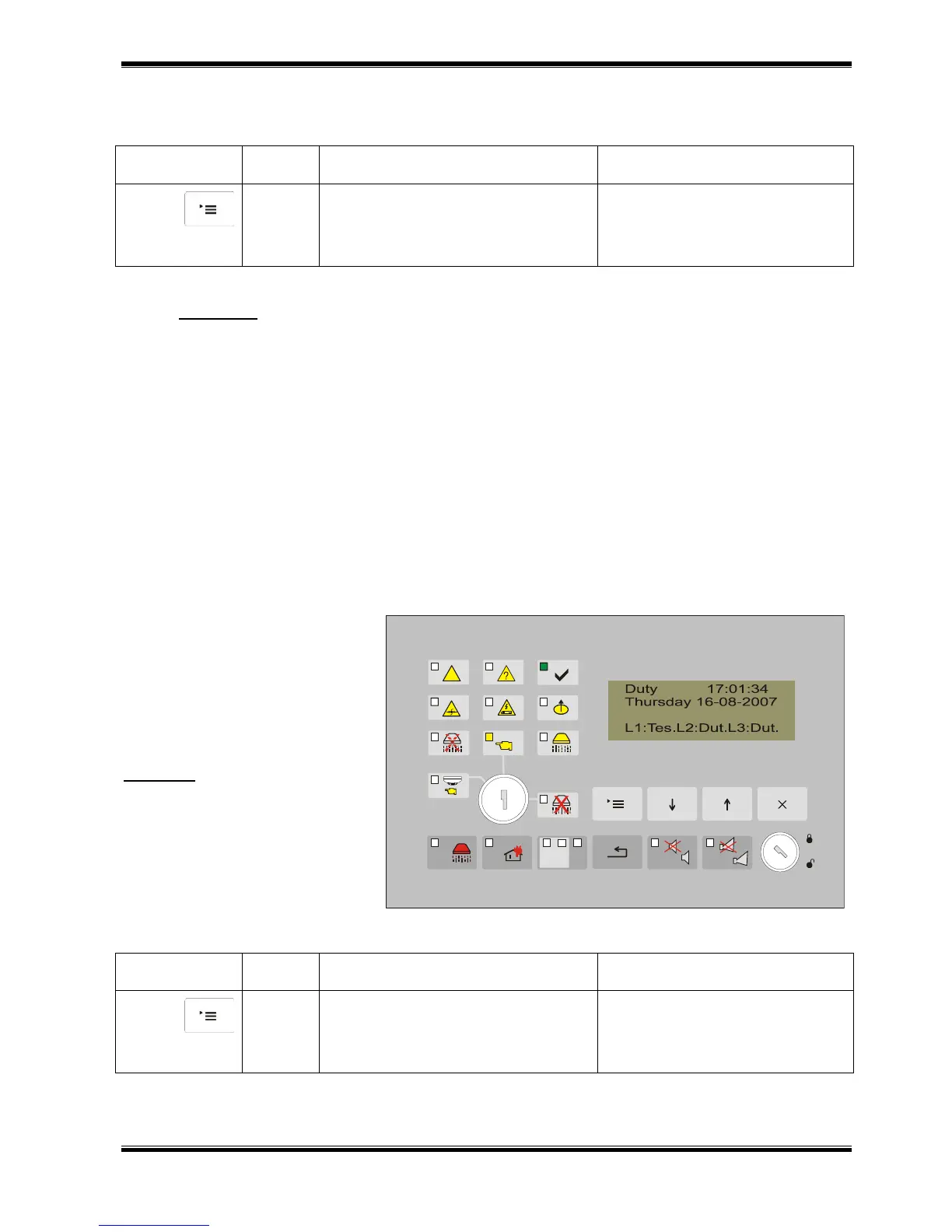
Where a fire alarm line is set
to Test Mode, a text message
showing the status of the line
appears on the display.
All lines in Test Mode could
be viewed in Information and
Control Mode.
Example: Line 1 is set to Test
Mode. In the status of the line
there is a text message “Tes”.
Press it to enter Information
and Control Mode. All lines set to
Test Mode could be viewed in Menu
View Test.
For detailed information how
to view all lines set to Test Mode
in Information and Control Mode
see section 12.



 To Next Page