EasyManua.ls Logo

UniPOS FS5200E - Page 43

Default Icon
63 pages
Print Icon
To Next Page IconTo Next Page
To Previous Page IconTo Previous Page
Loading...
UniPOS Fire Extinguishing Control Panel FS5200Е
Instruction Manual Page 43
Revision 7/06.12 of 63
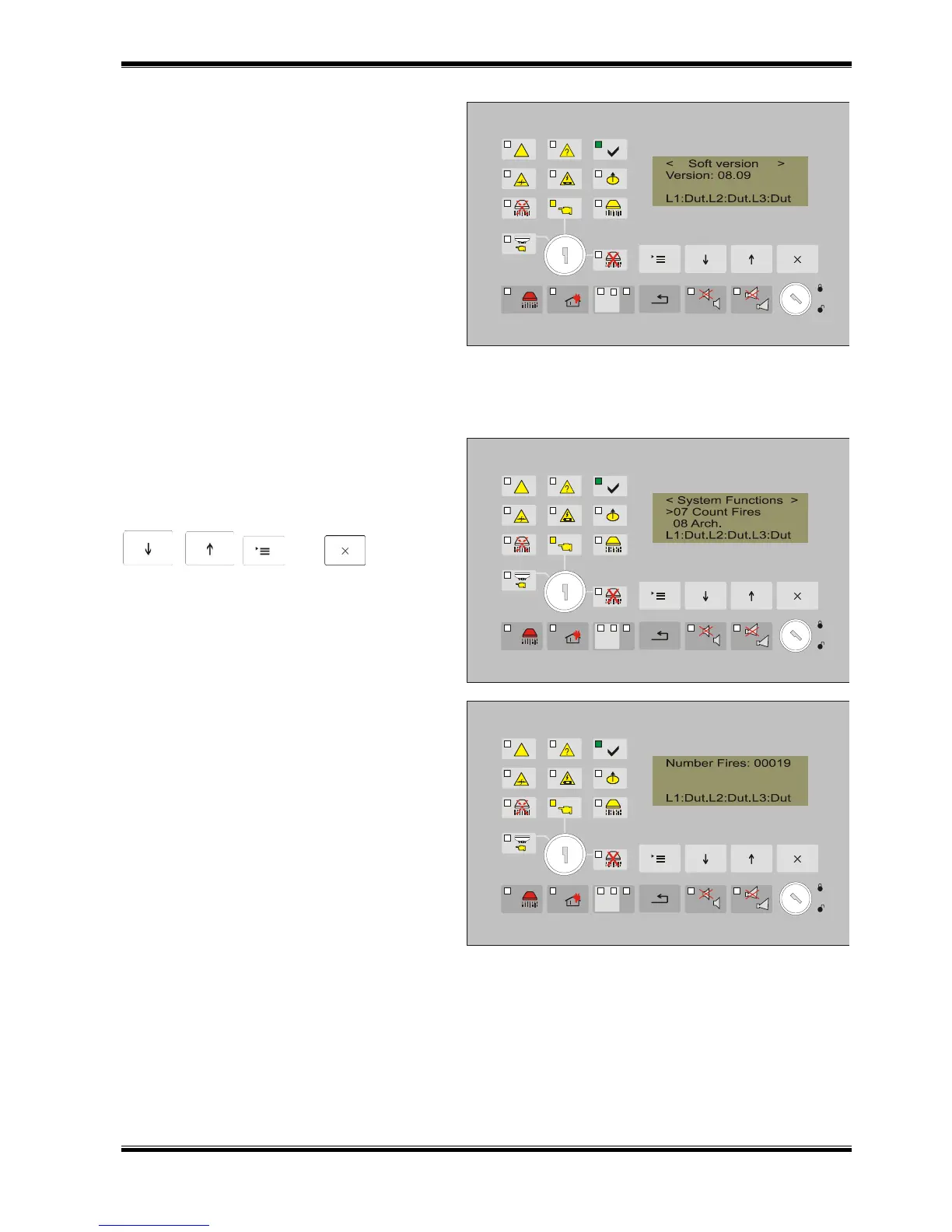
Screen Software Version
The screen provides information about
the software version.
1 2 3
12.4.5.6. Menu Setup
The configuration parameters of the fire extinguishing control panel are set in the menu Setup. It
is described in details in Setup Mode (section13).
12.4.5.7. Screen Fire Counter
The screen Fire Counter is part of the
menu System Functions.
The active buttons to enter and exit it
are
, , and .
1 2 3
The screen provides information about
the entries of the number of times when the
fire extinguishing control panel has entered
Fire condition.
1 2 3

Table of Contents

Related product manuals