24 D292469I
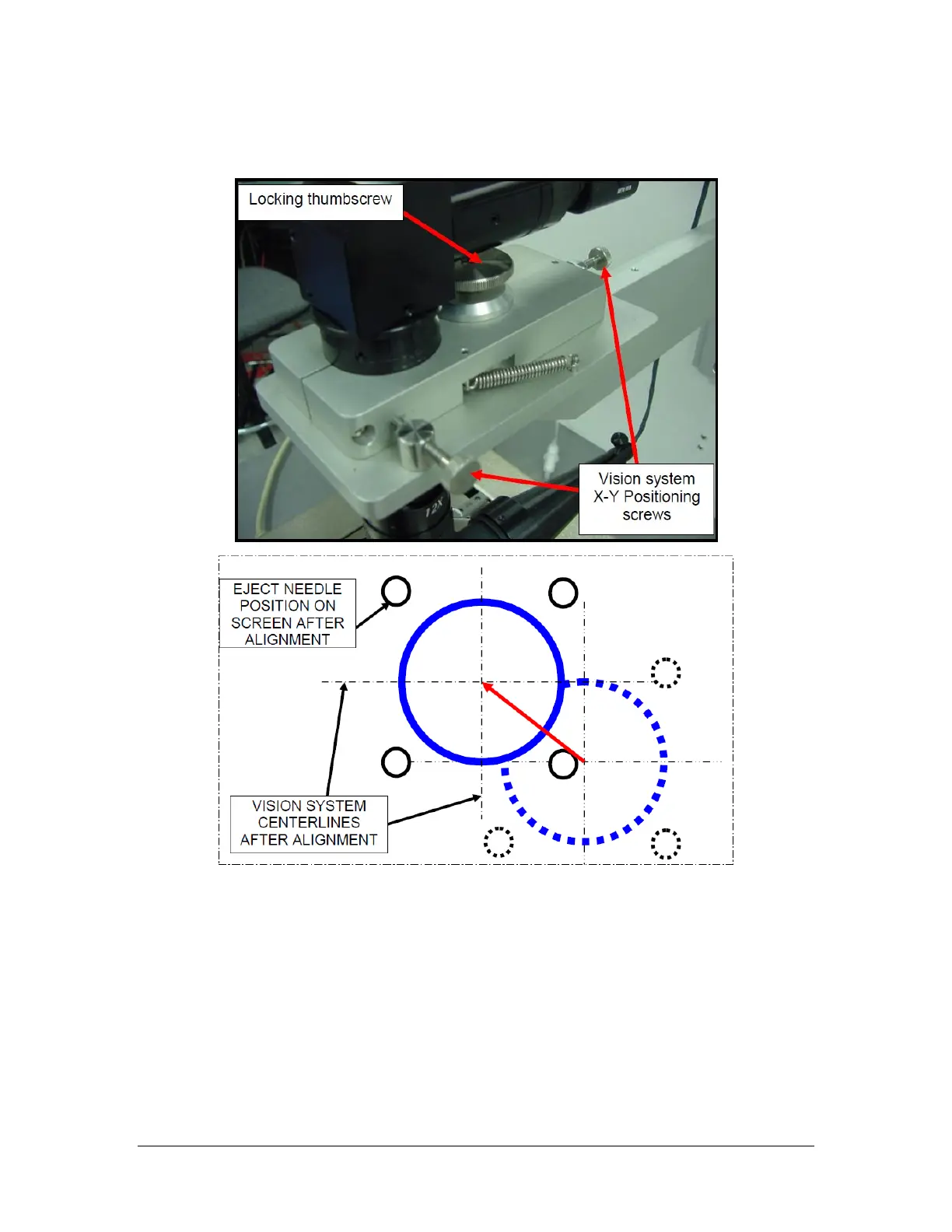
b. Adjust the X-Y positioning screws
c. Secure the locking thumb screw
11. Click on the '#' in the Royce Technical Video software. Move the cursor over to
the live video image. Click on the top left corner of the die and drag down to the
bottom right corner of the die and release. This creates a cross hair along each
edge of the die. The die is now correctly targeted.
If desired, click on the original '+', then ensure it is selected by pressing send
forward or send backward until the active handle boxes are on the '+'. Right click
and select delete.



 To Next Page