60 D292469I
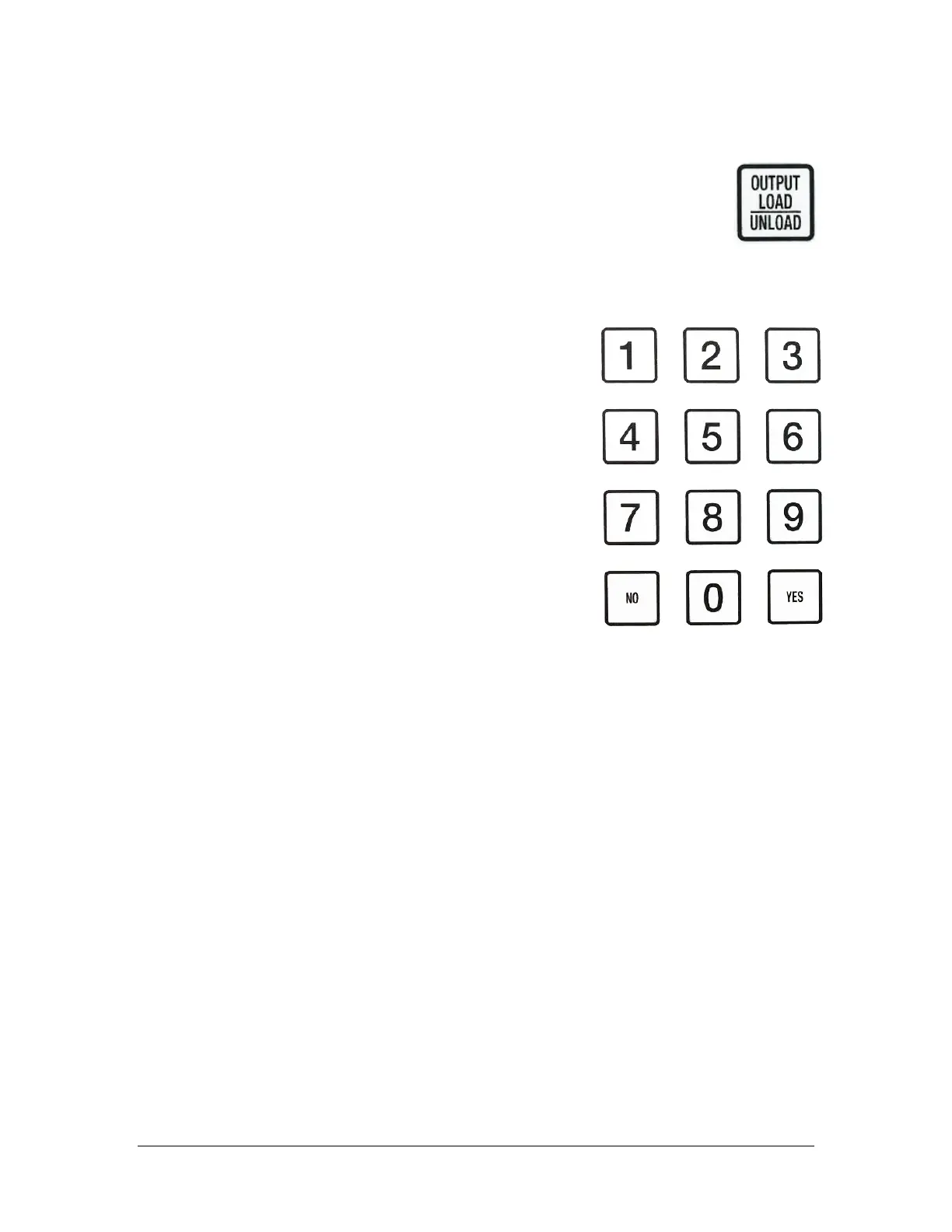
Output Load/Unload
Pressing Output Load/Unload will move the output stage to home
position, toward the back of the machine. Pressing it again will
move the stage to the front of the machine for easy access to the
waffle packs. When this key is pressed, the place position will reset
to the first pocket of the first waffle pack and the die count is reset to 0.
Numeric Keys
If more than one output grade has been assigned
to the output trays from the OUTPUT SELECT
menu, then pressing a number on the keypad will
tell the system which grade to place the next die
pick to. For example, if 2 is pressed, the next die
picked will be placed to the next available pocket
in the tray assigned to grade 2.
When a number is pressed, the display updates to
show which tray that grade is assigned to and how
many pockets in that tray have already been filled.
Any numbers above the number of output grades
available will have no function.



 To Next Page