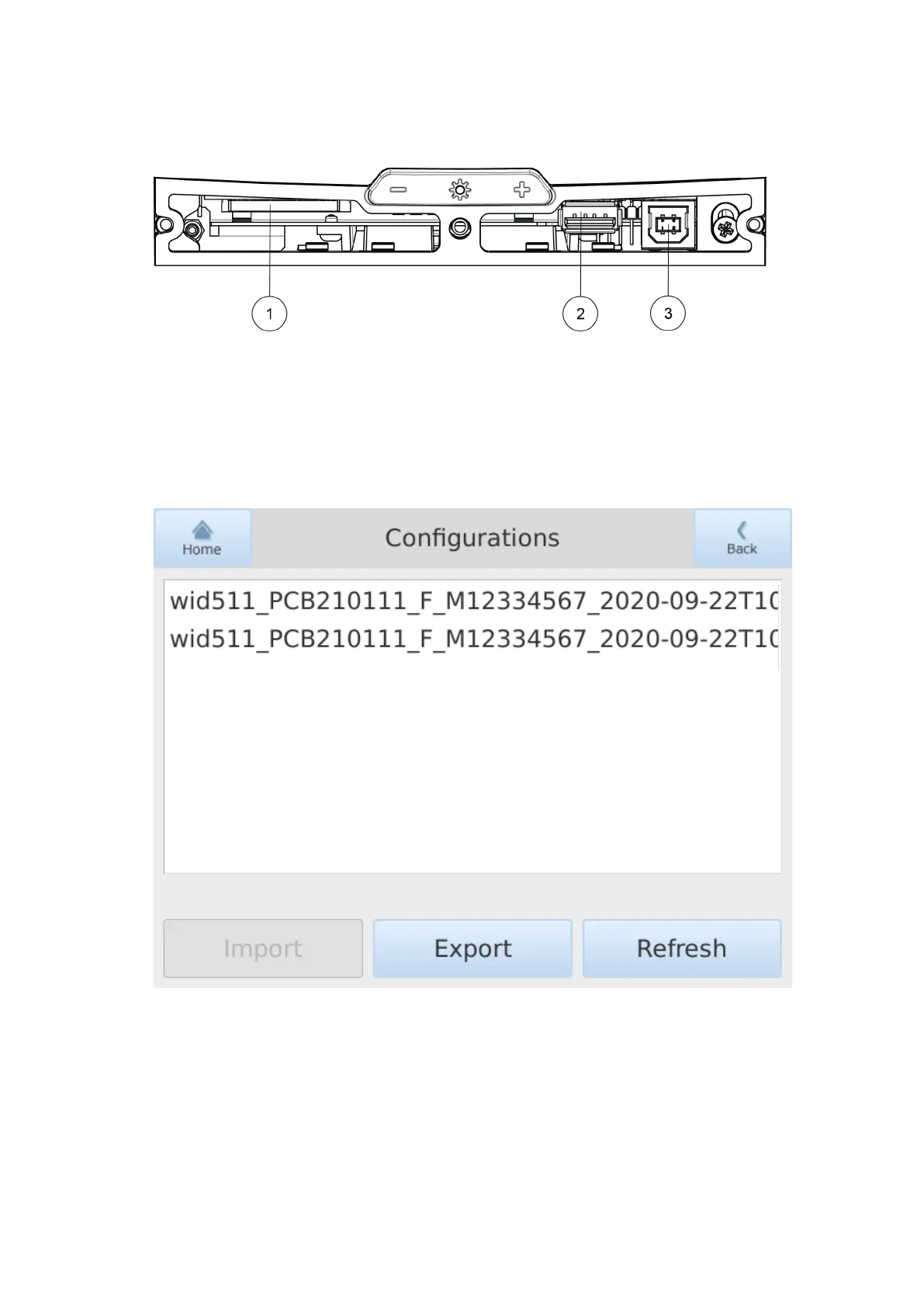
4. Insert the USB Flash memory in the USB port.
1 SD card interface (not in use)
2 USB port for exporting and importing configuration files with USB Flash memory
3 USB port for computers (for Vaisala use only)
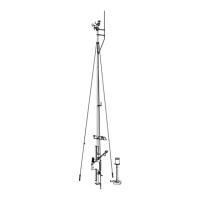
5. The Configurations page displays a list of the available configurations in the USB stick.
If nothing is displayed, press Refresh.
WID511 User Guide M211109EN-L
62


 To Next Page