Advanced Digital Video Platform Hybrid-DVR User’s Guide
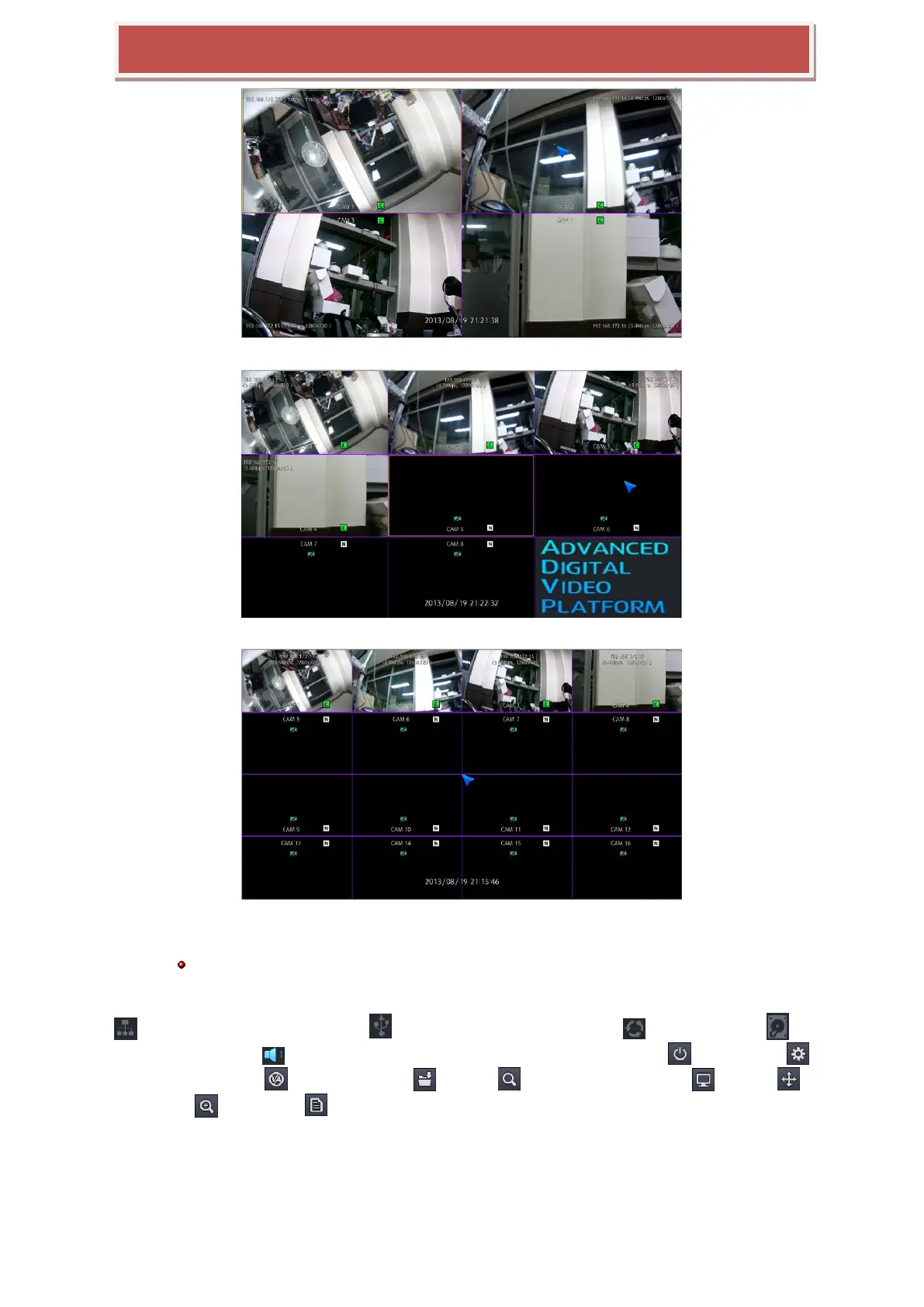
[live mode of 4 channels]
[live mode of 8 channels]
[live mode of 16 channels]
Logging in after inputting account and pin code, if you log-in, then show above screen.
Recommend you to connect camera first before HYBRID-DVR starts.
Bottom of screen show the tool-box for operation. Tool box has current time and date, network connection status
( ), back up storage connection status ( ), automatic screen switch operation ( ), HDD installation ( ),
currently working audio ( ). Also tool box include log on/off for HYBRID-DVR operation ( ), Setup menu ( ),
VA related menu button ( ), easy copy button ( ), search ( ), Screen display selection ( ), Pan/tilt ( ),
Digital zoom ( ), system log ( ).



 To Next Page