Vacuum Packaging Machine VC999 K7
Operation
2008-11-26 Art.-No. 592.016 Page 43/121
Menu
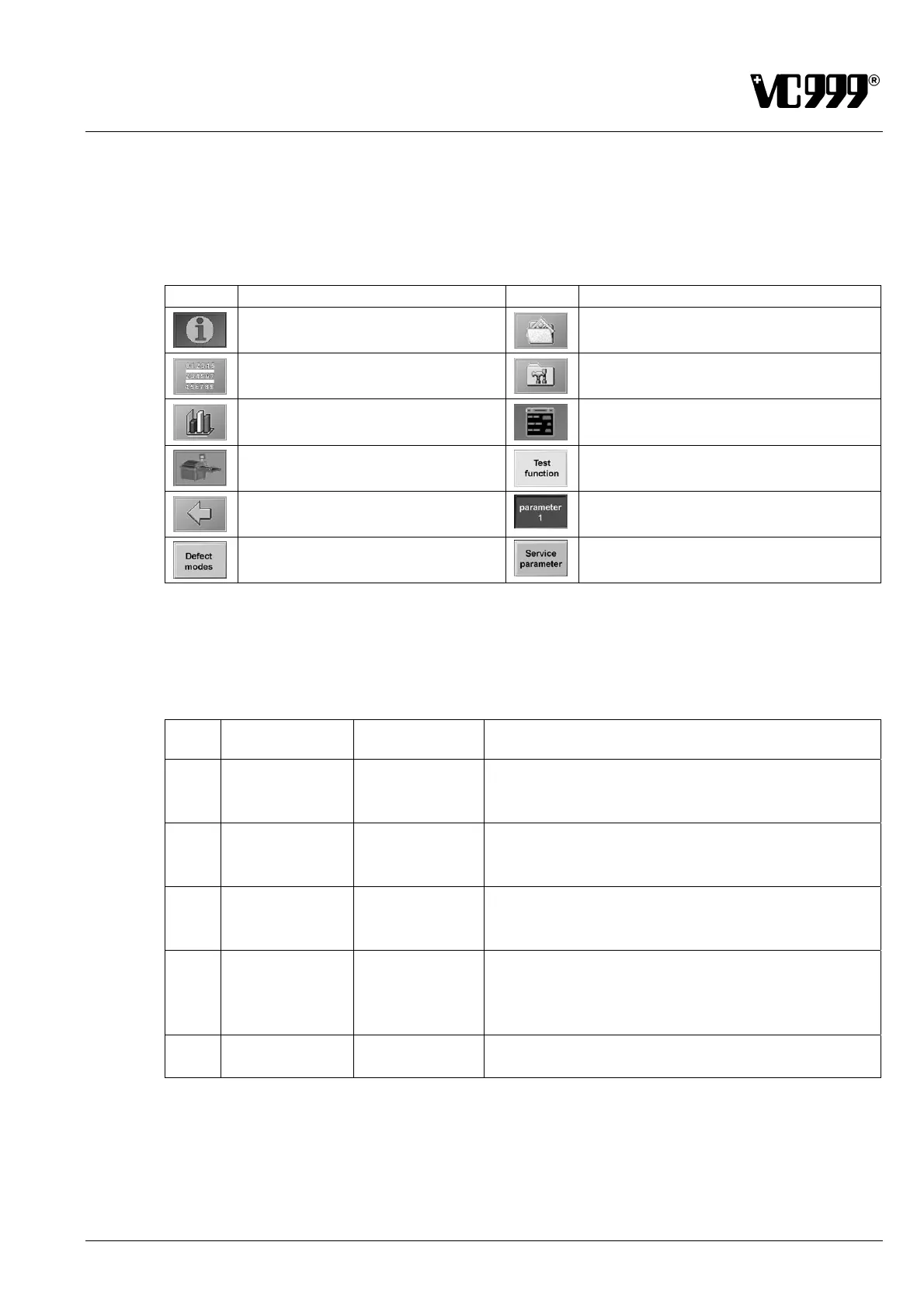
Operator guidance basically occurs via interactive, language-independent symbols. Press these sym-
bols on the screen to open a certain mask. The following table displays the various symbols and which
masks they open. These symbols will not be explicitly explained in the following mask descriptions.
Symbol Target Symbol Target
Mask 10: Information
Mask 300: Programs
Mask 11: Counter
Mask 14: Password (Fig. 9/8)
Mask 12: Graph
Mask 990: Alarm list
Mask 13: Process monitoring
Mask 52: Test function
Return. Opens the last displayed
mask.
Mask 101: Parameter 1
Mask 102: Parameter 2
Mask 157: Defect Mode
Mask 156: Service parameters
Steps
Operation on the display is distributed among 5 Steps. Each of these steps is allocated to a certain
group of persons, who have the authorization to operate, use, maintain or repair the machine:
Step Access
Authorized
persons
Activity
0 without entry of
any password
Operator Start / Stop packaging cycle
Retrieve general information about settings
Retrieve information about the loaded program
1
via password 1 Operator Set the logic of the peripheral devices
Switch peripheral devices on and off
Load program
2
via password 2
Superior of
the operator
Define program
Set parameters
Save program
3
via password 3
Service person-
nel
VC999 Service
engineer
Delete program
Set service parameters
Calibrate, burn-in
Defect Mode
4
via password 4
VC999 Service
engineer
Change factory settings
Reset counter



 To Next Page