Vacuum Packaging Machine VC999 K7
Operation
Page 70/121 Art.-No. 592.016 2008-11-26
9.13 Operating messages
The Vacuum Packaging Machine monitors the essen-
tial servicing intervals. If maintenance or checks be-
come necessary, the control system will report this to
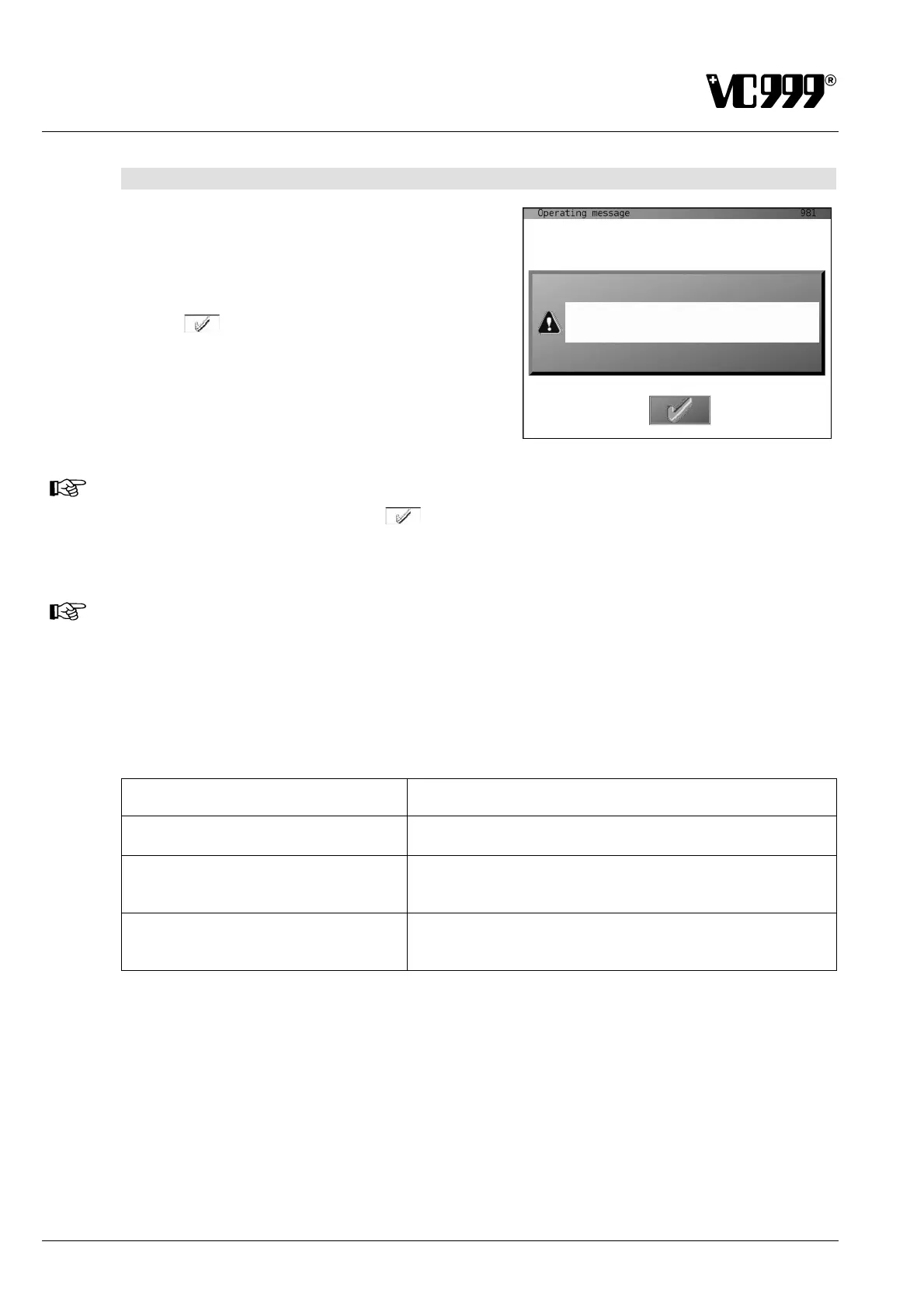
the user by operating messages on the display.
The user must acknowledge operating messages by
pressing
. As a result, these will temporarily dis-
appear from the display. After restarting of the ma-
chine, they will reappear.
Fig. 9/27
NOTICE
Acknowledge such messages with and inform the shop mechanic or service technician
that he must immediately perform the required maintenance and reset the counter. The messa-
ge will then no longer be displayed.
NOTICE
In Mask 157: Defect modes the "Display of operating messages" may also be entirely deacti-
vated. But this is only allowed if routine checks and maintenance are planned and their execu-
tion is guaranteed.
If you deactivate this function, this will always be on your own responsibility. The manufacturer
recommends you to leave the function activated!
Possible operating messages Meaning
Machine operating for more than 2000
hours. Carry out maintenance!
This message appears after 2,000 operating hours.
Machine operating for more than 100
hours. Check oil level for vacuum
pumps!
This message appears after 100 operating hours.
Sealing bars operating for more than
4000 hours. Check sealing bars for
correct functioning and damages!
This message appears after 4,000 packaging cycles.



 To Next Page