Vacuum Packaging Machine VC999 K7
Error display and troubleshooting
2008-11-26 Art.-No. 592.016 Page 71/121
10 Error display and troubleshooting
Operating faults are not defects in the equipment but circumstances resulting in operation being
stopped, and the fault must be remedied. You do not need a service engineer for this as you can gener-
ally remedy this type of fault yourself.
The information given below on troubleshooting covers the most usual type of malfunction. Consult the
manufacturer's customer services at Inauen Maschinen AG, if you come up against a problem for which
no troubleshooting instructions are given here.
CAUTION
Risk of crushing. Always switch the Vacuum Packaging Machine off first and make sure that it
cannot be switched on again inadvertently before undertaking troubleshooting tasks!
NOTICE
Please note that there are light emitting diodes (LED) for all the electrical control inputs and
outputs. This enables fast location of faults and malfunctions (electrical control, wiring, swit-
ches, fuses, valves, etc). The wiring diagram can be found in the document folder inside the
electrical cabinet (Fig. 3/1, pos. 10) and in section 15.3 "Wiring diagrams" in this operating ma-
nual.
10.1 Alarm messages
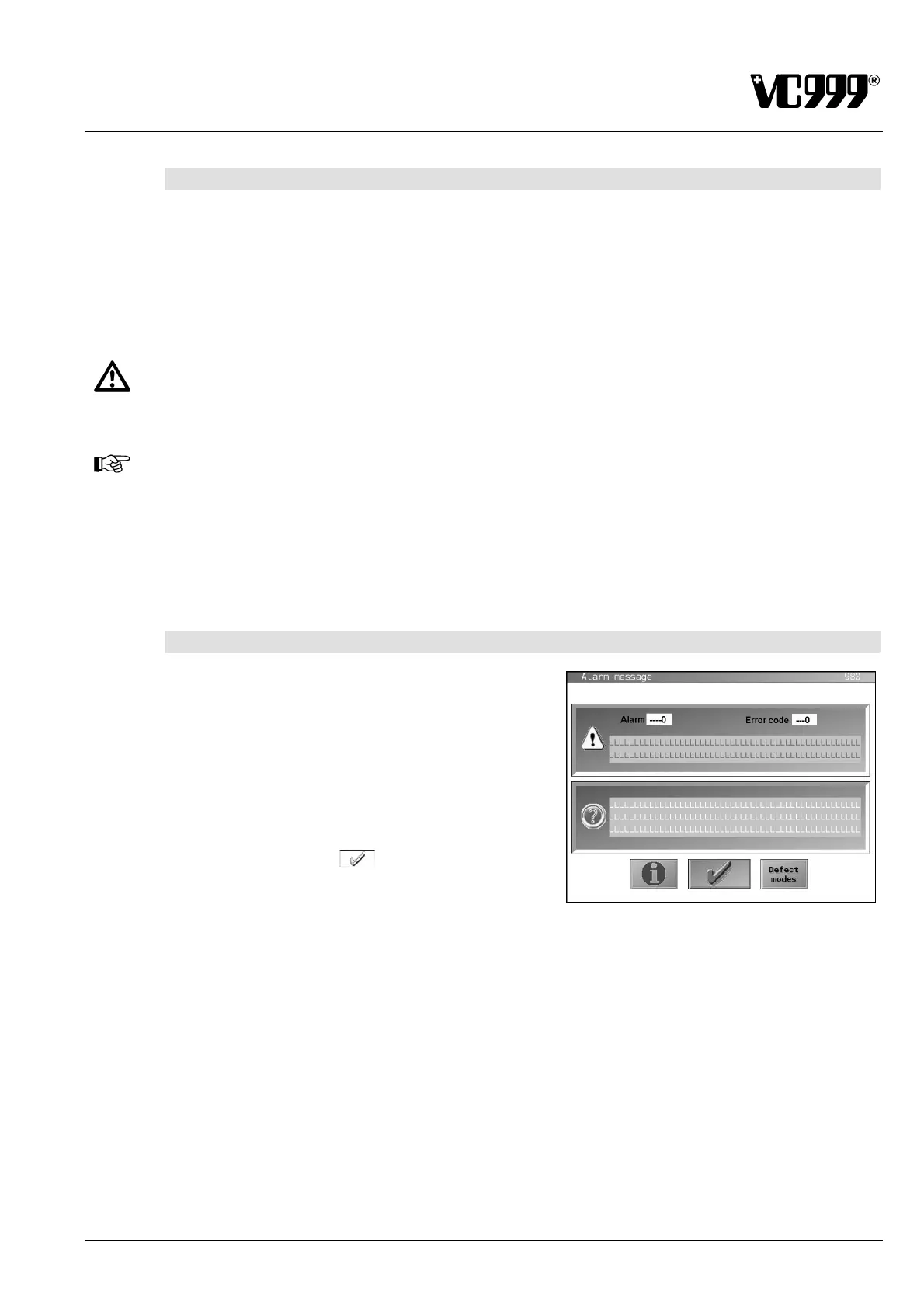
In the event of a general fault, an alarm mask appears.
Under certain circumstances, the packaging cycle will be
terminated.
The alarm number is displayed at the top.
The top box displays the cause and the bottom box pos-
sible troubleshooting measures.
If an error occurs, it must be eliminated. Subsequently
press the function button
to confirm error elimina-
tion.
The alarm number is entered and saved after acknowl-
edgement in Mask 990: Alarm list.
Fig. 10/1



 To Next Page