Vacuum Packaging Machine VC999 K7
Operation
2008-11-26 Art.-No. 592.016 Page 45/121
Password
Steps 1-4 are password protected. The factory-set passwords (4-digit numbers) are shown in this oper-
ating manual in the overview of steps (Fig. 9/5) prior to the respective areas.
The 4-digit passwords can be changed any time. Access to passwords is the responsibility of each indi-
vidual owner, i.e. the owner must decide who has knowledge of which passwords.
NOTICE
An unlocked step also provides access to lower-level steps!
Example: Unlocking step 3 also provides access to steps1 and 2.
NOTICE
Step 4 can only be accessed by VC999 service engineers. It contains factory-set parameters
which should not normally be altered.
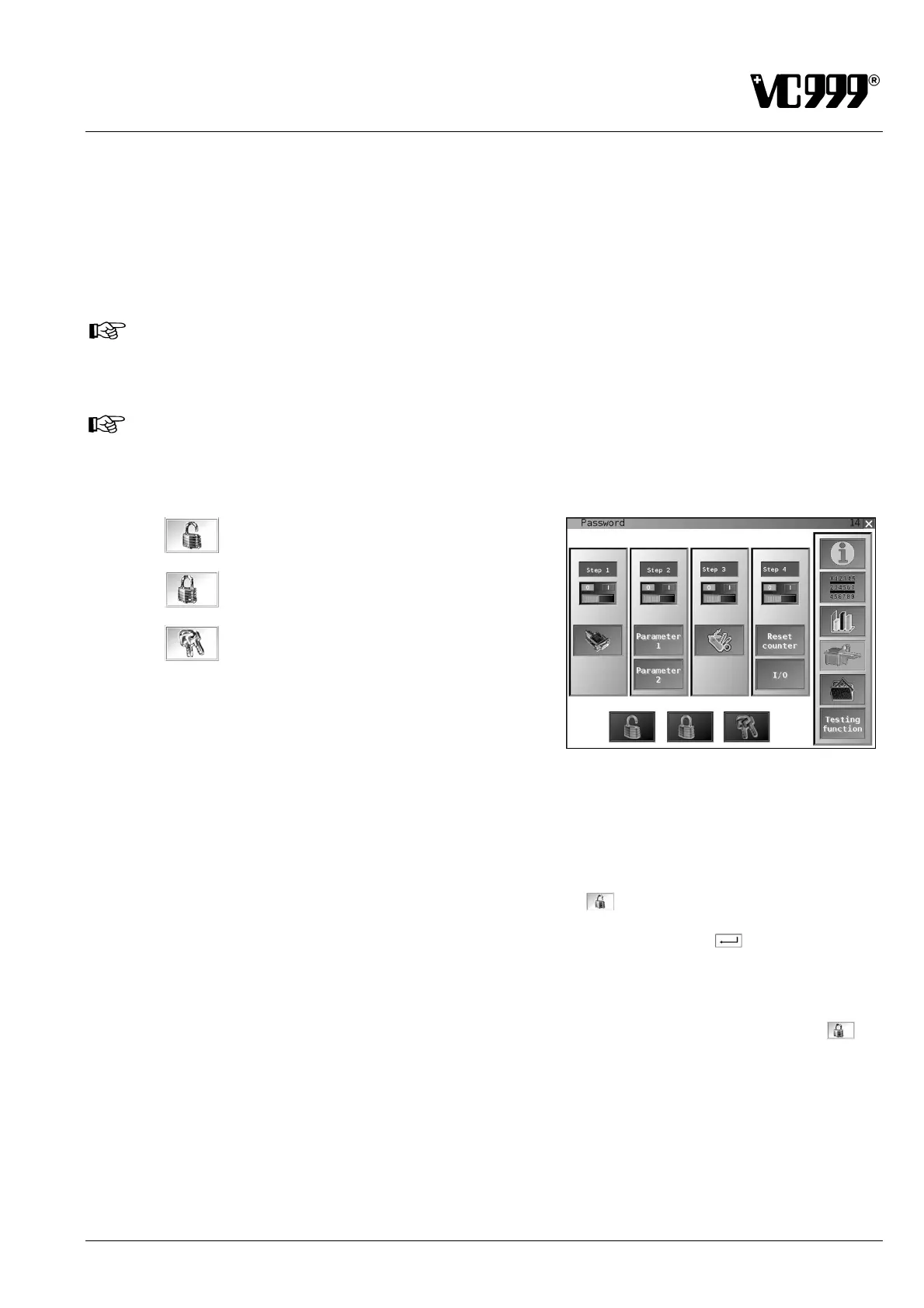
Unlock step
Lock step
Change password
Fig. 9/8
Unlocking steps
Proceed as follows to access steps 1-3:
• Open Mask 14: Password.
• Press the function button displaying the unlocked padlock
.
• Enter the password via the displayed numeric keypad and press the ENTER
button to confirm it.
Unlocked steps appear with switch position I highlighted in green below the step designation. Locked
steps appear with switch position 0 highlighted in red.
Access authorization is usually canceled when the function button displaying the locked padlock
is
pressed or the machine is switched off.
In steps 1 and 2 it is possible to retain access authorization even after switching off the machine. To
achieve this, press the field labeled "Step 1" or "Step 2". The background color of the field changes from
red to green or vice versa.
Red = Access authorization is canceled after switching off the machine.
Green = Access authorization is not canceled after switching off the machine.



 To Next Page