Vacuum Packaging Machine VC999 K7
Operation
Page 56/121 Art.-No. 592.016 2008-11-26
Entering parameter values
• The vacuuming mode must be defined first: Press the input field after Vacuuming mode in the mask
and select the desired vacuuming mode from the list.
The selected vacuuming mode is now displayed in the input field. All the parameters for this vacuuming
mode appear as an input field highlighted in white and can be edited. Parameters highlighted in gray
cannot be edited.
• To enter values, press the input field of the parameter. After each entry, press the ENTER
but-
ton. This ensures that the entered value is saved and the keypad is hidden.
If an entered value is outside the setting range, a warning message will appear. Always observe the
permissible setting range of the parameter and enter a corresponding value.
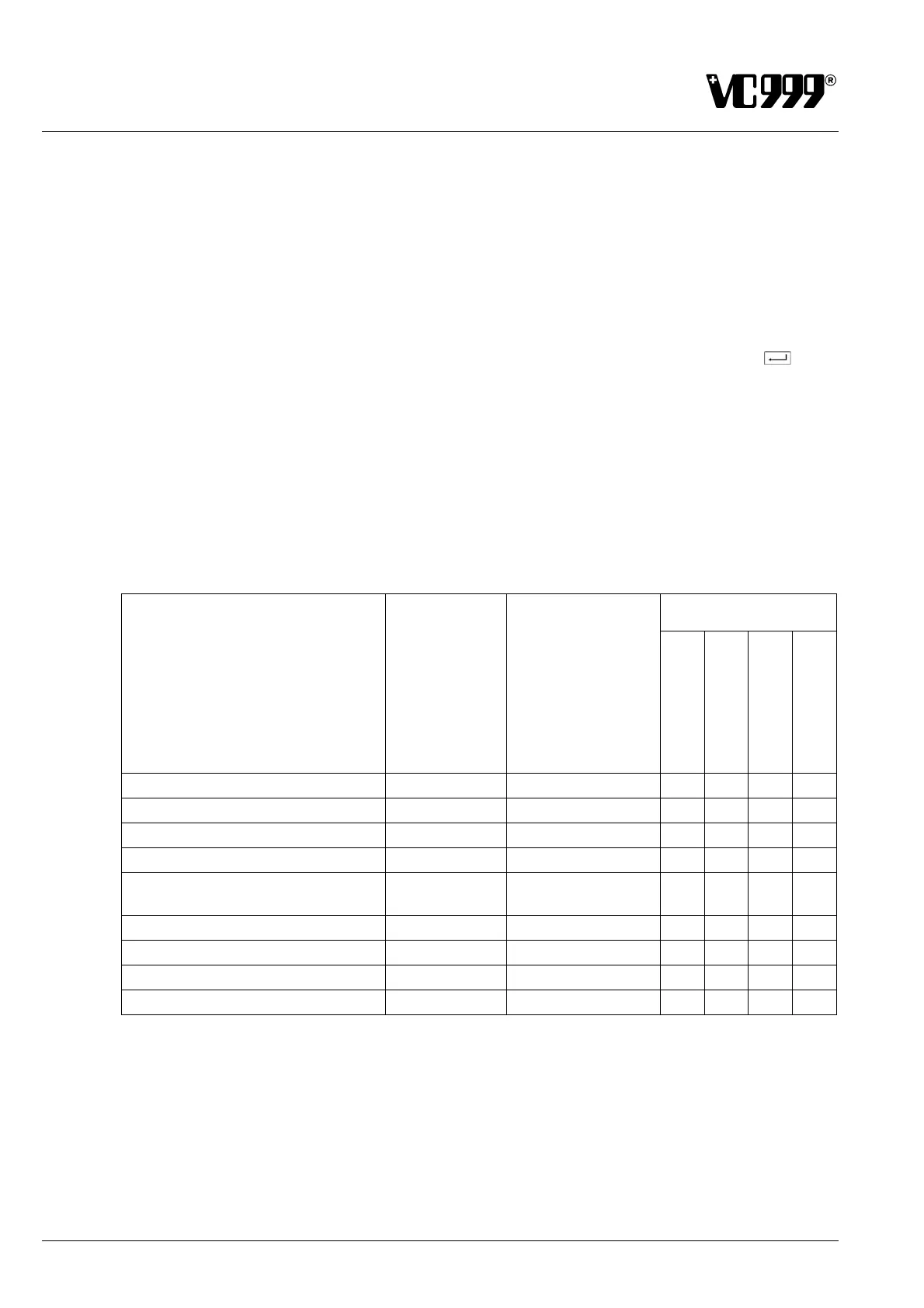
All the parameters are described in the following sections "Overview of parameters" and "Explanation of
parameters". The table below displays an overview of all the parameters and their allocation to the vac-
uuming modes.
Overview of parameters
Vacuuming modes
Parameter
Setting range
Factory settings
Set point
Evaporation
Satge-vacuum
Time
(emrg. operation)
Vacuum set point
500 - 999 996 • • •
Vacuum stage
50 - 499 250 •
Vacuum holding time
0 - 300 s 20 s •
Evaporation sensitivity
0,1 - 10,0 s 1.5 s •
Pre-ventilation pressure
500 - 999
999
(no pre-ventilation)
• • •
Intermed.-ventilation time
0,0 – 1.5 s 0.0 s (•)
Intermed. ventilation value
500 - 999 - (•) (•) (•)
Pre-ventilation time
0,0 – 9.9 s 0.0 s •
Vacuuming time
1 - 60 s 10 s •
(•) Only possible if the function "Intermed. ventilation" is set to "on" in Mask 156: Service parameter.



 To Next Page