Visionix EyeRefract User Guide
23
Overview of the Software
Login Successful
Once the verification is complete, the user will proceed to the main screen- Question screen:
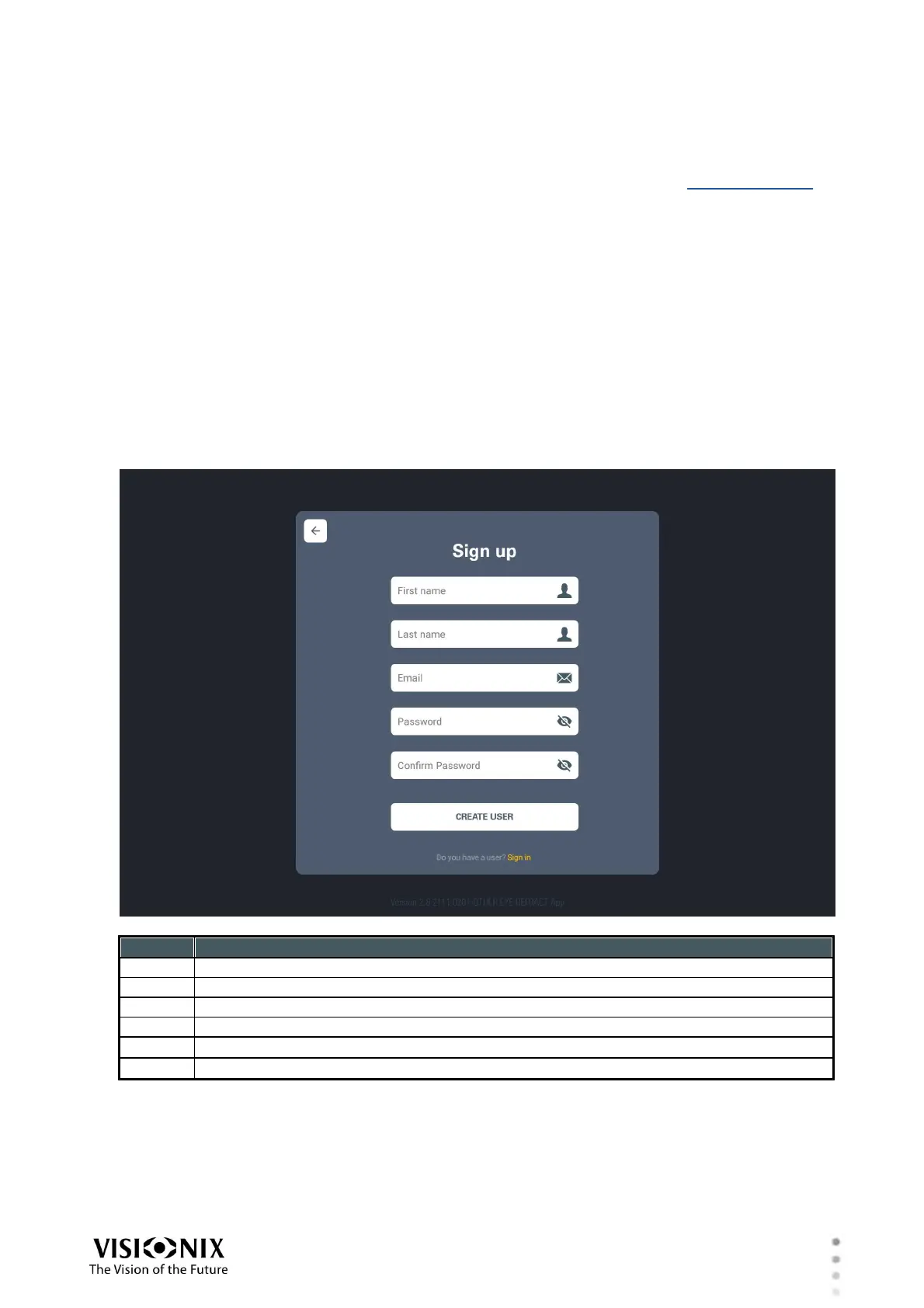
User registration
If the user don't have a Local account, clicking on the "Sign in" link will take the user to a screen
which he needs to complete.
This screen is illustrated below:
Create user button-will bring you to "Validation" screen



 To Next Page