24
Visionix EyeRefract User Guide
24
Overview of the Software
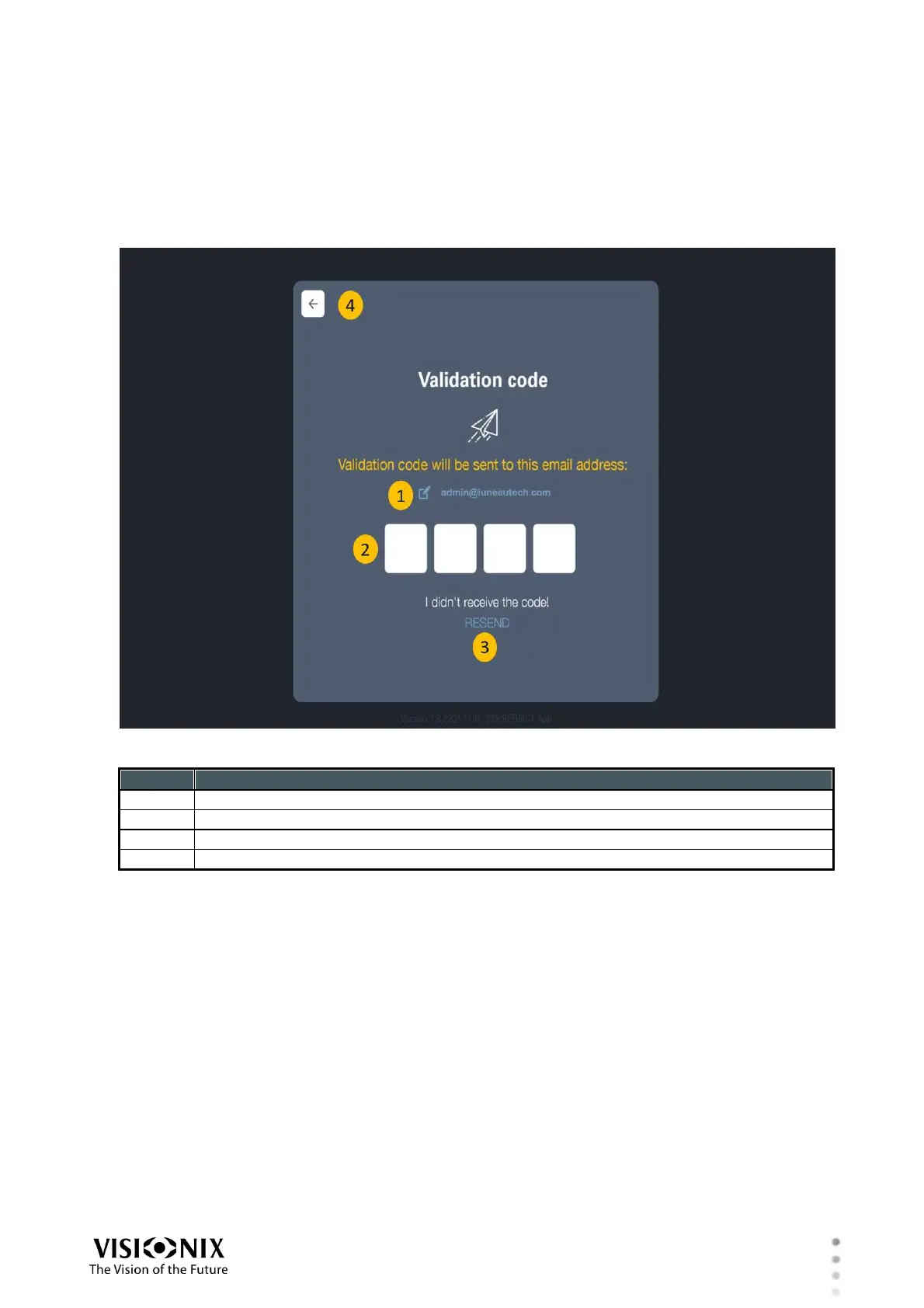
Validation screen
The user will receive an email with a Validation code to the registration email. the user should
enter the Validation code into the request filed.
This step is intended to confirm the email of the new user.
Edit email- The user should click on the "edit " icon if the email address is incorrect.
Validation code field- The user should enter the validation code to this field.
Resend link- Clicking on this link will resend the email with the validation code.
Back button-Brings the user back to "User registration" screen.
PUK code
The user will receive an email with the PUK code to the registered email.
The user must keep this code in a safe place. This code is the only way for the user to recover
the account credentials.



 To Next Page