44
Visionix EyeRefract User Guide
44
Overview of the Software
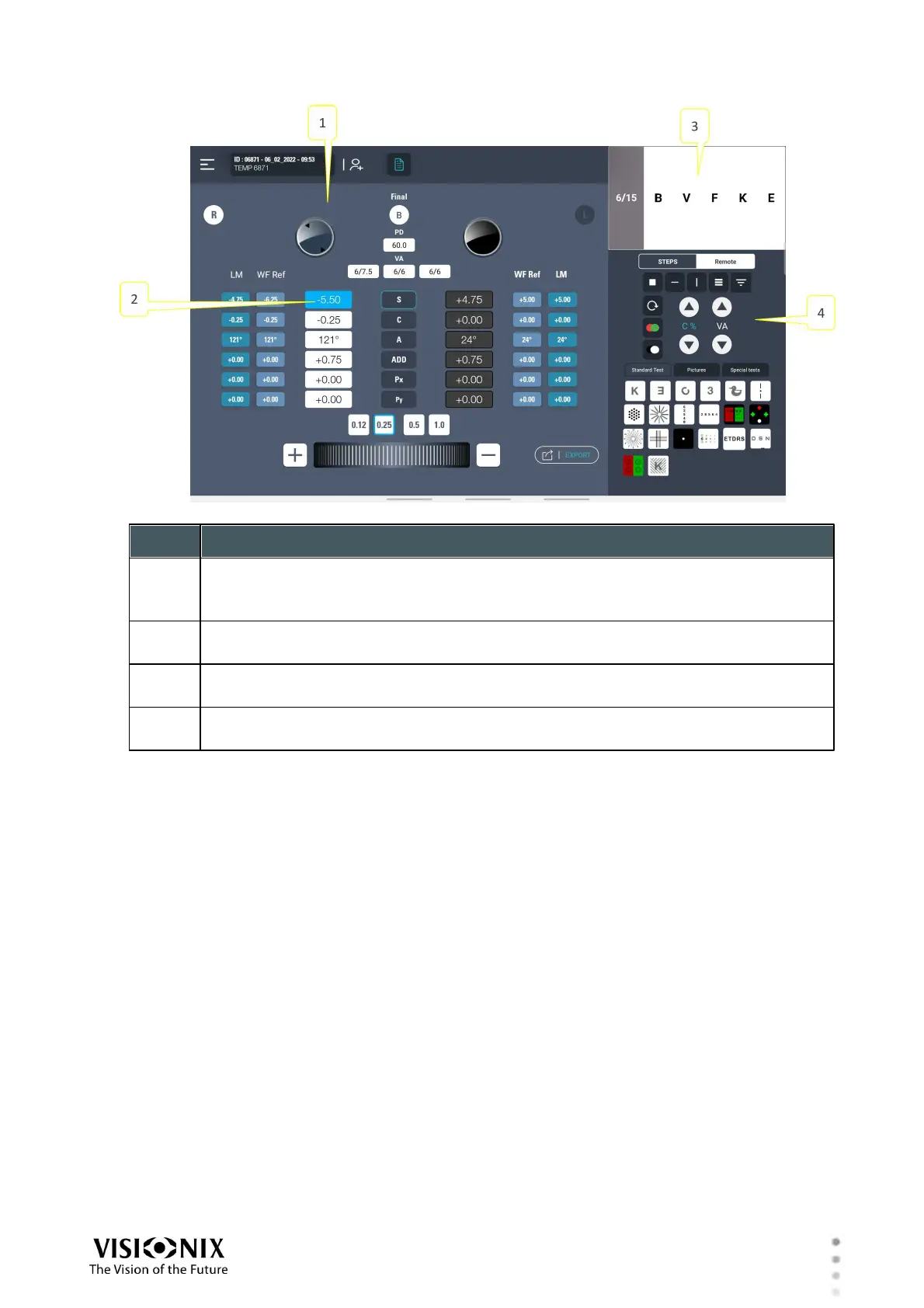
Exam results
Displays the current exam results for review and fine tuning. For additional
information, see Exam Results in Manual Mode.
switch from Quick pro to Manual mode
click on Sphere/Cyl / Axis tab, manual mode is available.
Chart display
Shows the current chart display
Chart controls
Complete set of chart controls
Exam Results in Manual Mode
In Manual mode, during a subjective refraction, the Exam Results region of the Refraction
screen contains the following items:



 To Next Page