Visionix EyeRefract User Guide
79
Maintenance
6. 2 Replacing the Printer Paper
The printer is mounted on the rear panel of the EyeRefract unit. If the paper roll is used up, the
Printer LED indicator blinks.
To insert a paper roll into the printer:
Lift the handle in the middle of the paper compartment and pull the cover down.
If an empty paper roll is in the printer, remove it.
Insert the new roll with the end of the paper at the top of the roll.
Feed the paper into the slot at the top of the compartment.
Push the paper-compartment door closed.
6. 3 Packing the Unit
If you need to move the EyeRefract unit to another location or pack it for longer-term storage, it
is advisable to pack it in its original packaging materials, as explained below. Before packing
the unit, shut it down from the tablet software, so that the heads are moved to their parking
positions.
Note: If you wish, you can also repack the accessories in their original boxes and place them
in the cardboard box-bottom before you insert the unit there. For additional information, see
Unpacking the Unit.
To pack the unit:
1. Press the On/Off switch (#10 in the illustration above) to turn the unit off. The unit's
heads are lowered to their parking positions, and it shuts down.
2. Raise the flap of the near-vision target, place the polystyrene foam pad beneath it, and
then lower the flap again.
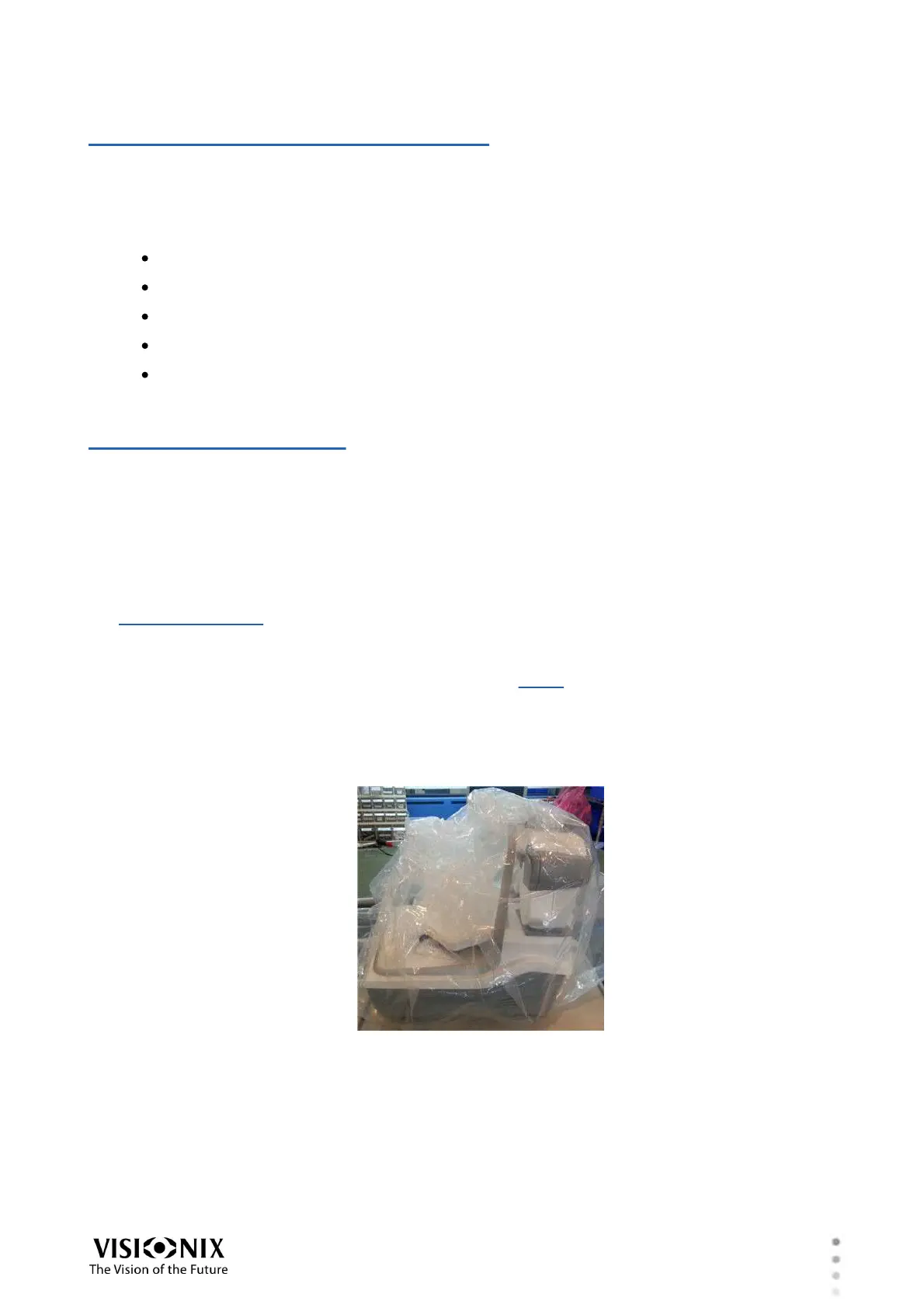
3. Put the unit into the plastic bag in which it was originally wrapped.
4. Carefully place the unit in the middle of the polystyrene foam padding.



 To Next Page