28
Visionix EyeRefract User Guide
28
Overview of the Software
Update password button-Will Reset the password.
The email the user registered when creating a local user.
Edit user
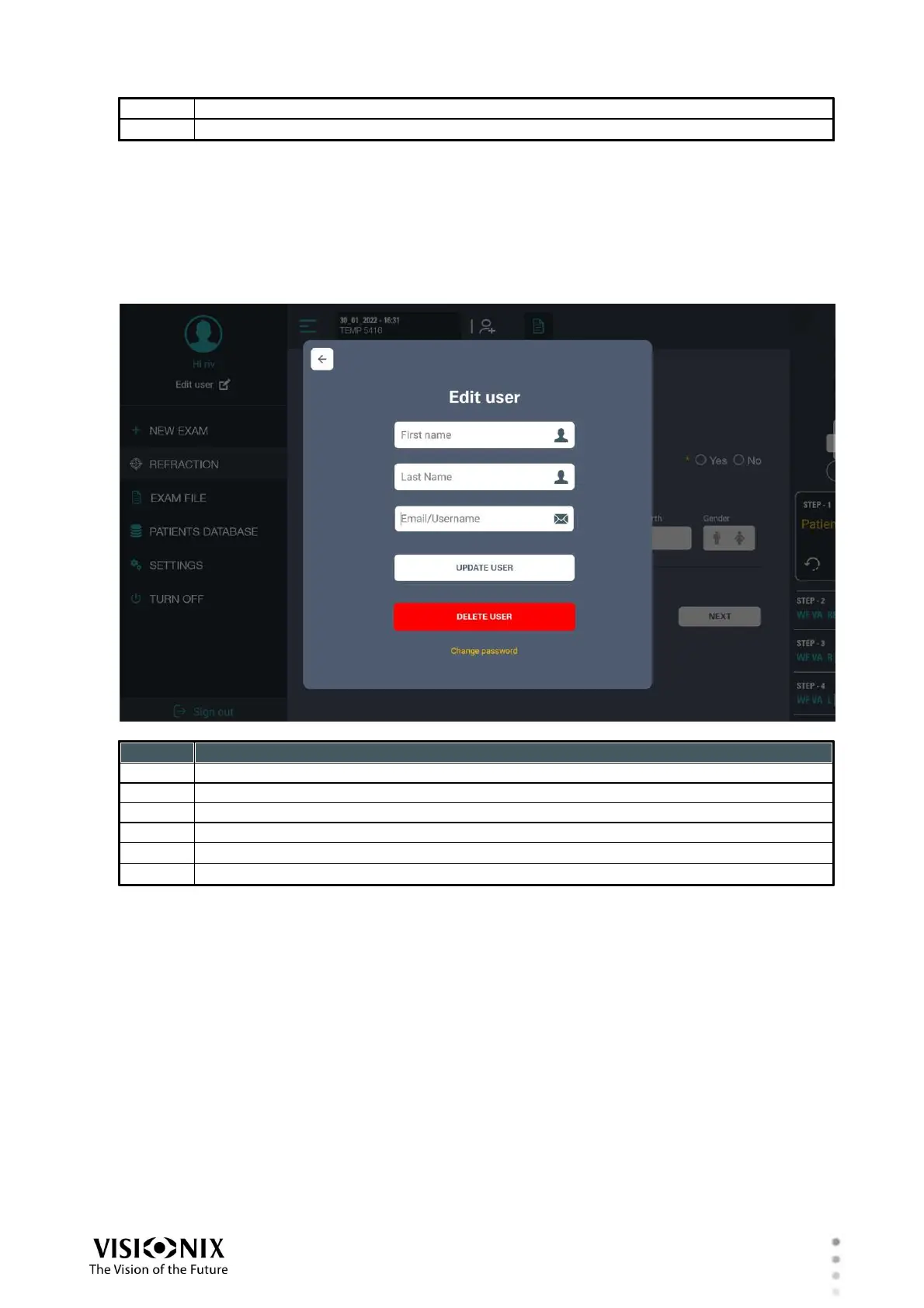
To edit user account, click on the "Menu" button then click on you profile link and fill up
requested fields. illustrated below:
Update User button-will Reset your new user information.
Delete User button-will delete this user.
Change password link-will take the user to "change password" screen.
Change password
To change user password, click on the "Menu" button followed by the Edit icon below the profile
icon.
Edit screen will appear press "Change Password" link.
Fill in the required fields and press on "Update Password" button. Password will be update.



 To Next Page