72
Visionix EyeRefract User Guide
72
Overview of the Software
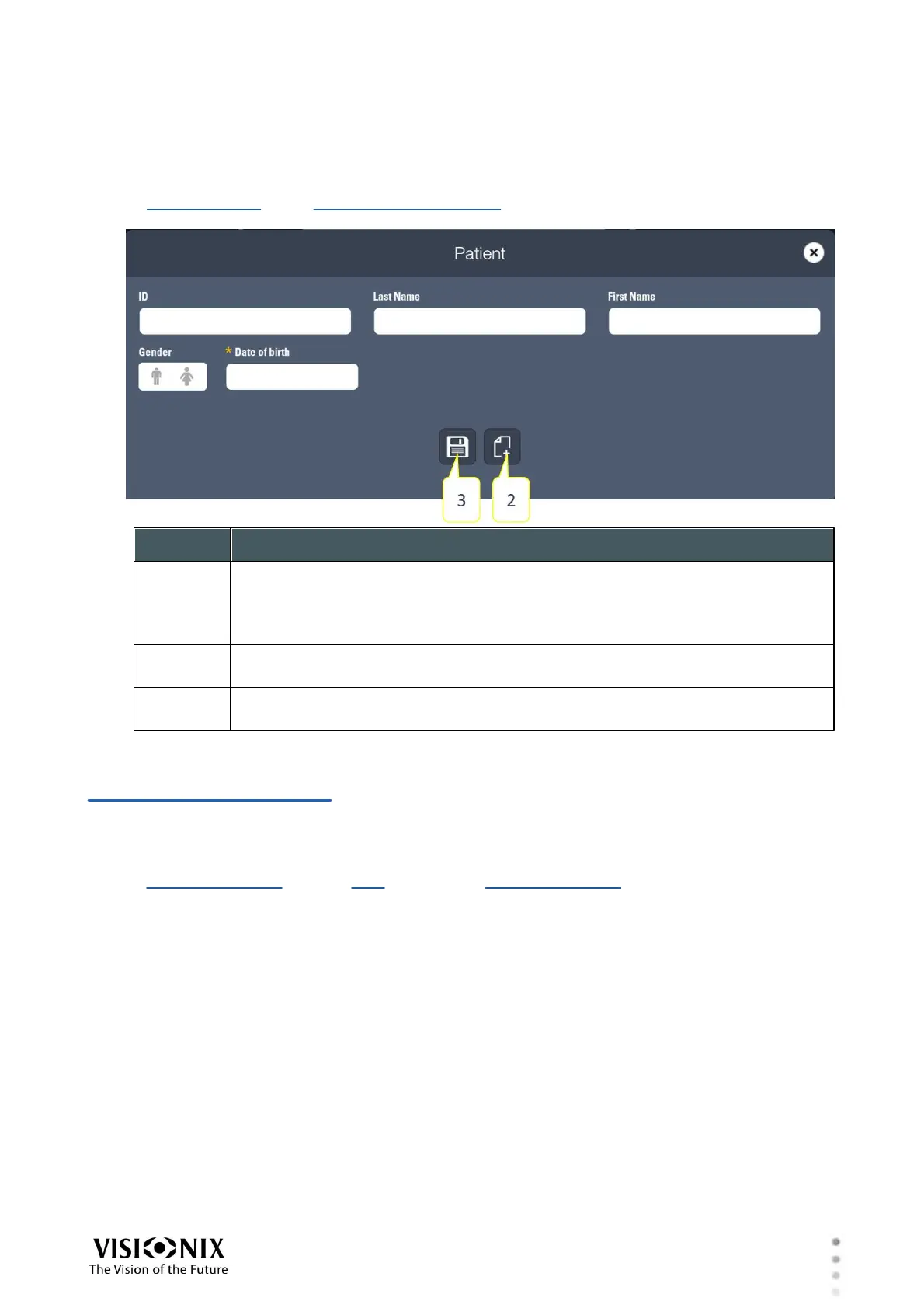
Add Patient Window
A new patient record is created in the Add Patient window. You can open this window from
the Patient window or the Patient Database screen. Fill in the fields as required, and then save
the record in the database as explained below.
Send by e-mail
Select this checkbox to send results of exams to the patient via e-mail.
When this option is selected, the results are automatically sent to the
patient's e-mail address when they are exported.
Save
Save the new record in the patient database.
Save and select
Save the new record in the database and begin a new exam for the patient.
4. 9 Settings Screen
The Settings screen enables you to change various display and functional settings, such as
date and time formats, interface language, default mode and screens, which data to display in
the Refraction screen, and the step to use in the Refraction screen when manually increasing
or decreasing values.
When you open the Settings screen from the main menu, the Settings menu opens to the right
of the main menu. Select items from this menu to access their settings. Changes you make
are automatically saved and implemented.



 To Next Page