Visionix EyeRefract User Guide
39
Overview of the Software
Overview of the Refraction Screen
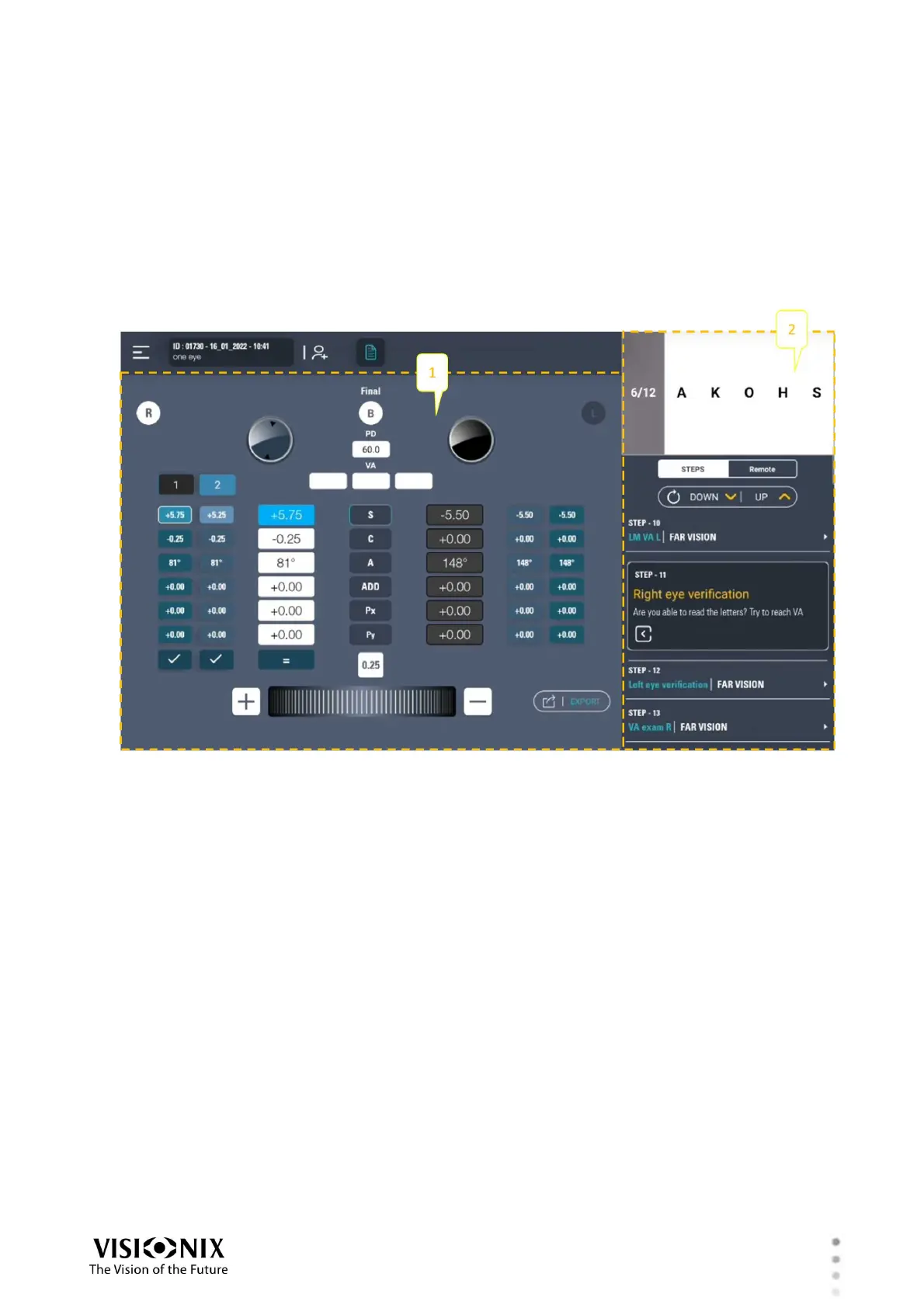
The Refraction screen is divided into two regions: an Exam Results region on the left (#1 in
the illustration below), and a Control region on the right (#2 below). However, the contents and
available options in these regions differ depending on the mode.
Two regions of the Refraction screen
Quick Pro Mode
Quick Pro mode is a wizard that enables you to quickly perform a complete refraction, including
both an automated wavefront analysis and a subjective refraction. During the subjective
refraction, you can control the chart display, changing the sizes and types of the optotypes as
appropriate. As you proceed, the phoropter automatically adjusts the lenses when you enter the
patient's responses to the questions in each step.



 To Next Page