52
Visionix EyeRefract User Guide
52
Overview of the Software
Didactic-Image Controls
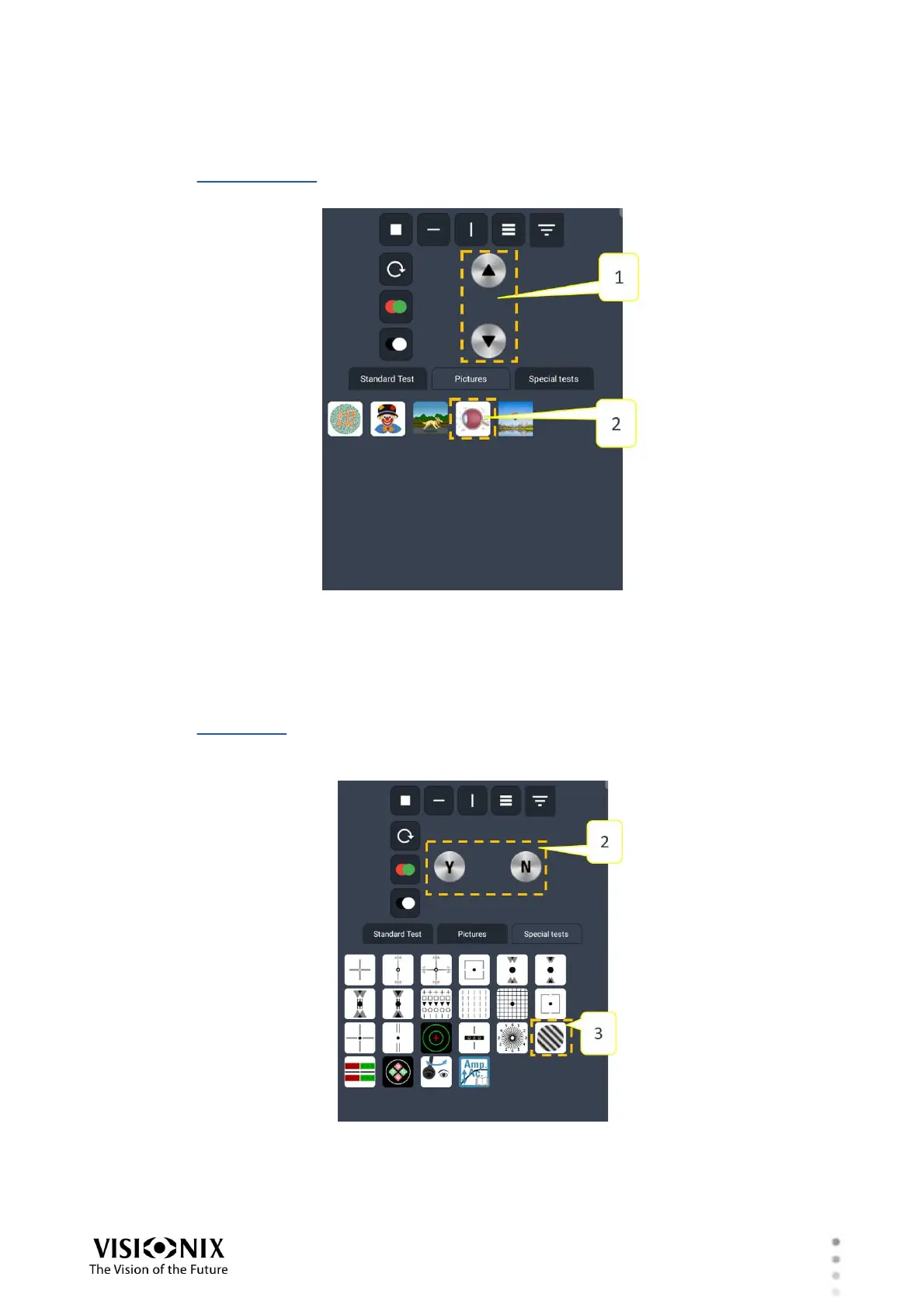
When the didactic-images chart-type is selected (#2 in the illustration below), controls for
cycling through the images are added to the chart-control area (#1 below):
Ishihara image-selection controls
Tap the up and down arrows to select the required image.
FSC/Regan Chart Controls
When the FSC/Regan test is selected (#2 in the illustration below), you can increase or
decrease the contrast of the image seen by the patient. For this purpose, controls are added to
the chart-control area (#1 below):
FSC/Regan test patient-response controls
Select Y to increase the contrast, or N to decrease it.



 To Next Page