VIVOTEK - A Leading Provider of Multimedia Communication Solutions
106 - User's Manual
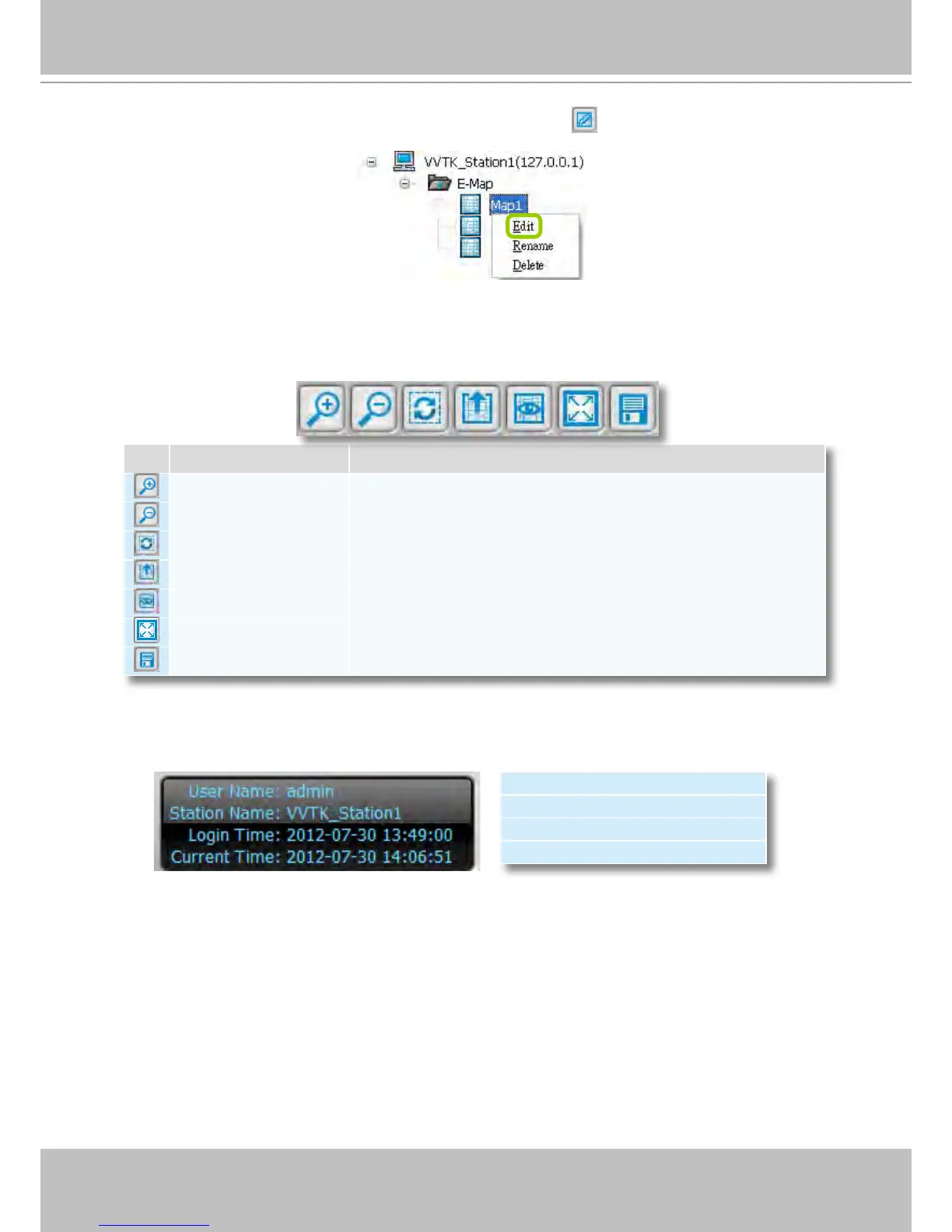
Right-click an E-map on the tree and click Edit or click
on the Quick Access Bar, it will
switch to edit mode.
Quick Access Bar
Status Panel
Icon Function Description
Zoom in Zoom in the E-map
Zoom out Zoom out the E-map
Default size Adjust the E-map to default size
Upload Upload E-map to the login station
View Mode Click to switch to view mode
Full Screen Extend the E-map settings page to full screen
Save Save E-map settings
User Name
Station Name (IP Address)
Login Time (yyyy-mm-dd hh:mm:ss)
Current Time (yyyy-mm-dd hh:mm:ss)



 To Next Page