VIVOTEK - A Leading Provider of Multimedia Communication Solutions
User's Manual - 23
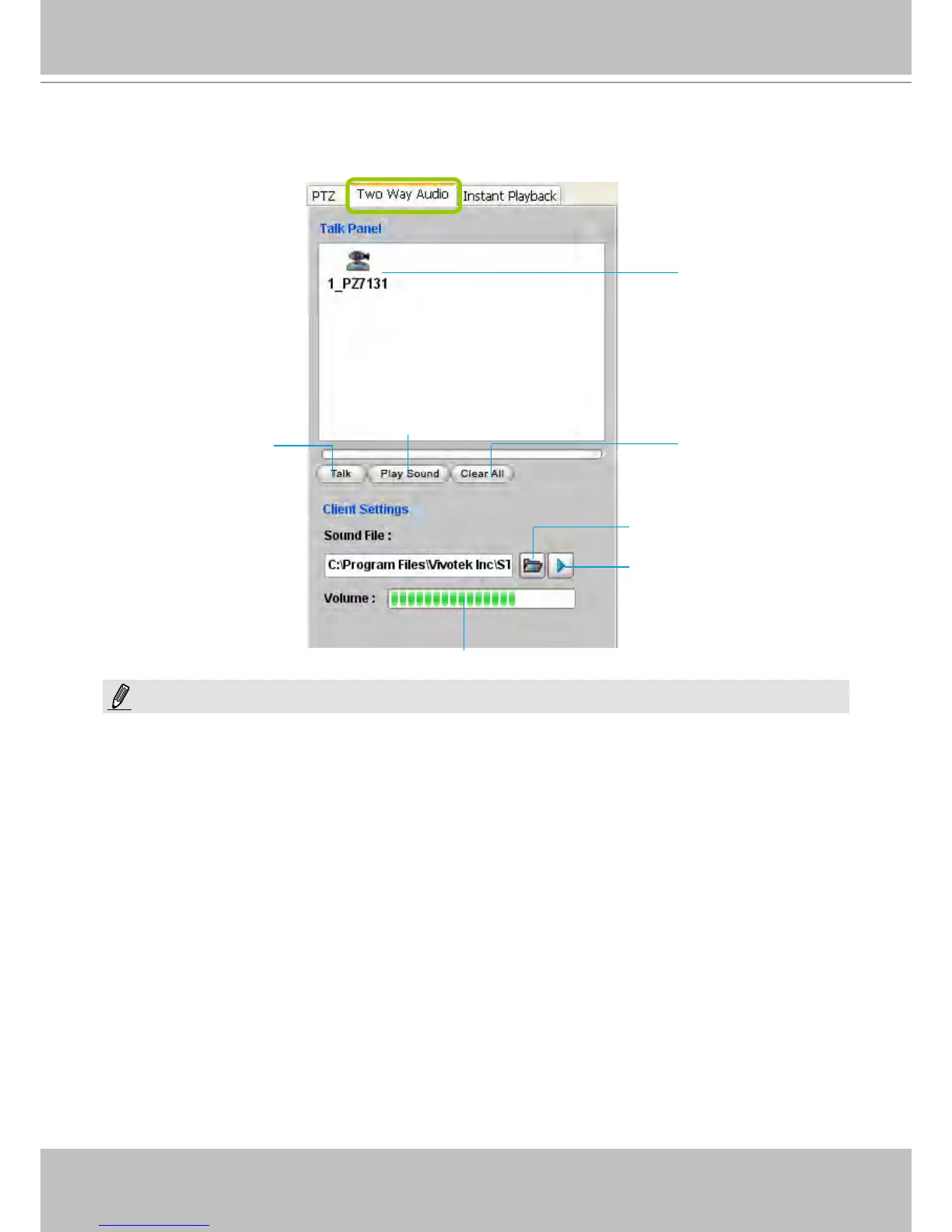
Two Way Audio Control Panel
The two way audio function allows the user to remotely communicate with people nearby the
network camera.
For detailed information about How to Use the Talk Panel, please refer to page 101.
Only cameras that come with the two way audio function can be added to the Talk Panel.
The Language selection is moved to the Setup Wizard.
Remove all cameras
from the Talk Panel
Click to play sound from the camera
Click to talk
Click to adjust volume
Selected device that
can use the two way
audio function
Click to play the selected
sound on the client's side
Select sound from the
le list
NOTE:



 To Next Page