VIVOTEK - A Leading Provider of Multimedia Communication Solutions
User's Manual - 145
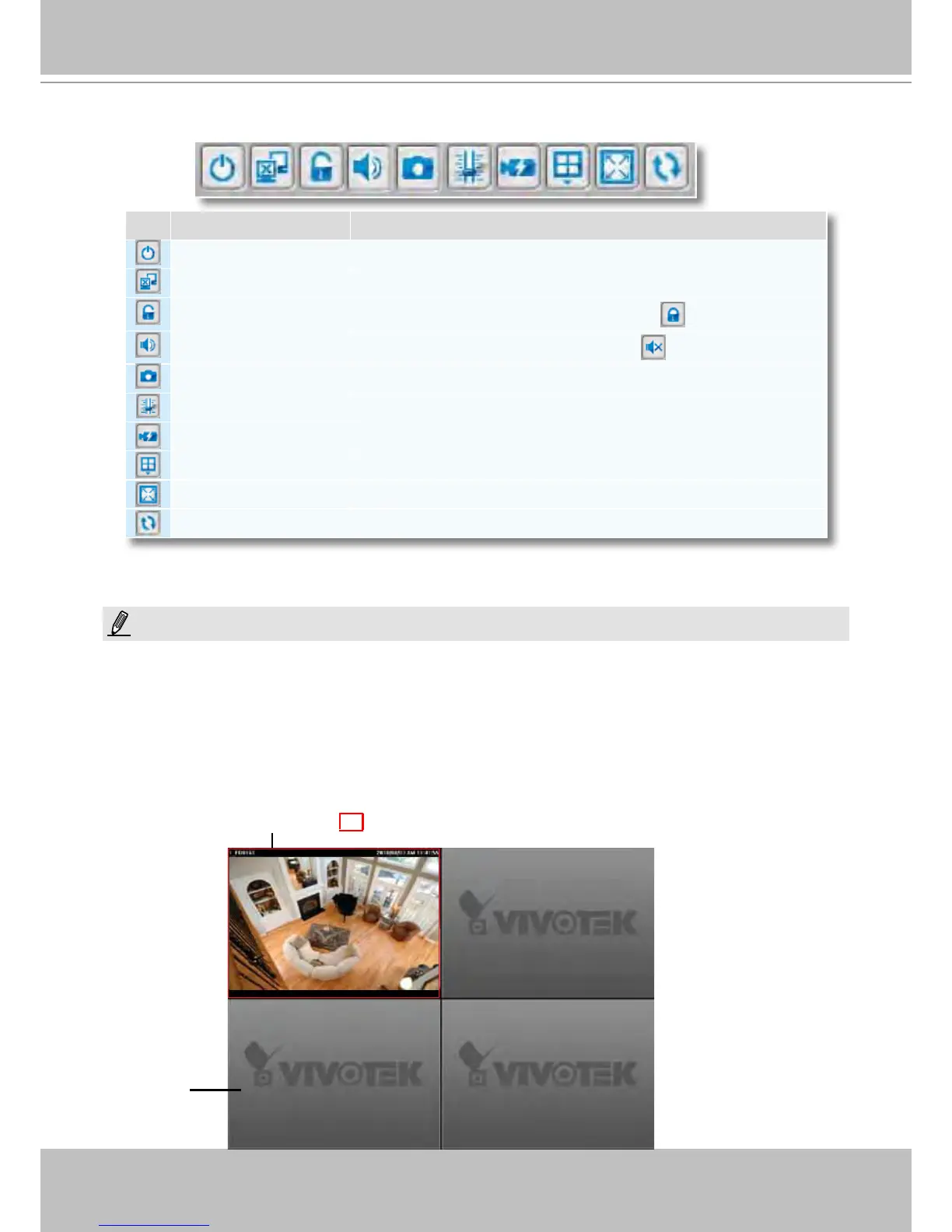
Quick Access Bar
Some buttons will be disabled if the selected device does not support those functions.
Recorded Video Playback Window
The "VIVOTEK" logo indicates that no camera has been assigned to the video cell.
Icon Function Description
Exit Exit the system
Logout Logout from the current station
Lock Click to Lock the system for security concerns ( Unclock the system)
Volume Adjust the audio volume of the target video (
Mute)
Snapshot Capture the picture of the target video
SVC Level Exert SVC control of video playback frame rate
Remove All Connection Remove all live videos from the live video monitoring window
Layout Change the layout of video monitoring window
Full Screen Maximize the live video monitoring window
Synchronous Playback Click to enable synchronous playback for multiple channels
The red frame ( ) represents the focused cell.
Video Cell
NOTE:



 To Next Page