VIVOTEK - A Leading Provider of Multimedia Communication Solutions
142 - User's Manual
Chapter Three NVR Playback
Configuration
Activating VAST Playback and Logging in to a Server
VAST Playback allows you to search and playback recorded media data from a VAST Server.
Once you insert a device into the hierarchical device tree on the LiveClient, it is automatically
listed on the hierarchical device tree of VAST Playback. You can then begin to use VAST
Playback to view, retrieve, and search for recorded or backed-up video clips.
Please follow the steps below to activate VAST Playback:
1. Run the VAST Playback program. If you have already run VAST LiveClient, you can click on System
> Launch Playback to open a Playback console.
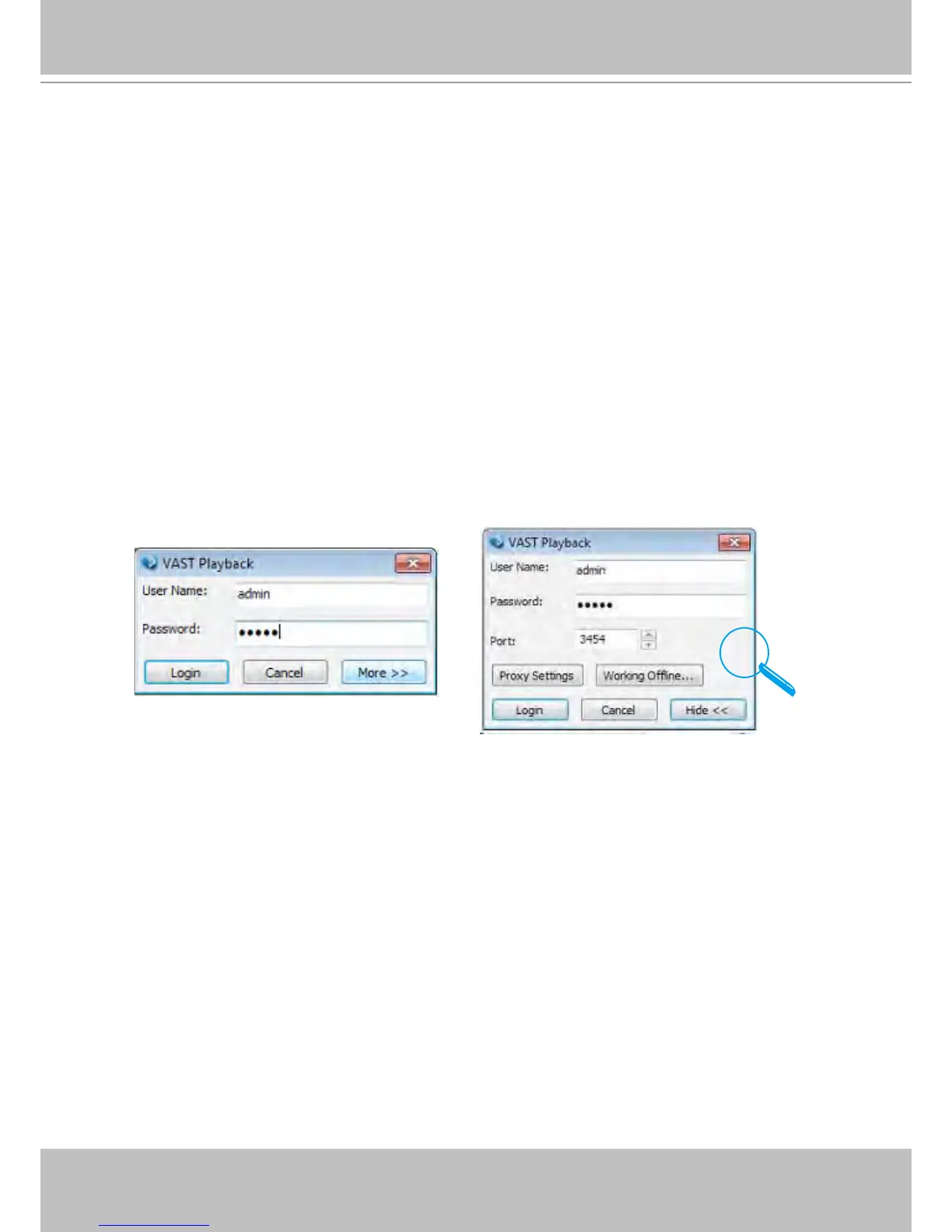
2. A Login window will prompt. Fill in the information as shown below:
By default, the Playback console automatically log in to the VAST Server running on the NVR
system. Enter the User Name, Password, and Communication Port of the local server to log in.
Click Login to log in to the target server or Cancel to exit the system.
3. The VAST Playback main window will be displayed.



 To Next Page