VIVOTEK - A Leading Provider of Multimedia Communication Solutions
18 - User's Manual
LiveClient Configuration
Opening the LiveClient Interface and Logging in
VAST LiveClient allows you to monitor live video from cameras managed by the NVR; it is also
the main user interface for server function control.
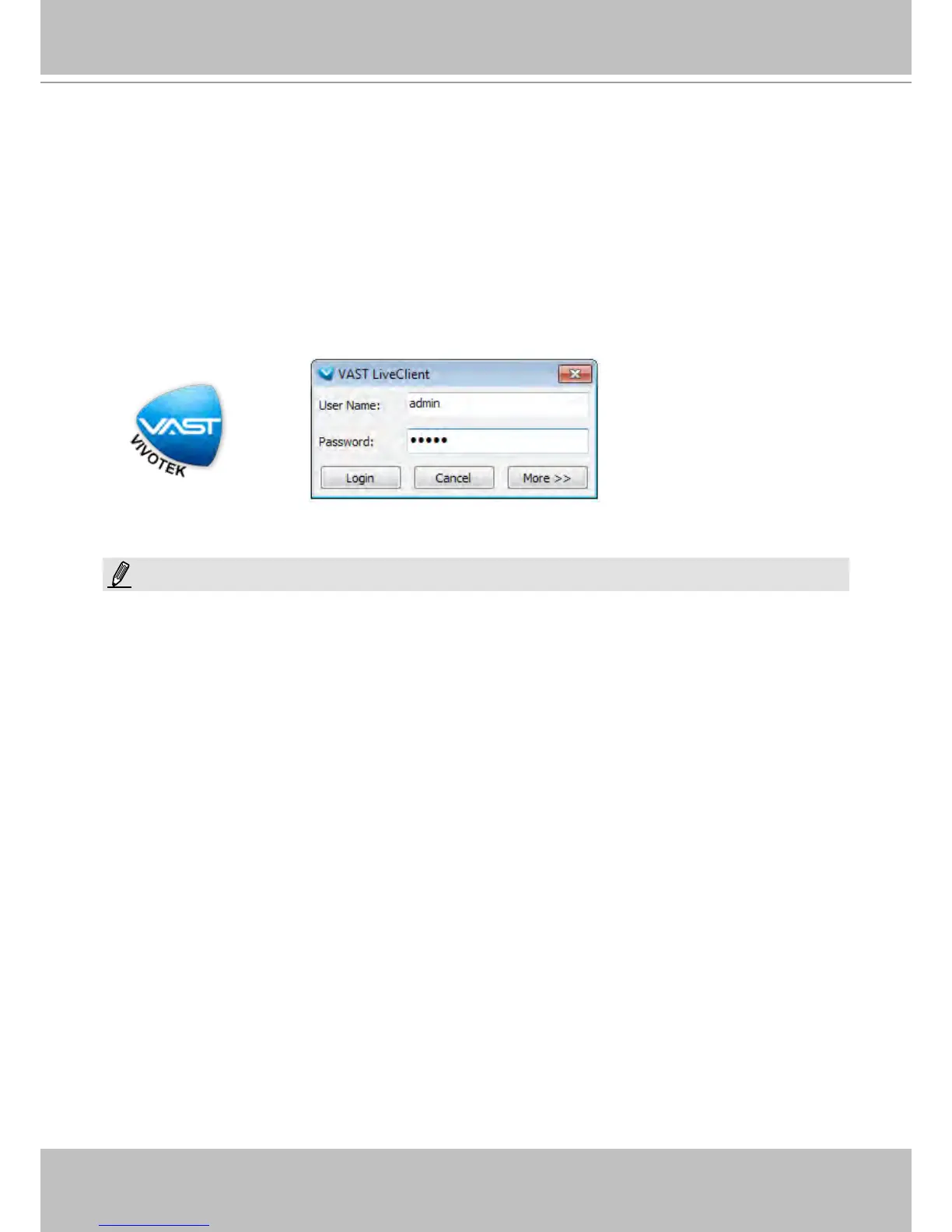
Double-click on the LiveClient shortcut on the desktop to open the LiveClient utility:
1. The login box will prompt. Provide the default User Name and password as admin and admin.
2. Click on the Login button to continue.
3. The VAST LiveClient monitoring window will prompt.
Available functions of the LiveClient program will be enabled according to the privileges assigned to your
login account. For more details about the privileges of the user account, please refer to How to Manage User
Accounts on page 55.
NOTE:



 To Next Page