VIVOTEK - A Leading Provider of Multimedia Communication Solutions
User's Manual - 177
How to Search for a Bookmark
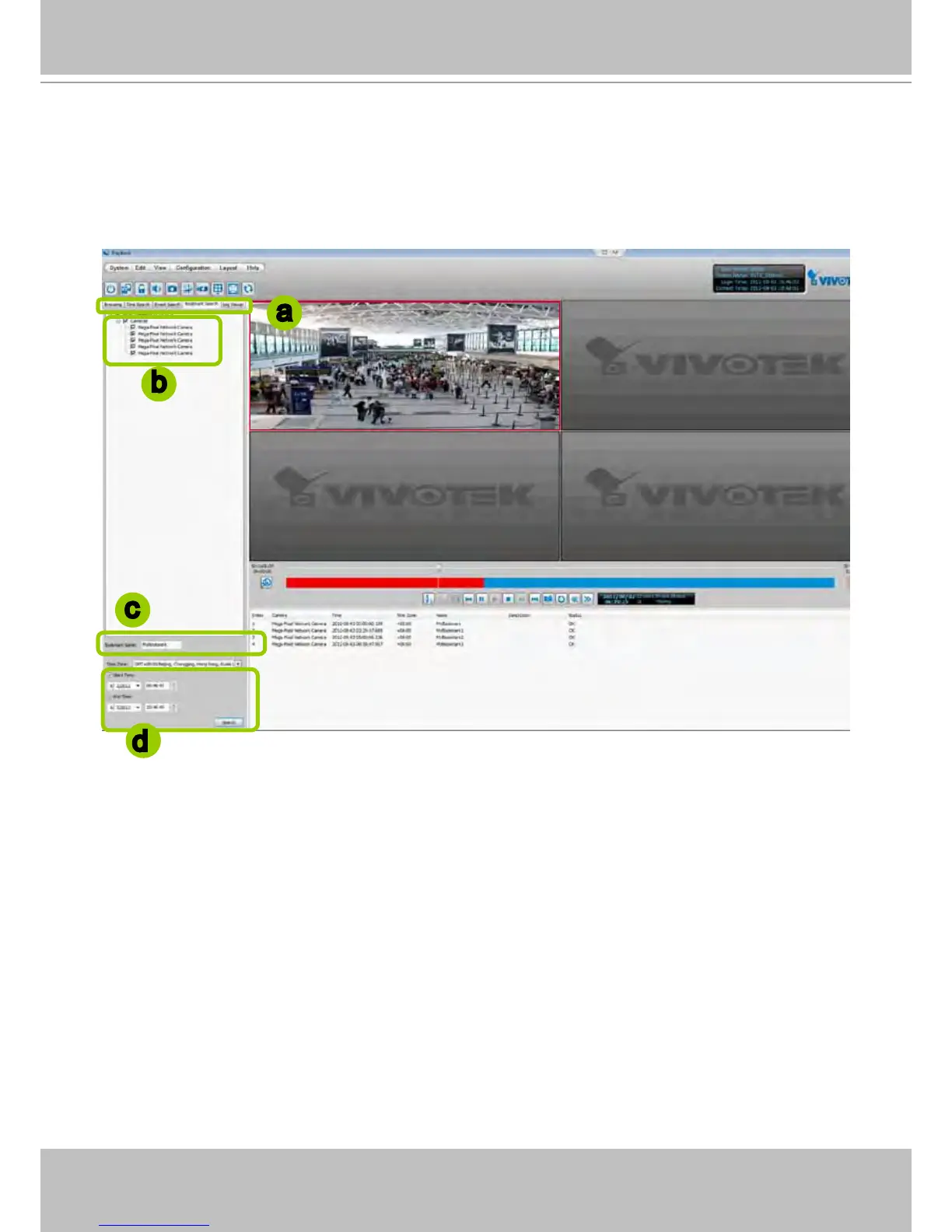
Please follow the steps below to use Bookmark Search function:
a. Click on the tabbed menu to open the Bookmark Search page.
b. Select the cameras which have video clips you have placed bookmarks on.
a
c
d
b
c. Enter the name of bookmark.
d. Specify a range of time during which the video streams were recorded and its points in time were
bookmarked.
Click search. You can then click on a bookmark to display the short video clip extracted from
within the recorded video.



 To Next Page