VIVOTEK - A Leading Provider of Multimedia Communication Solutions
76 - User's Manual
Add New Storage Group(s)
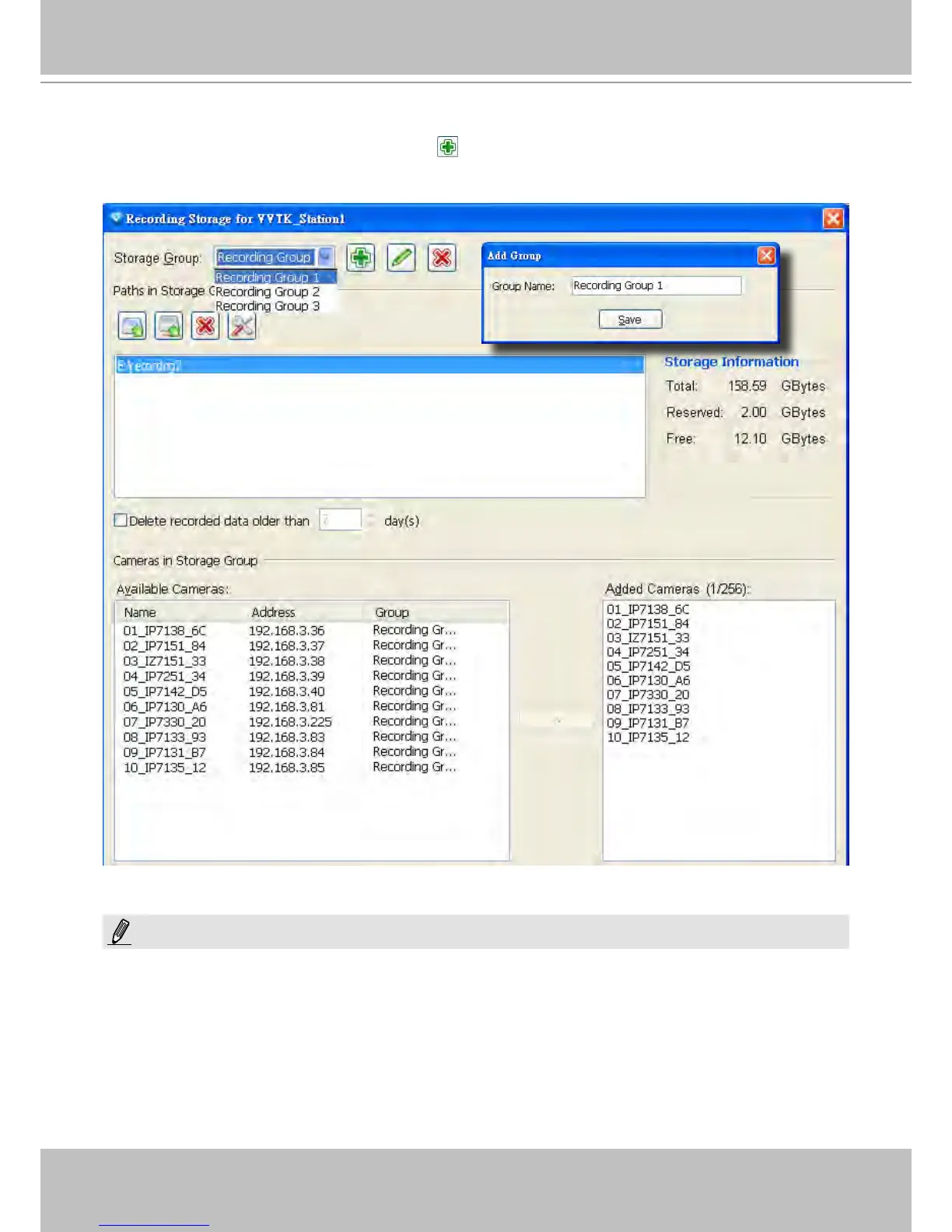
If you want to add a new storage group, click Add to give a name to the new storage group, which
will be displayed on the drop-down list.
The following is an example of storage group list.
Please refer to the following limitations when you set up storage group(s):
One storage group can be assigned with several recording paths with the associated cylic recording function;
while one recording path should only be assigned to one storage group.
NOTE:



 To Next Page