VIVOTEK - A Leading Provider of Multimedia Communication Solutions
User's Manual - 17
VAST Server
Activating the VAST Server
VAST Server is a service program that will run automatically when your NVR system starts.
The VAST server manages video recording, live view monitoring, and other related surveillance
functions.
How to Stop/Reboot the Server
Please follow the steps below to stop/reboot the server:
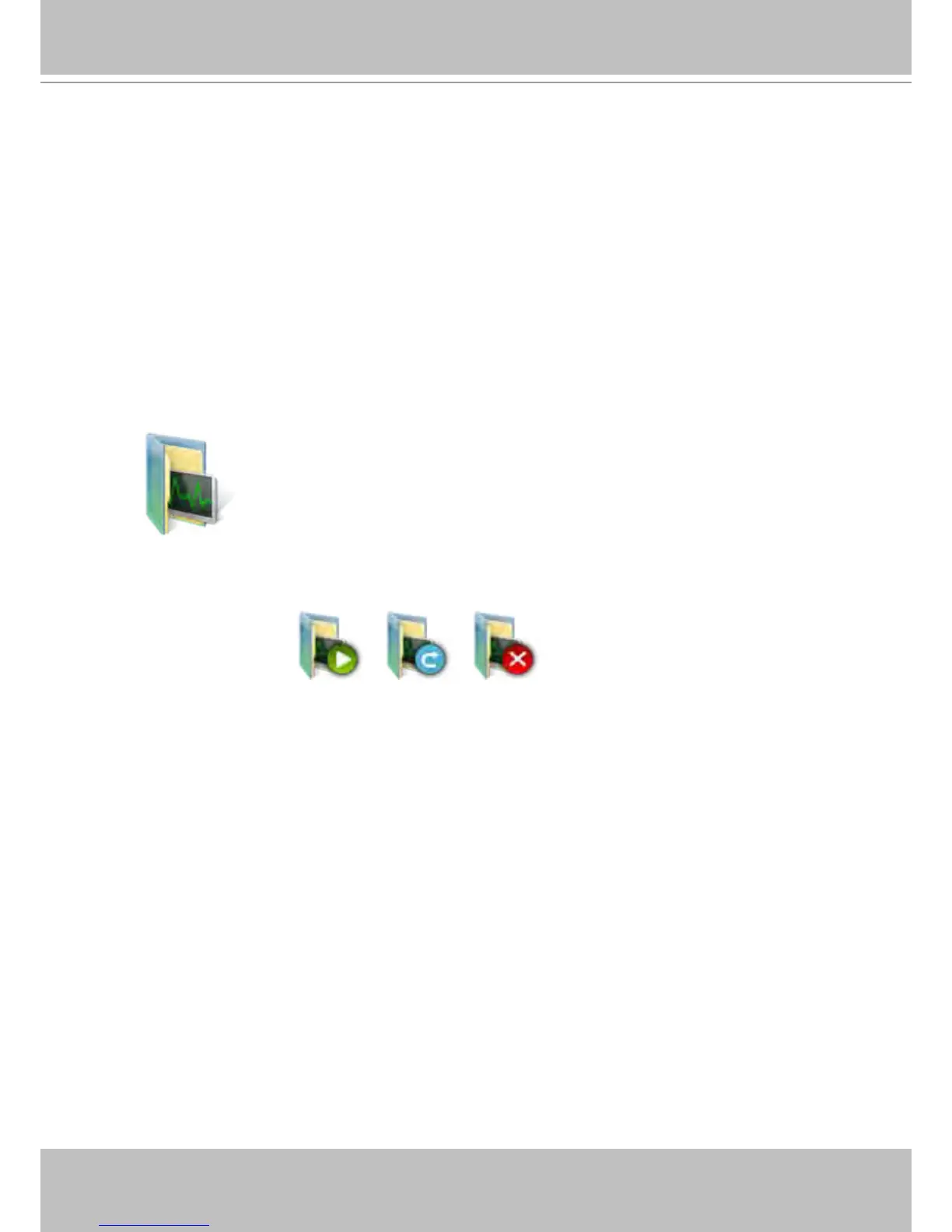
1. Click on the VAST Service shortcut on the Control Center desktop.
2. There are 3 options: Start Service, Stop Service, and Restart Service. It’s selectable using the buttons
below. Stop Service can be used to promptly stop a recording task or access from a remote computer.



 To Next Page