VIVOTEK - A Leading Provider of Multimedia Communication Solutions
52 - User's Manual
Maximize the Live Video Monitoring Window
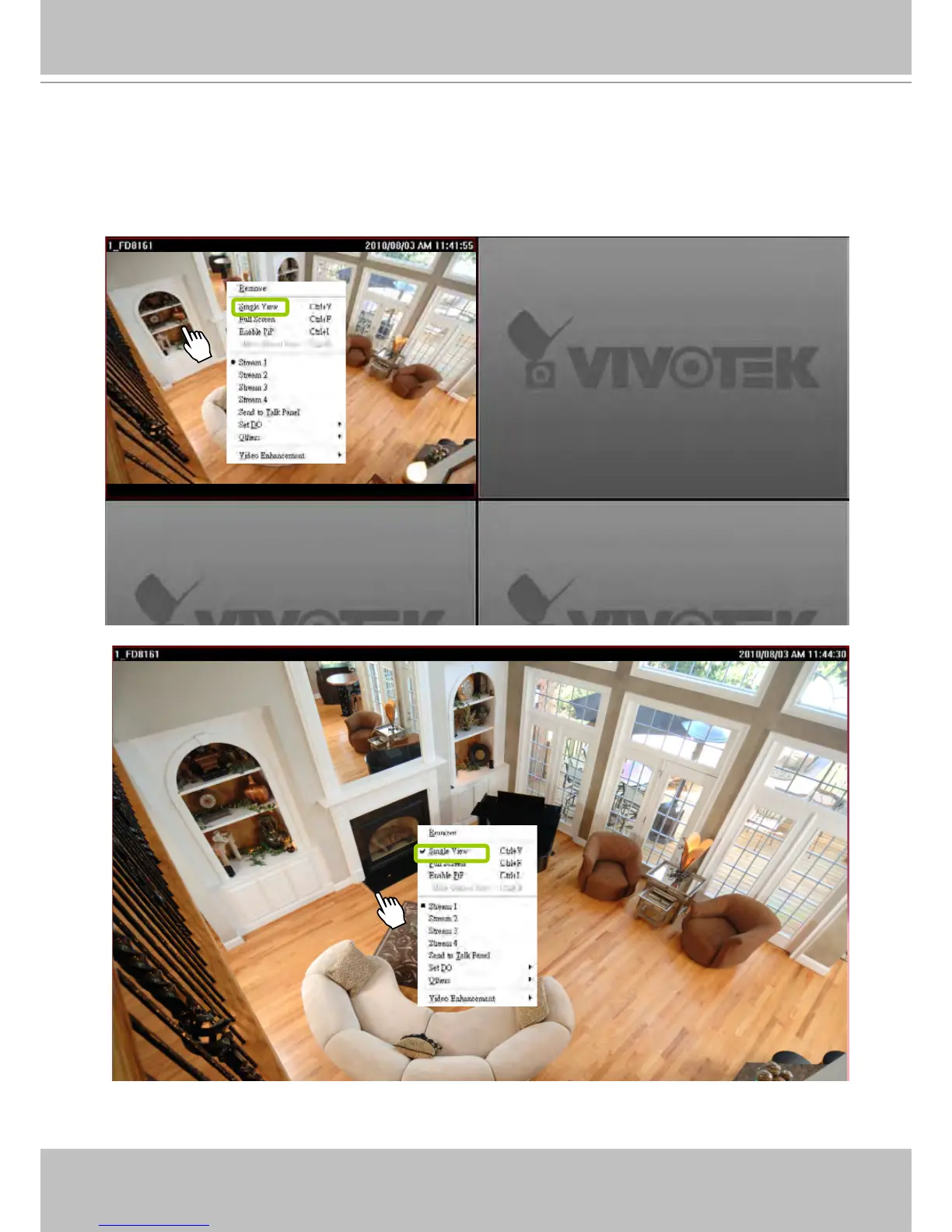
Single View: to maxmize a video cell to the entire live video window
Double-click the video cell, or right-click the video cell and select Single View. The focused video will
occupy the entire playback window as shown below.
To restore to the original layout, double-click the video cell or right-click the video cell and uncheck
Single View.



 To Next Page