VIVOTEK - A Leading Provider of Multimedia Communication Solutions
User's Manual - 53
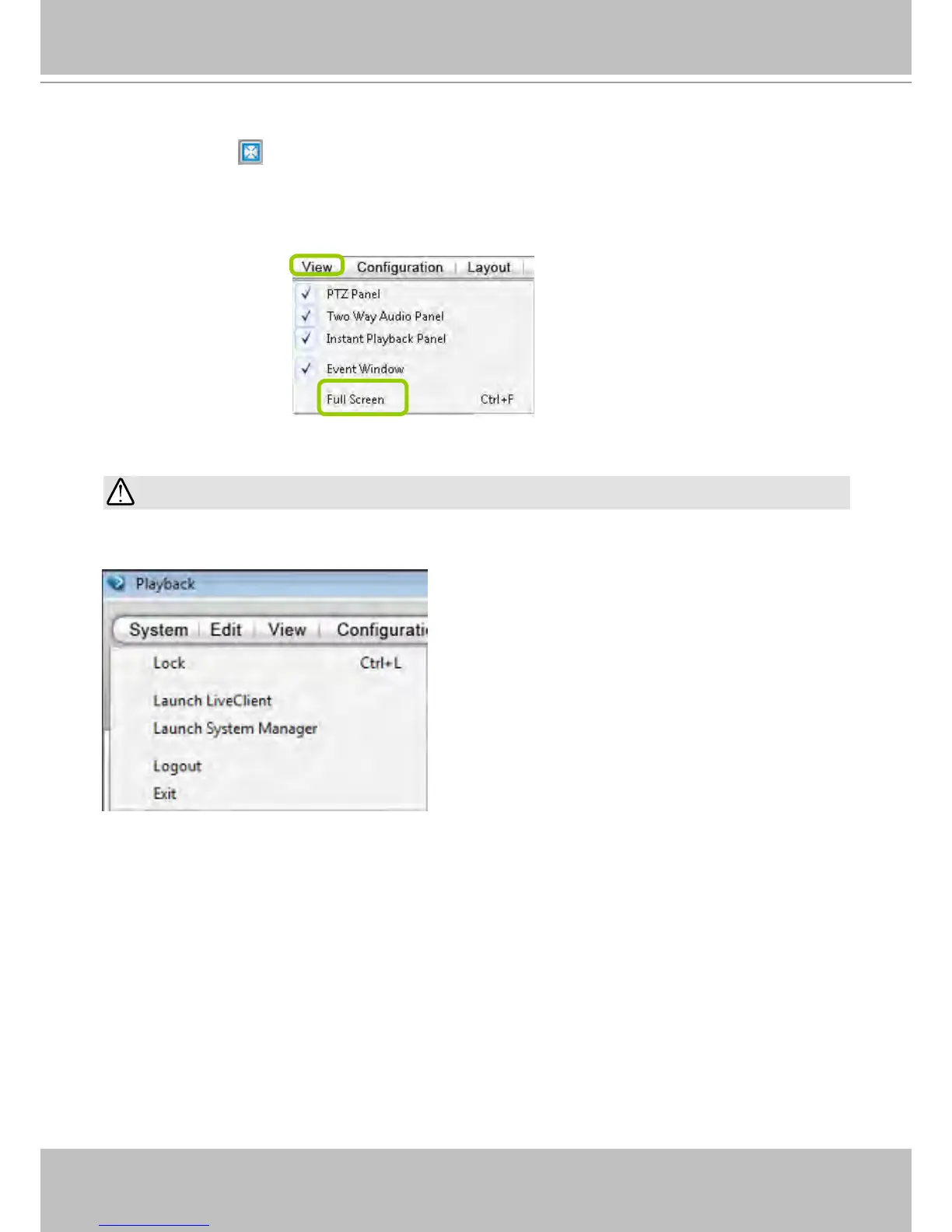
Full Screen: Maximize the live video monitoring window to the entire screen
Click Full Screen
on the quick access bar or right-click the video cell and select Full Screen. In
addition, you can also click View > Full Screen on the menu bar to maximize the live video monitoring
window.
To restore to the original layout, you can right-click a video cell and uncheck Full Screen or click the
Esc button on the keyboard to exit full screen mode.
IMPORTANT:
You can not minimize a LiveClient or Playback console. Use the Launch LiveClient or Launch
Playback buttons to move to another active console without closing the current console.



 To Next Page