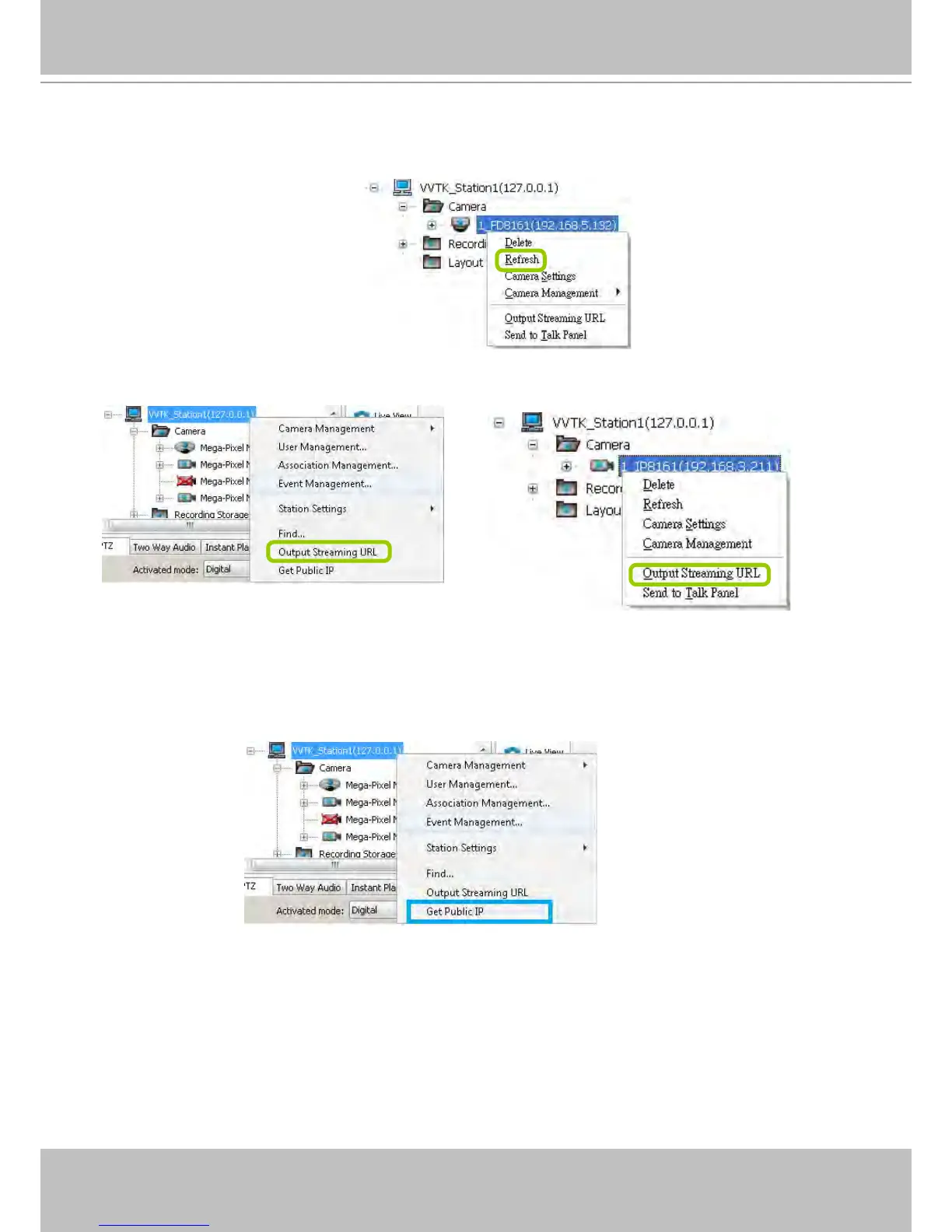
Refresh
Right-click the device, then click Refresh, the camera information will be refreshed from the server.
Streaming Server
Right-click the station or the device and click Output Streaming URL. A .txt le with streaming URL will
pop up. Then you can use this URL to link to the live streaming through QuickTime Player.
Get Public IP
If your access to Internet is via PPPoE, this function will display the public IP provided by your service
provider. If your access to Internet is via a router, please consult your network administrator or consult
your ISP for a valid public IP.



 To Next Page