VIVOTEK - A Leading Provider of Multimedia Communication Solutions
User's Manual - 59
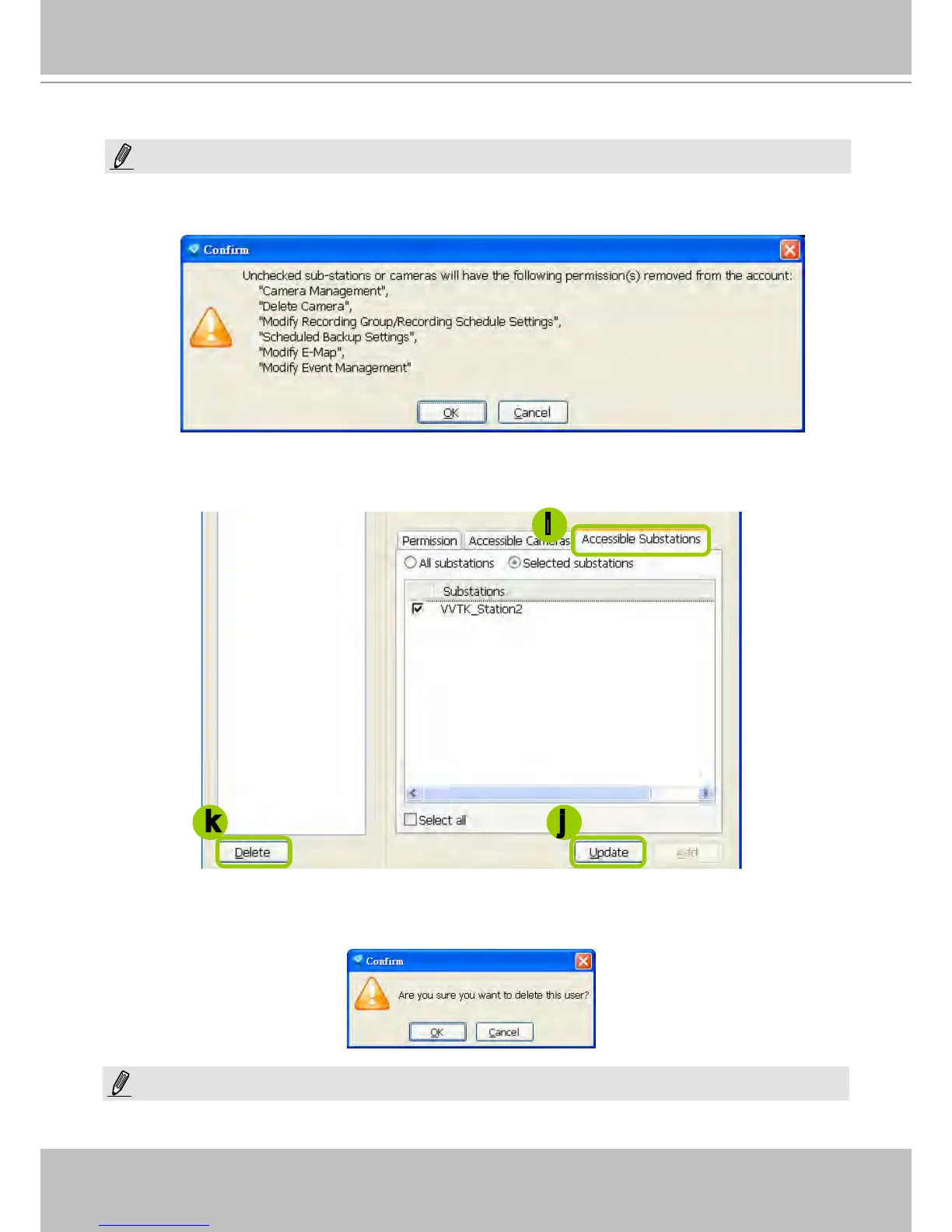
If you want to remove access permission mentioned above from the account, the user will not be able to
operate some functions listed in the following warning dialog.
j. When completed, click Update to enable the new settings.
Delete the User Account
k. Click Delete, a delete user dialog will pop up. Click OK to delete the user account.
If the Administrator modies or deletes the User Account, that modied user might be kicked off from the station.
i
jk
NOTE:
NOTE:



 To Next Page