VIVOTEK - A Leading Provider of Multimedia Communication Solutions
4 - User's Manual
HDD
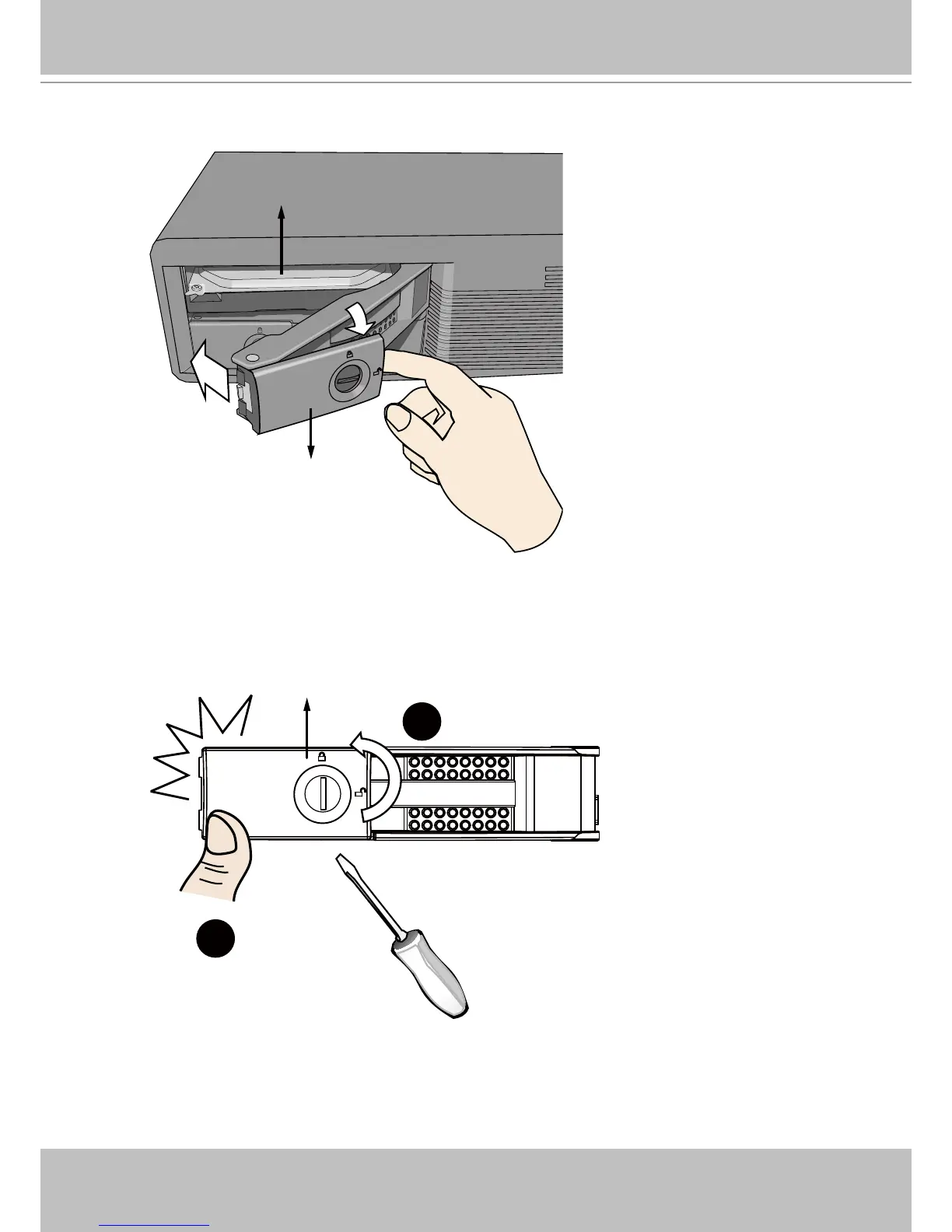
Bezel Lever
3. Close the drive bay bezel.
4. 4-1. Press on the left edge of the drive bay bezel to snap it into place.
2
1
Bezel Lock
4-2. Use a at-blade screwdriver to turn the bezel lock to the “locked” position.
You should always lock the drive bezel when the drive bay is populated. This ensures the
hard drive is securely installed.



 To Next Page