VIVOTEK - A Leading Provider of Multimedia Communication Solutions
126 - User's Manual
Enable Instant Replay on video cell: When enabled, a small Replay icon will be available on each view
cell. One pre-condition is that the video stream must be currenly being recorded to the NVR sysm.
Default replay length: Default is 30 seconds, use the pull-down menu to select a different length for
video playback.
Instant Playback
Return to Live
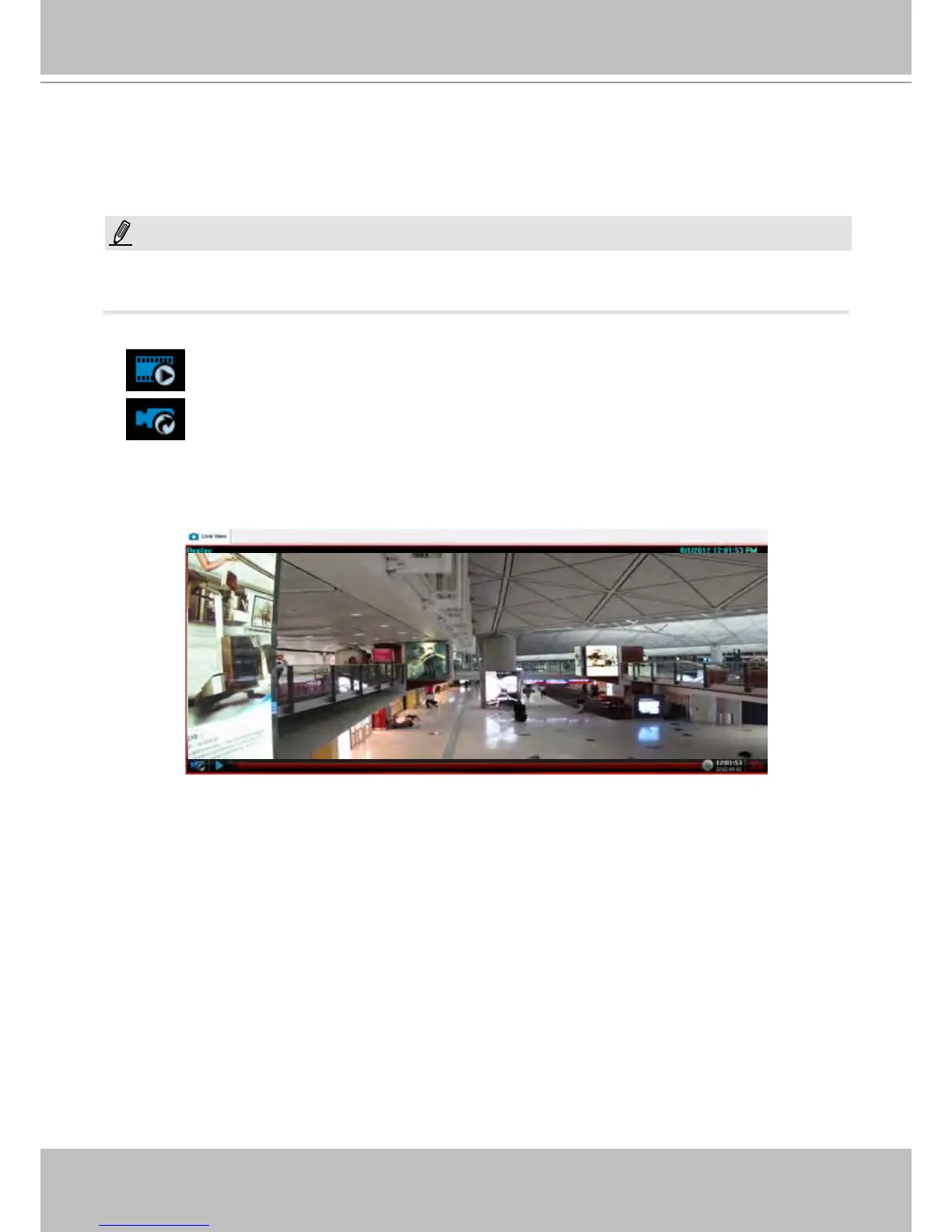
To initiate an instant playback, move your mouse cursor to the lower left corner of a live cell. The
Instant Playback icon will appear. Click on it, and a progress bar will appear. Click on the Play
button to playback a confiugrable length of video that was recorded just before you started the
Playback function (default is 30 seconds).
NOTE:
Instant Playback should be performed on one view cell only. If you playback multiple 1080P recording
streams simultaneously, you may encounter system faults.



 To Next Page