VIVOTEK - A Leading Provider of Multimedia Communication Solutions
User's Manual - 129
c.
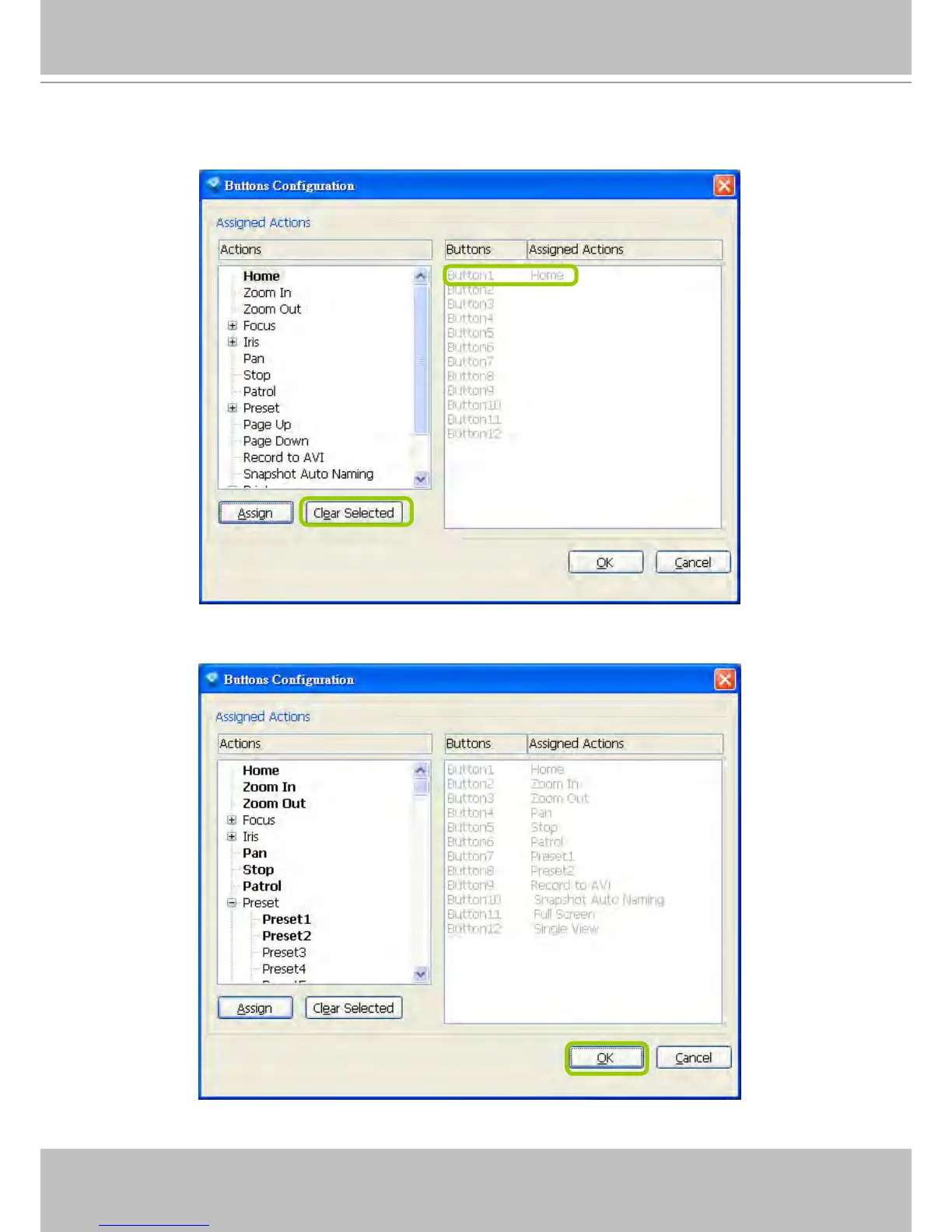
The Assigned Action will appear beside Button 1 in the right column as shown in the following diagram.
Note that a button can only be assigned with an action. If you want to modify the settings, select the
action on the list and click Clear Selected.
d. If you want to assign additional actions, repeat step a.~c. When all settings are complete, click OK t
o
save the settings or click Cancel to discard the settings.



 To Next Page