VIVOTEK - A Leading Provider of Multimedia Communication Solutions
154 - User's Manual
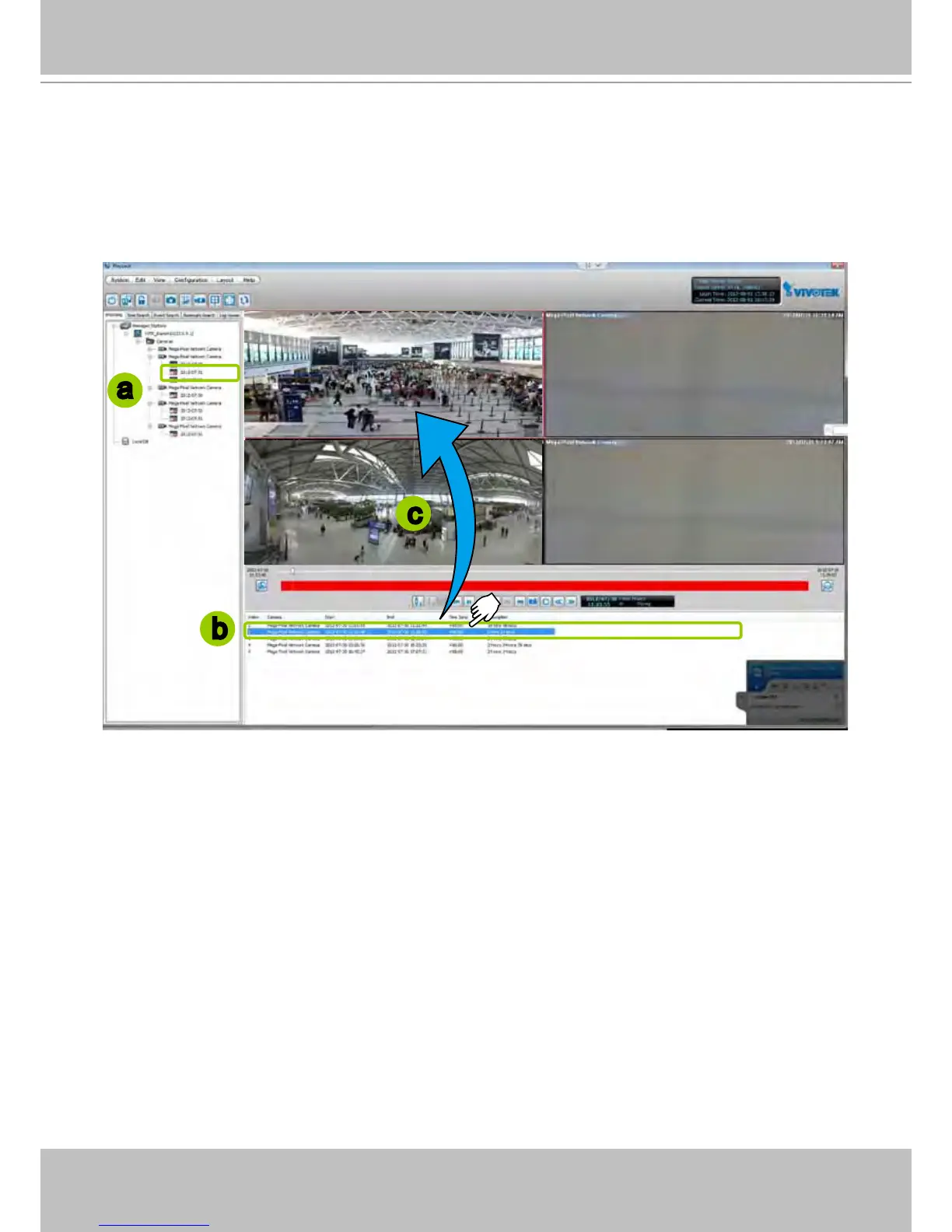
View only one of the video clips of a date:
a. Click a option “date” on the hierarchical device tree. The corresponding recorded video clips will
be listed in the video clip list window.
b. Select a video clip from the video clip list window.
c. Double-click the video clip, then it will start to play in an available video cell. (You can also directly
drag-and-drop the video clip to a desired video cell in the recorded video playback window. The
video clip will start to play.)
4. Then you can make use of the playback control panel to playback the selected video clip. Please refer
to Playback Control Panel on page 152.
a
b
c



 To Next Page