VIVOTEK - A Leading Provider of Multimedia Communication Solutions
168 - User's Manual
To congure the SVC-related feature:
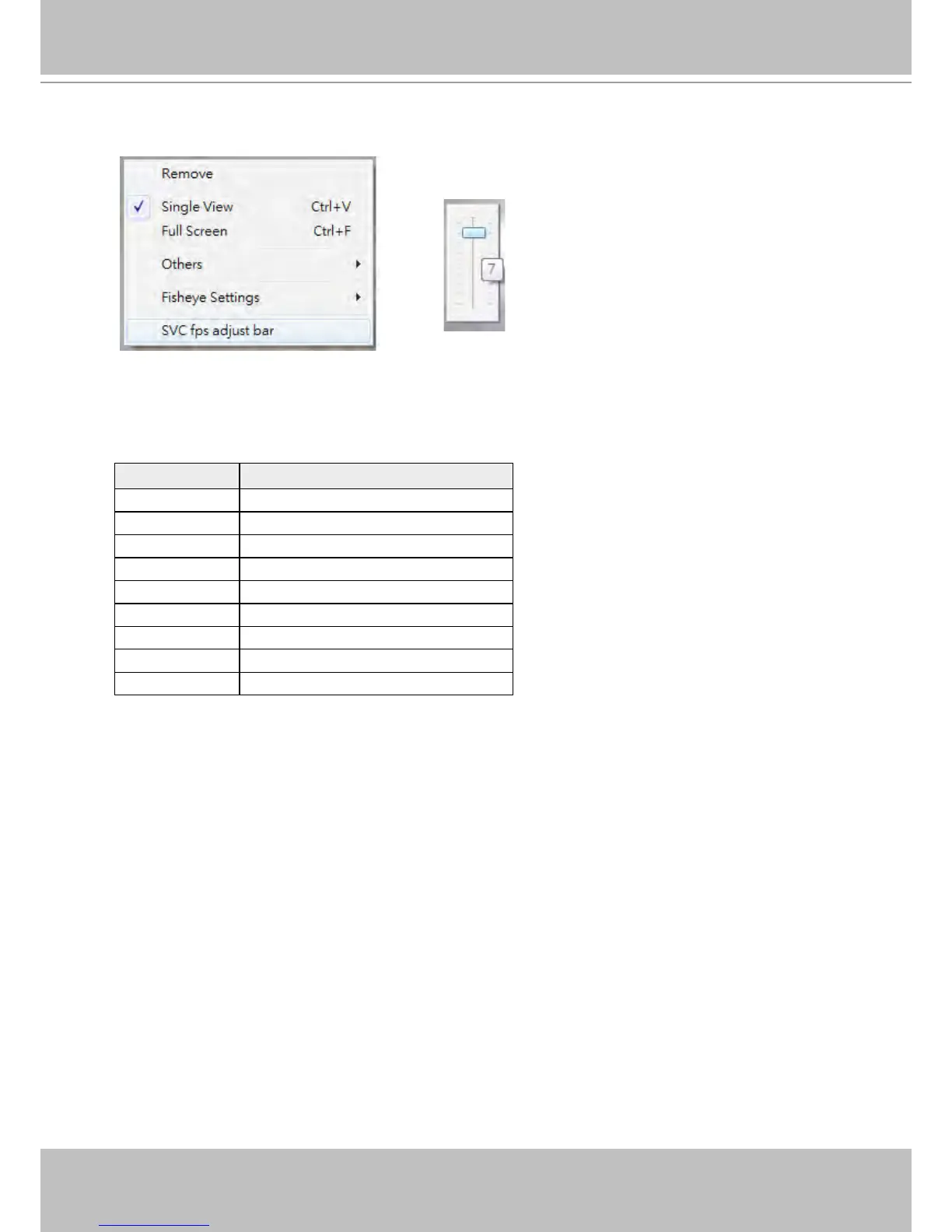
1. Right-click on the playback window of an SVC-enabled camera. Select SVC fps adjust bar.
2. A slide bar will appear above the view cell. Click and drag the slide bar. A numeric indicator will display
the current selection. See below for the frame rates represented by the numeric indicator. Please refer
to page 30 for the introduction of this feature. Changing the SVC vaule takes immediate effect on the
number of frames per second shown with the video being played.
Indicator Frame rate per second (fps)
Maximum 30
7 26
6 22
5 18
4 12
3 8
2 4
1 1
Minimum 1/4



 To Next Page