VIVOTEK - A Leading Provider of Multimedia Communication Solutions
User's Manual - 189
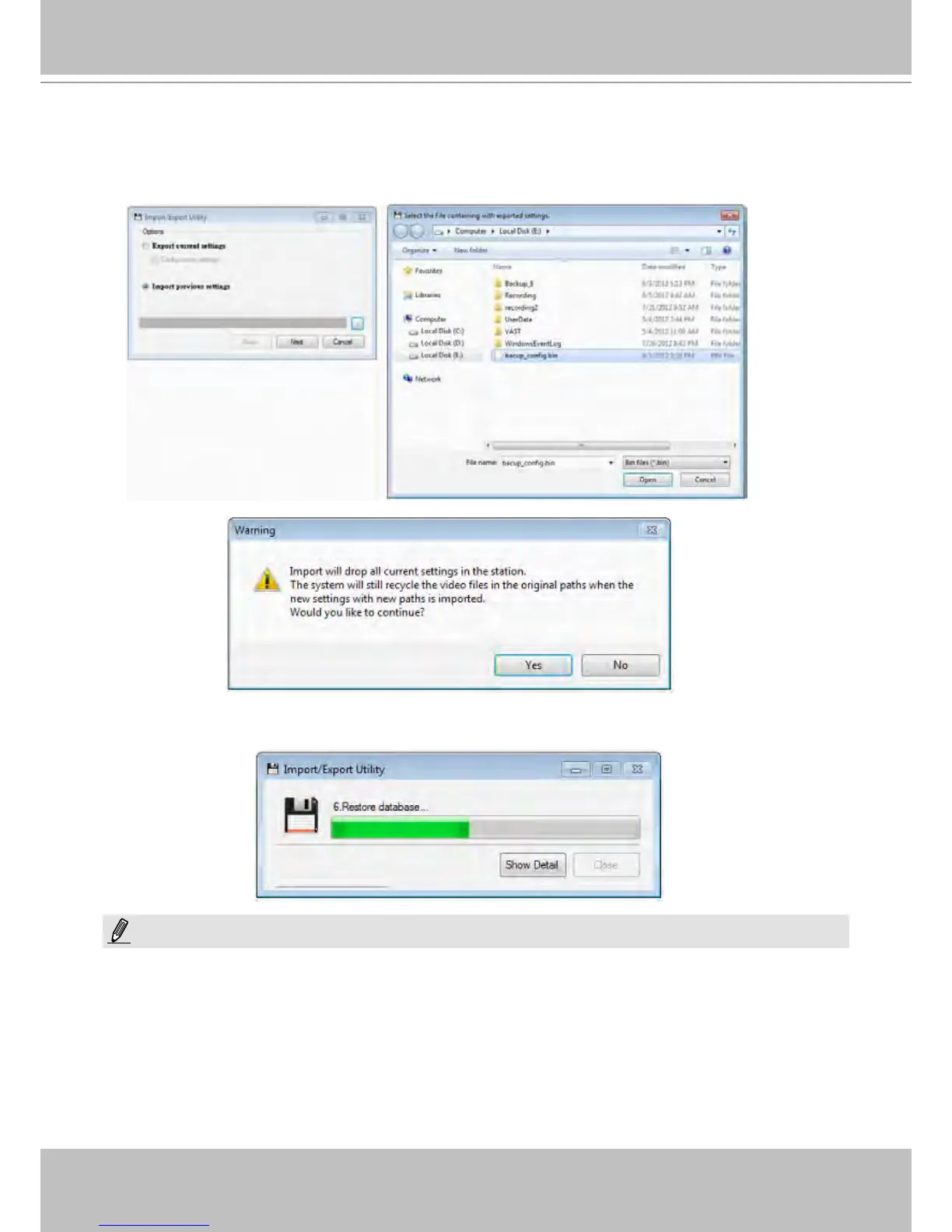
To import a previously saved conguration:
a. Click Import previous settings.
b. Use the browse button to locate a conguration bin le.
c. Click open. A message prompt will appear warning you about the replacement of current settings.
The process may take several minutes to complete. Click Close to nish the process. Your system should
now be in sync with the imported conguration.
NOTE:
Currently you can use this function to back up or restore your conguration on one machine. You can not
use it to duplicate one conguration prole to multiple NVR systems.



 To Next Page