VIVOTEK - A Leading Provider of Multimedia Communication Solutions
192 - User's Manual
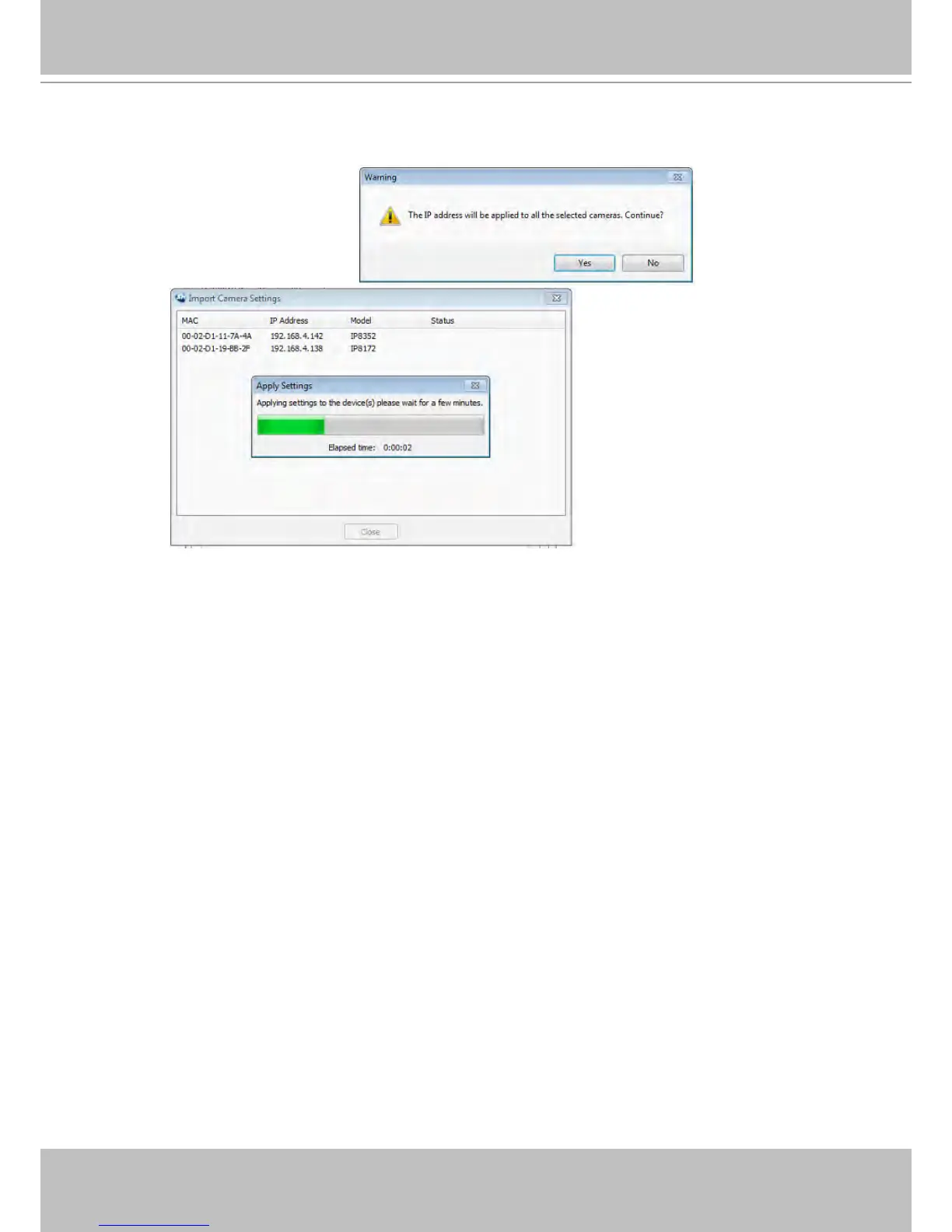
i. A warning message will remind you of the IP address. If you configured a static IP on the source
camera, it is recommended to change it to the automatic IP address setting.
j. A progress bar will appear on the screen.
k. Another message will prompt indicating the completion of the process.



 To Next Page